TRADOVATE TRADE COPIER
Tradovate Trade Copier for Multiple Accounts
Copy trades between Tradovate accounts or route signals from TradingView, Telegram, MT4, MT5, NinjaTrader and TradeLocker. Configure each receiver’s symbols and contract quantities in Copygram. Cloud hosted, with no local VPS required.
Multiple Signal Sources
Your Account Rules
Receiver Controls
100% Cloud-Based
WHAT IS IT
What Is A Tradovate Trade Copier?
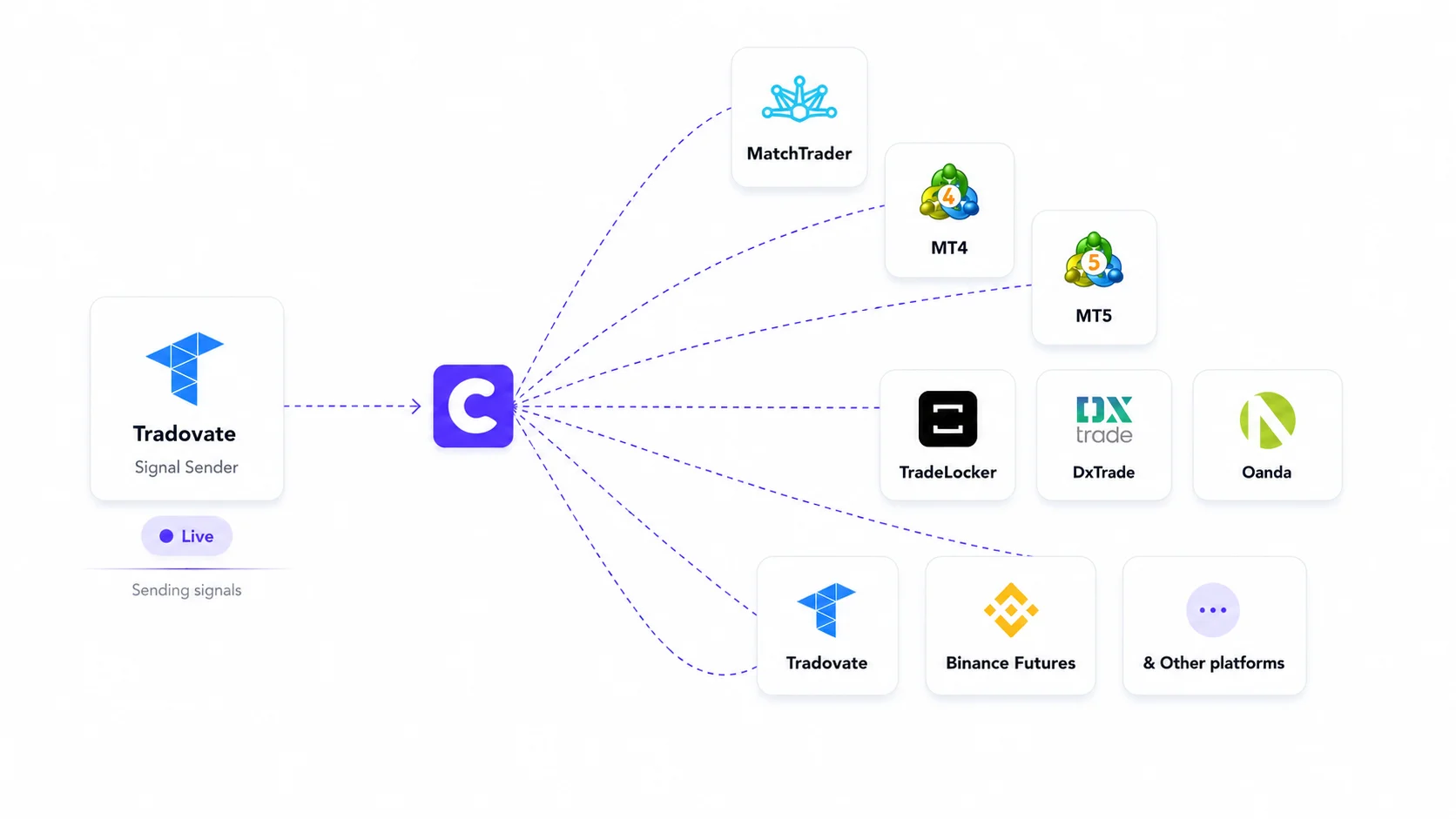
A Tradovate trade copier routes instructions from one source to connected receiver accounts. In Copygram, a Room links one source to one or more receivers, with separate settings for each account. Tradovate can act as a source or a receiver.
Start with the source you already trade from. Connect your receivers, map their instruments and set quantities for each account before starting the Room.
WHY COPYGRAM
Tradovate Group Trade or a Cloud Copier?
Tradovate’s native Group Trade lets you assign quantities to grouped accounts. Its help center describes restrictions on brokerage providers and bracket orders. Copygram adds source-to-receiver workflows; compare the setup you actually need.
01
02
03
04
HOW IT WORKS
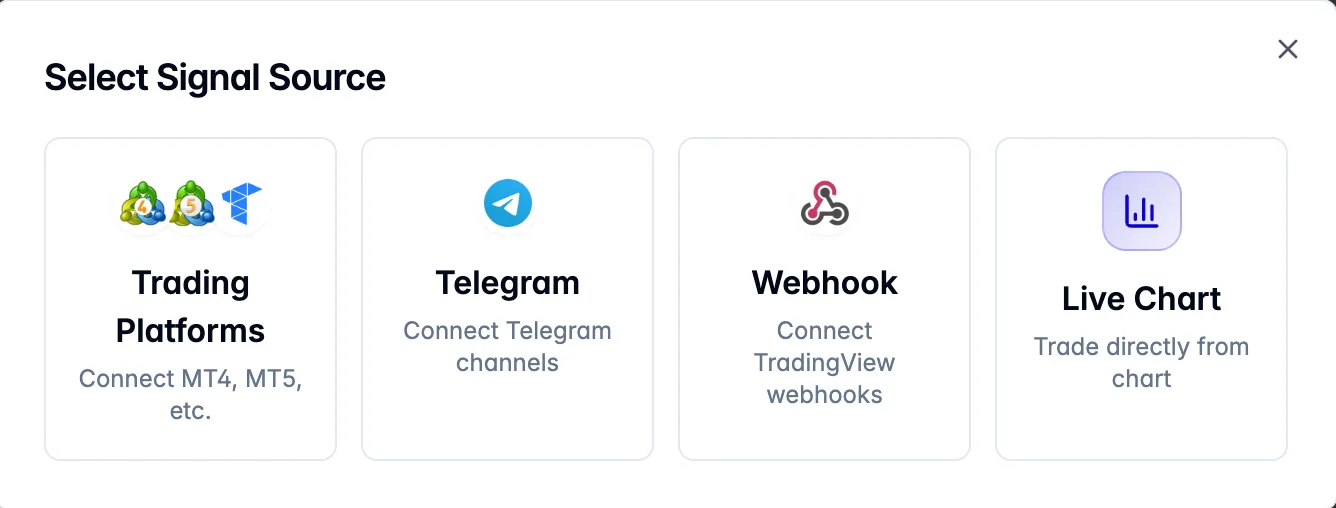
Connect Tradovate in Four Steps
Connect the account, choose a source, configure receivers and verify the results.

Signal log → Receiver order record
Compare the symbol, quantity and order status.
04 — Verify the Route and Signal Logs
Validate the route on a supported simulation account before live use. Start the Room when ready, inspect Copygram’s signal logs and confirm the actual orders in the receiver account. A delivered signal does not guarantee a fill.
Features
Controls for Your Tradovate Workflow
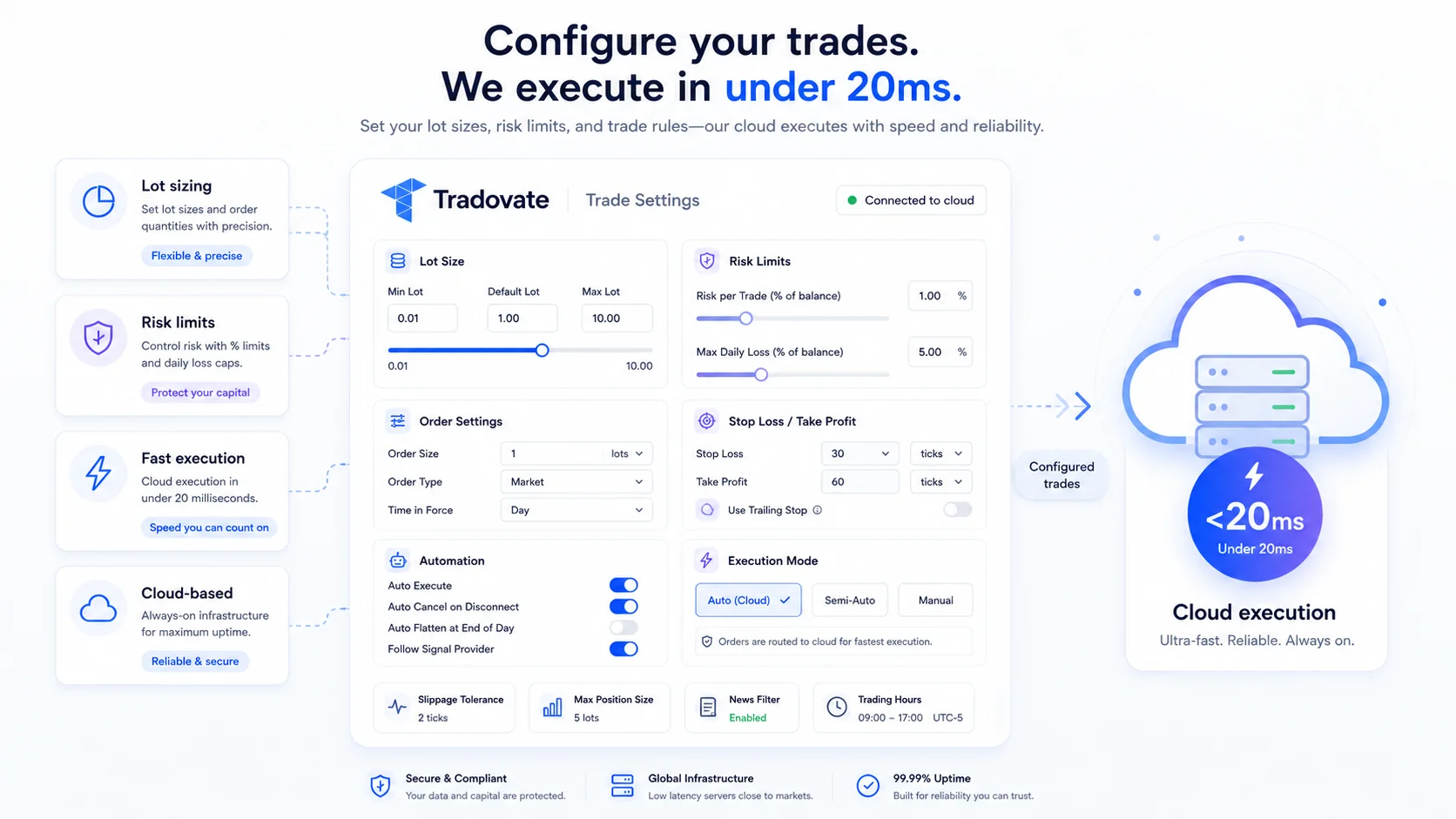
Set up each receiver for the instruments and account you use. Availability and order acceptance depend on the connection and account permissions.
Contract Quantities and Exit Rules
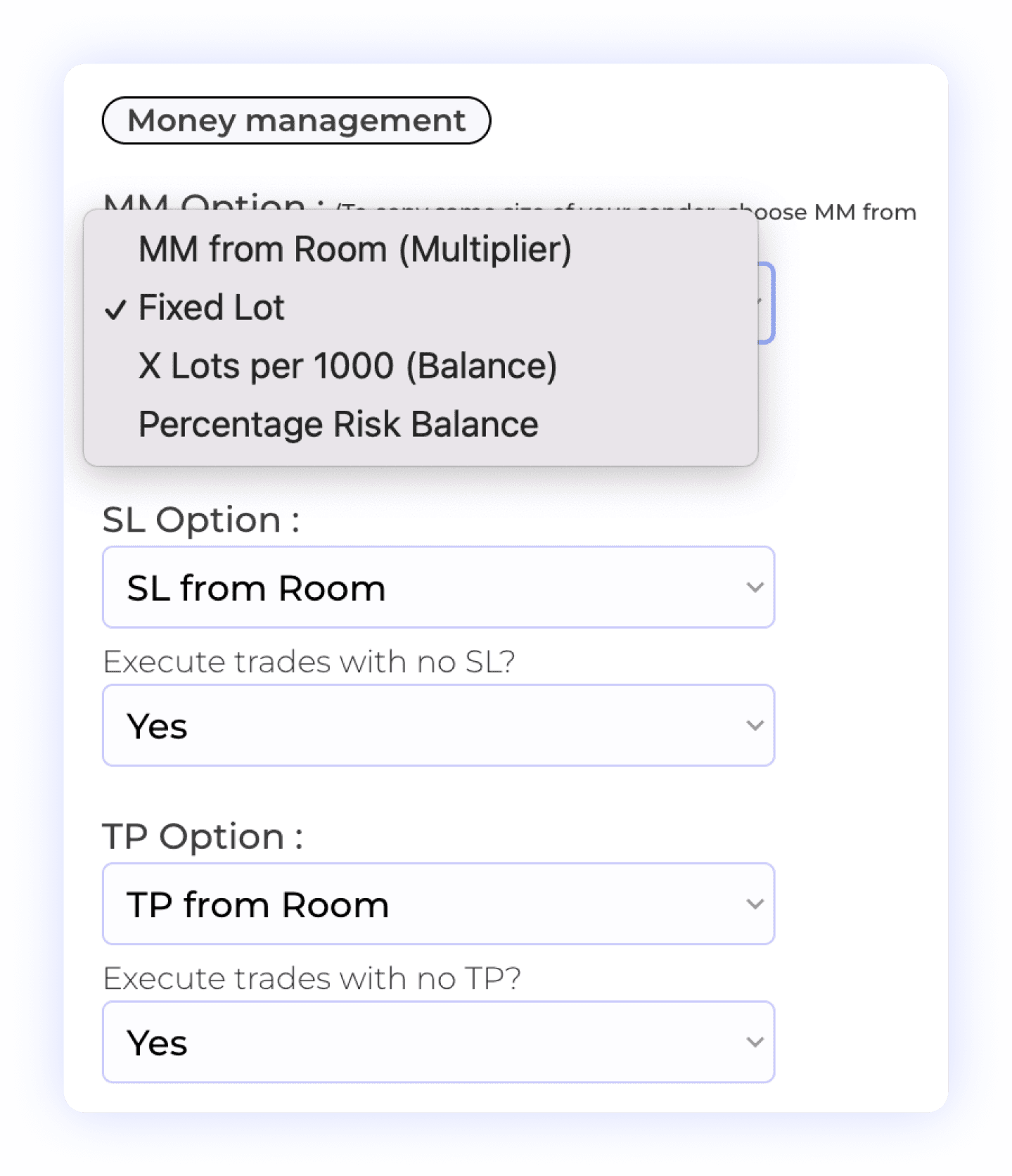
Configure the receiver’s money management and SL/TP rules, then check the final quantity in Tradovate. Futures use whole contracts. A forex lot-size example does not transfer unchanged to futures, and micro and standard contracts have different exposure.
Contract Quantity
Take Profit Settings
Sizing Controls
Exposure Checks
Stop Loss Management
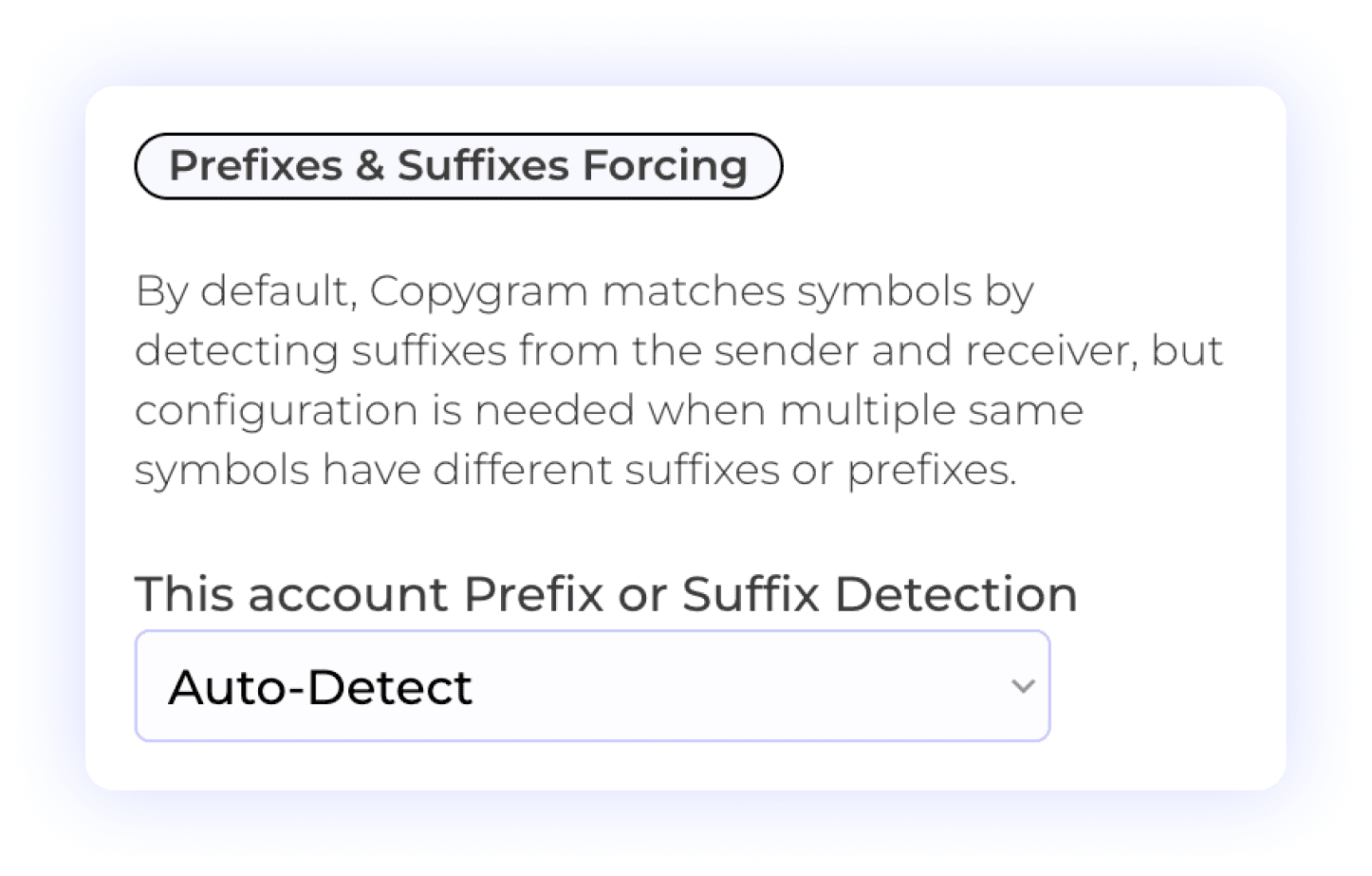
Check the Exact Receiver Symbol
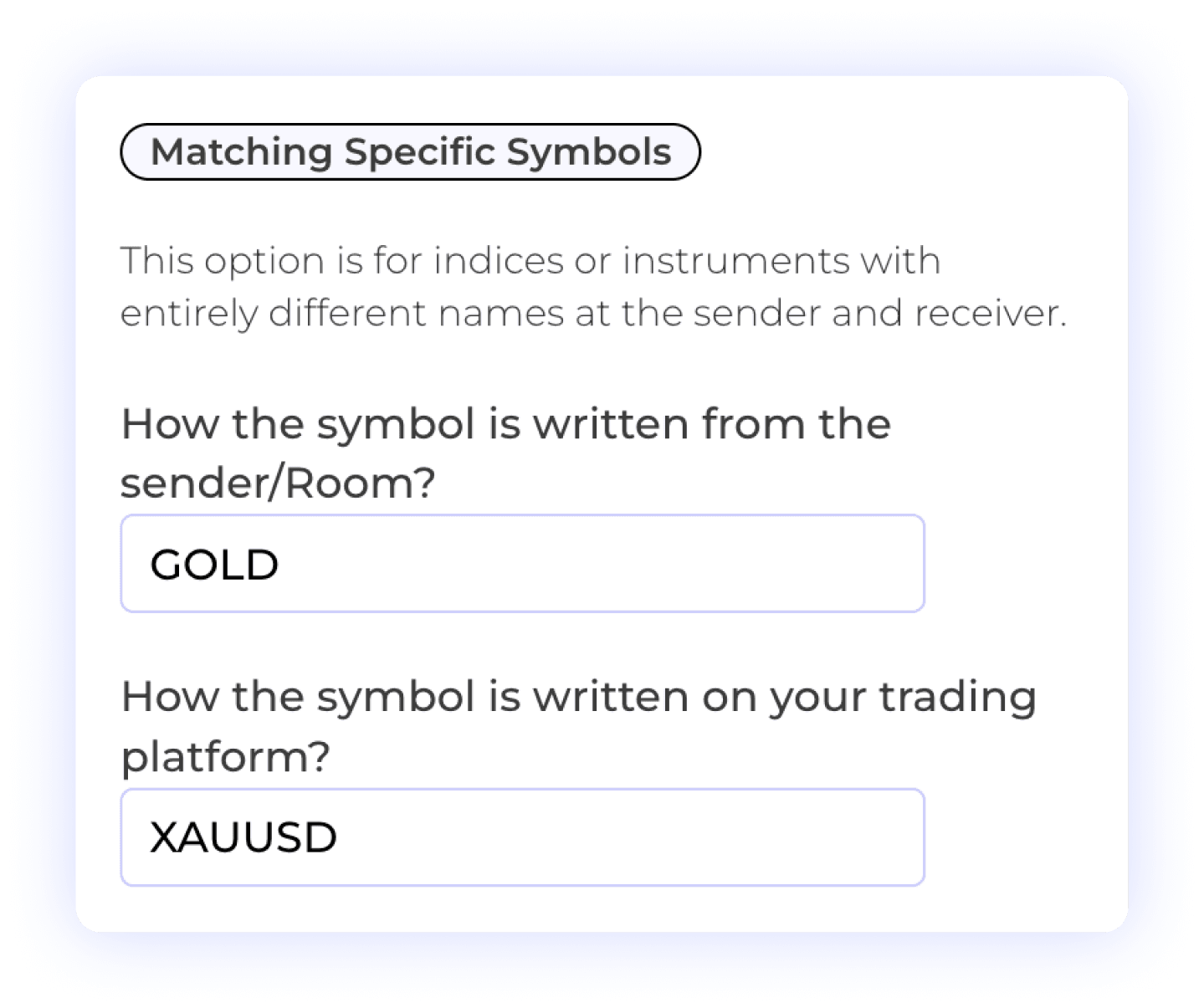
Compare the symbol sent by your source with the contract available on the receiver. Prefix and suffix settings help with naming differences on supported platforms; futures also require the correct contract month and year. Confirm the resulting symbol in the account.
Source Symbol
Receiver Contract
Expiry Check
Map Contracts and Review Rollover
Map the incoming symbol to the intended tradable contract. A continuous TradingView chart such as ES1! is not the same reference as a dated futures contract. Check the receiver’s exact symbol and expiry, and review mappings when your strategy rolls to a new contract.
Custom Symbol Matching
Different Symbol Formats
User Control
Control Order Updates and Closures
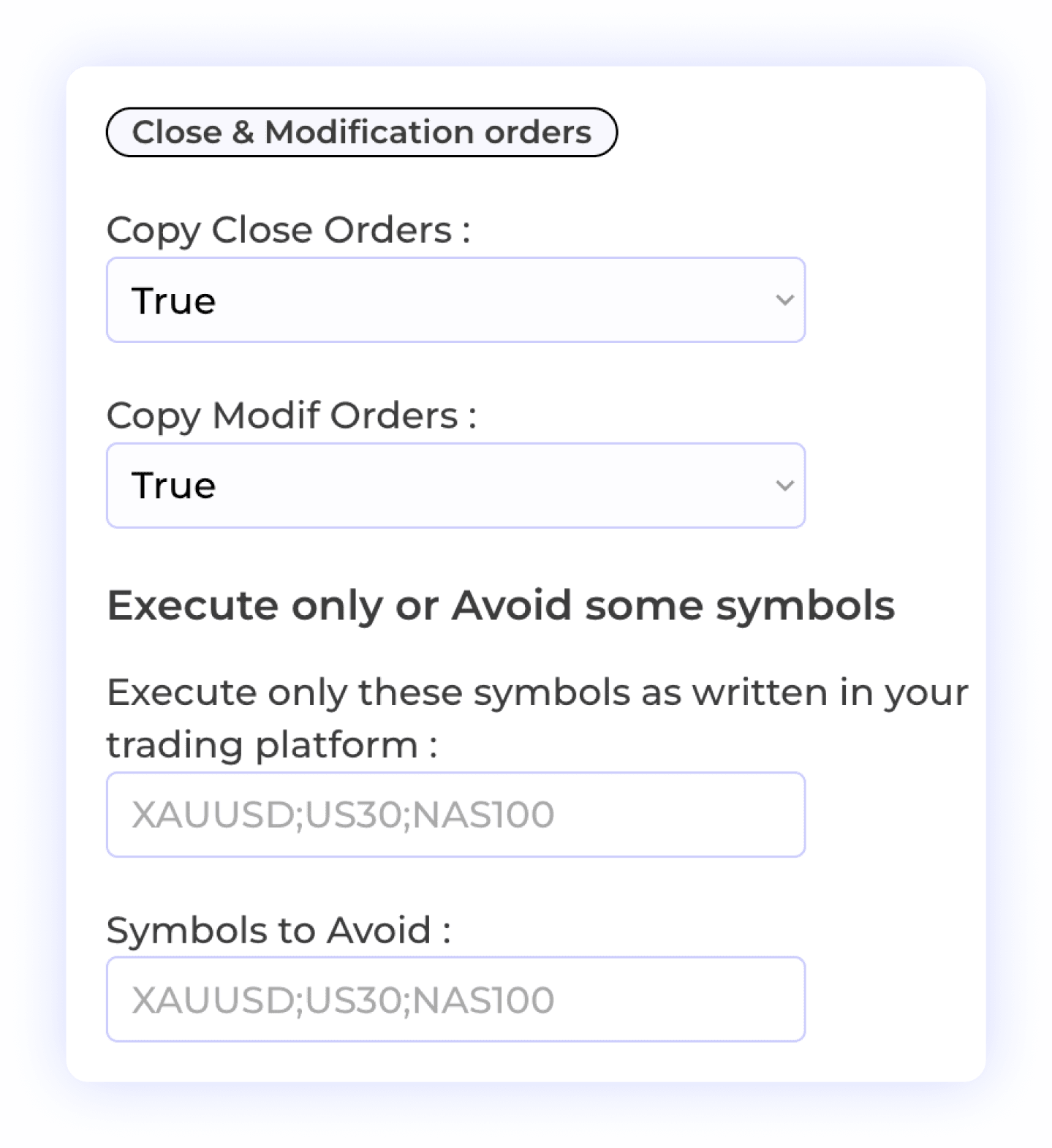
Choose whether a receiver copies close orders and SL/TP modifications. For TradingView, reuse the original signal_id when updating a specific trade. For Telegram, an update to a specific trade must reply to the original signal. Review symbol filters and exit behavior before activation.
Order Modification
Selective Symbol Copying
Order Closure
Trade Flexibility
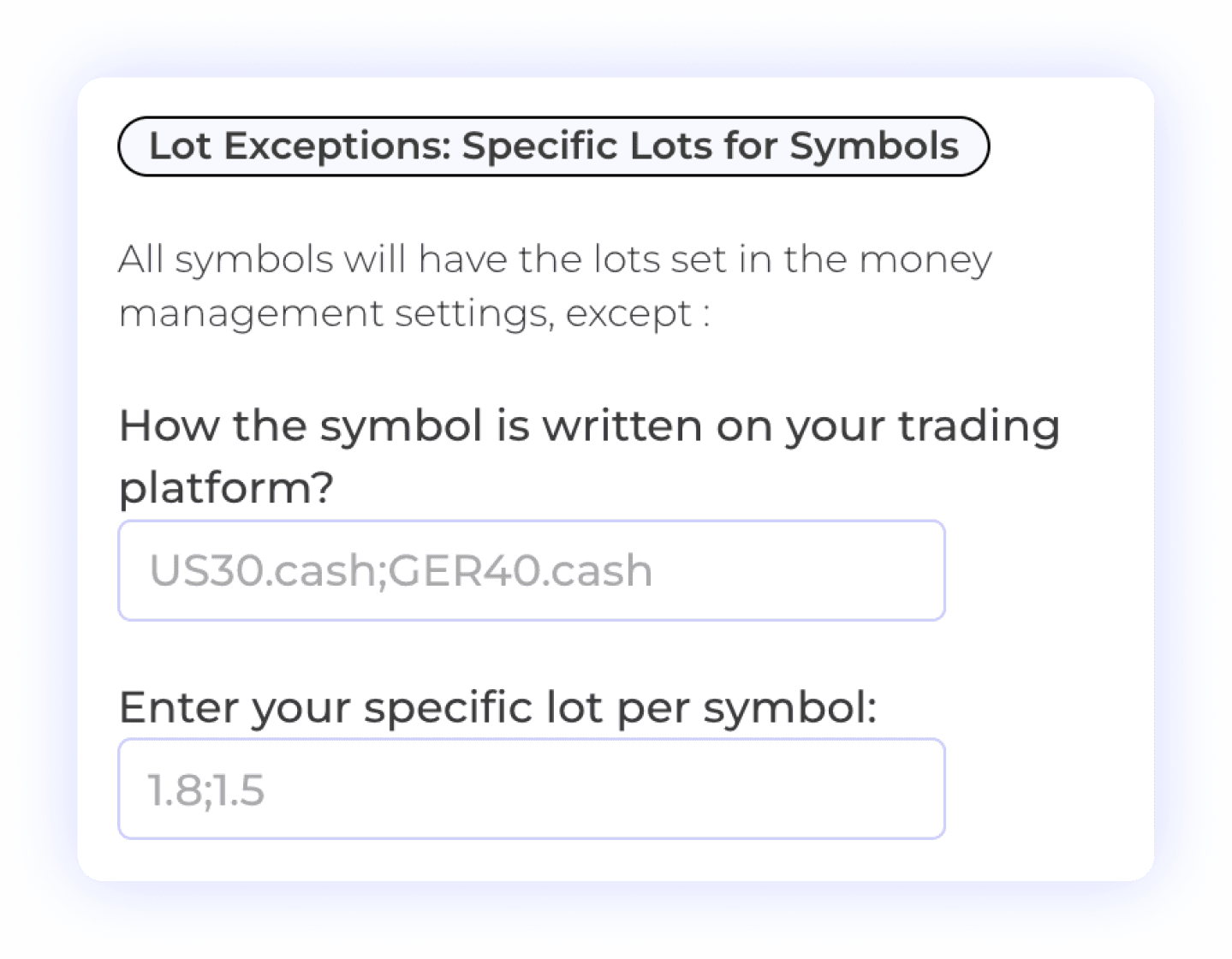
Quantity Exceptions by Symbol
Use Symbol Lot Exceptions to override the default size for a matched symbol. Check the final whole-contract quantity on each Tradovate receiver, especially when mapping between micro and standard contracts. Renaming a symbol does not make the instruments equivalent.
Contract Quantities
Symbol-Specific Settings
Risk Management

Plan Take-Profit Allocations
For Telegram and webhook sources with multiple targets, review the allocation settings alongside the number of contracts held. A one-contract futures position cannot be divided into fractional contracts across targets. Verify the actual exit orders on a supported simulation account.
Multiple Take Profits
Whole Contracts
Percent Allocation per TP
User-Controlled Trading
Comments on MetaTrader Receivers
If your Tradovate source copies to an MT4 or MT5 receiver, the MetaTrader Comment setting can help label that receiver’s trades. It does not change Tradovate orders, hide automation or override a prop firm’s rules.
Receiver Labels
Account Rules Apply
MetaTrader Integration

Choose Your Trading Schedule
Set the days and time windows in which a receiver can accept signals. Check the displayed timezone and review schedules when clocks change. Your schedule does not override exchange hours, maintenance breaks or account restrictions.
Time Management
Trade Execution Timing
Automated Trading Control
Multi-Account Execution
One Room can send the same signal to two Tradovate receivers with different configured quantities. Check each receiver’s symbol, contract month and quantity independently. Choose a plan covering your connected accounts and review their combined exposure.
Independent Settings
Multi Receiver Accounts
Plus 10+ additional settings including AI trade validation, keyword filters, trading schedules, signal vs market price execution, and more. See all features →
SUPPORTED PLATFORMS
Choose Your Tradovate Copying Route
Explore the setup guide for your source and destination. Each route has its own account, symbol and sizing requirements.
Tradovate to NinjaTrader
Copy Tradovate trades to separate NinjaTrader accounts with exact futures contract mapping, whole-contract quantities and independent receiver settings.
Tradovate to NinjaTrader



Route TradingView indicator or strategy alerts through a Copygram webhook to your Tradovate receivers. Check the contract, quantity and alert instructions.
Tradingview to Tradovate


Connect a Telegram channel you can access and use it as a Room’s source. Configure each Tradovate receiver and review the parsed signals and order results.

Copy a source Tradovate account to other connected Tradovate receivers. Check provider permissions and configure contract quantities independently.
Tradovate to Tradovate
Tradovate to DXtrade
Copy Tradovate trades to DXtrade with independent symbol mapping, receiver sizing and cloud automation.
Tradovate to DXtrade
Copy Tradovate trades to Binance Futures with symbol mapping, receiver quantity and leverage controls.
Tradovate to Binance Futures

Copy Tradovate source trades to a supported TradeLocker receiver. Review symbol mapping, instrument differences and the resulting order size.
Tradovate to TradeLocker

Tradovate to OANDA
Connect a Tradovate source to a supported OANDA receiver and configure its instrument mapping, sizing and order rules.
Tradovate to OANDA

Copy Tradovate trades to MatchTrader with independent symbol mapping, receiver sizing and cloud automation.
Tradovate to MatchTrader

Copy from Tradovate to supported MT4 or MT5 accounts. Configure broker symbols and lot sizes; futures contracts and forex or CFD lots are different units.
Tradovate to Metatrader


FAQ
Frequently Asked Questions About Tradovate Trade Copiers
Sources, account requirements, futures contracts and automation settings—explained before you connect.
Does Tradovate have a built-in trade copier?
Tradovate has a native Group Trade feature for placing orders across grouped accounts with assigned quantities. Its help center lists restrictions on brokerage providers and bracket/ATM orders. Copygram provides separate source-to-receiver routes, including TradingView and Telegram. Compare the documented requirements with your own accounts before choosing a setup.
Can I use Copygram with a Tradovate prop-firm account?
Check the firm’s current rules for your account and evaluation or funded stage. Confirm that third-party connections, automated orders and the copying arrangement are permitted. A supported Tradovate connection does not make every prop-firm workflow compliant, and Copygram does not bypass account restrictions.
Can I copy Telegram signals to Tradovate?
Yes. Connect a Telegram channel you can access, use it as a Room’s source and add your supported Tradovate receivers. Configure contract mapping, quantities and exit rules. Use a separate Room for each source channel, and review the parsed signal and receiver orders.
Can TradingView alerts reach multiple Tradovate accounts?
Yes. Use a Copygram TradingView webhook as a Room’s source and add the intended connected receivers. Each receiver has independent settings. The accounts and webhooks available depend on your plan; review the pricing table and account permissions before subscribing.
Do I need to leave my computer or a VPS running?
Copygram runs the configured connection in the cloud, so you do not need to keep a local computer or VPS running for the Room. The Room must be started and the receiver connected. Signal delivery and order acceptance still depend on the source, connection, account and market.
How do I connect my Tradovate account?
Open Trading Accounts in Copygram, select Tradovate and click Connect. Sign in through Tradovate’s own secure window; Copygram does not see your password. Select the account you want to automate, give it a name and confirm its connected status before adding it to a Room.
Can Tradovate copy to MetaTrader or TradeLocker?
Copygram supports Tradovate as a source for supported MT4, MT5 and TradeLocker receivers, among other routes. Configure the destination instrument and size independently. A futures contract and a similarly named forex or CFD instrument can have different specifications and exposure.
Does Copygram guarantee a fixed execution speed?
No fixed end-to-end execution time is guaranteed. Source delivery, signal processing, connection status, account permissions and the destination’s order handling affect the result. Use signal logs and the receiver’s order records to review what happened.
How should I handle futures contract rollover?
Check the exact contract month and year supported by the receiver. Review symbol mappings when the source or strategy rolls to a new contract. Do not assume a continuous chart symbol automatically selects the intended contract, and verify the final whole-contract quantity.
Which plan do I need, and is there a free trial?
Choose a plan that includes your intended source and enough connected accounts. Telegram and TradingView webhook features have plan-specific allowances shown in the pricing table. Copygram does not offer a free trial. TradingView, broker, exchange or signal-provider charges are separate.