TELEGRAM TRADE COPIER
AI Telegram Signal Copier for Your Trading Accounts
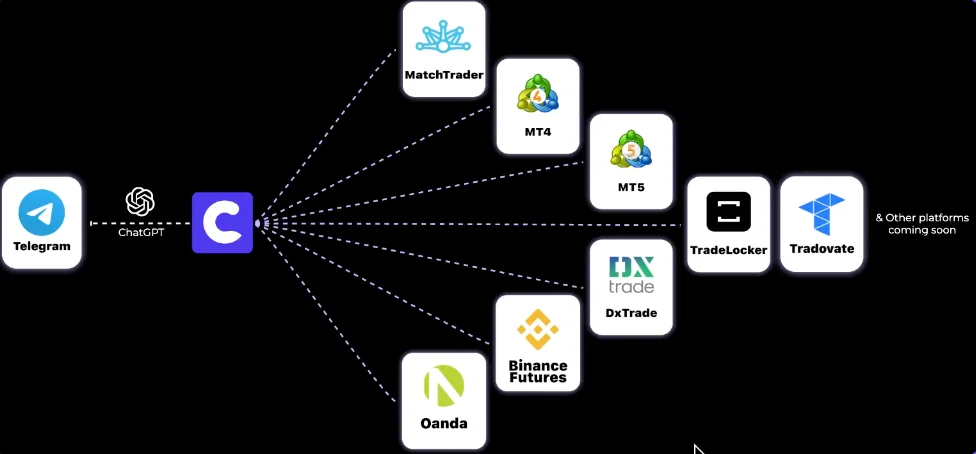
Turn signals from your Telegram channels into trades on MT4, MT5 and other supported platforms. Set position sizes, map symbols and manage each receiver in Copygram’s cloud dashboard. No personal VPS required.
Public & Private Channels
Per-Account Settings
Signal Execution Logs
100% Cloud-Based (No VPS)
WHAT IS IT
What Is A Telegram Signal Copier?
A Telegram signal copier reads trading instructions posted in a channel and routes orders to a connected trading account. It extracts details such as the symbol, direction, entry price, stop loss and take-profit targets, then applies the receiver’s settings.
Copygram connects the Telegram channels you choose to your supported trading accounts through Rooms. Each Room has one source and one or more receivers, with independent settings for each receiver. Copygram provides the automation software; you choose the signal provider and remain responsible for the trades.
HOW IT WORKS
How to Set Up Your Telegram Trade Copier
Connect your accounts, create a Room for each channel and review the receiver settings before activation. Start with a demo account where your platform supports one.


EXAMPLE SETUP
Your receiver settings
Symbols · Position size · SL/TP
↓
Review signal logs and account orders
SUPPORTED PLATFORMS
Choose Where Your Telegram Signals Go
Open the guide for your receiver platform. Check its connection requirements, symbol names and order settings before adding an account to a Room.
Telegram to NinjaTrader
Copy Telegram signals to NinjaTrader futures accounts with AI text parsing, exact contract mapping and independent receiver quantities.
Telegram to NinjaTrader



Connect Telegram signals to DXtrade. Check the account connection, symbol names and receiver settings.
Telegram to DxTrade
Route Telegram crypto signals to Binance Futures. Review symbol mapping, sizing and leverage settings.
Telegram to Binance Futures

Copy Telegram signals to TradeLocker with account-specific sizing, symbols and order settings.
Telegram to TradeLocker

Connect Telegram signals to OANDA and check the account’s instrument names and order requirements.
Telegram to Oanda

Set up Telegram copying to MatchTrader. Verify the connection and configure each receiver.
Telegram to MatchTrader

Copy Telegram signals to MT4 or MT5 through a hosted connection, with no local EA or personal VPS.
Telegram to Metatrader

Route Telegram signals to Tradovate futures. Map the exact contract and check quantity requirements.
Telegram to Tradovate

More Automations
Features
Control How Telegram Signals Become Trades
Keep the provider’s message and your account’s execution rules separate. Each receiver can use its own sizing, symbols, filters and schedule.
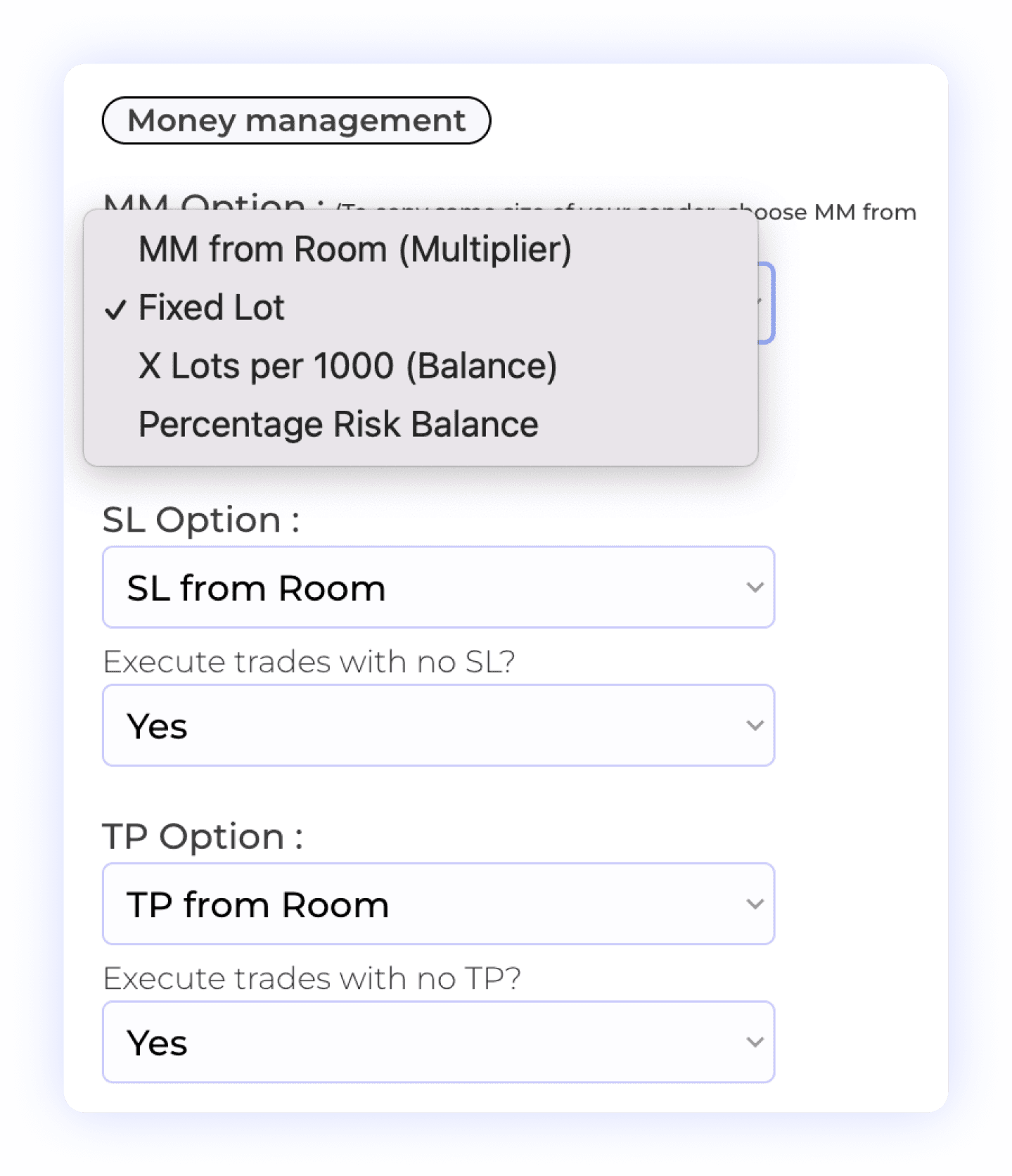
Choose a money management method for each receiver, then review its stop-loss and take-profit rules. Decide whether signals without an SL or TP should execute. Check symbol-specific lot exceptions too: they take priority over the default sizing method.
Account Balance Risk
Take Profit Settings
Lot Multiplier
Percentage Risk
Stop Loss Management
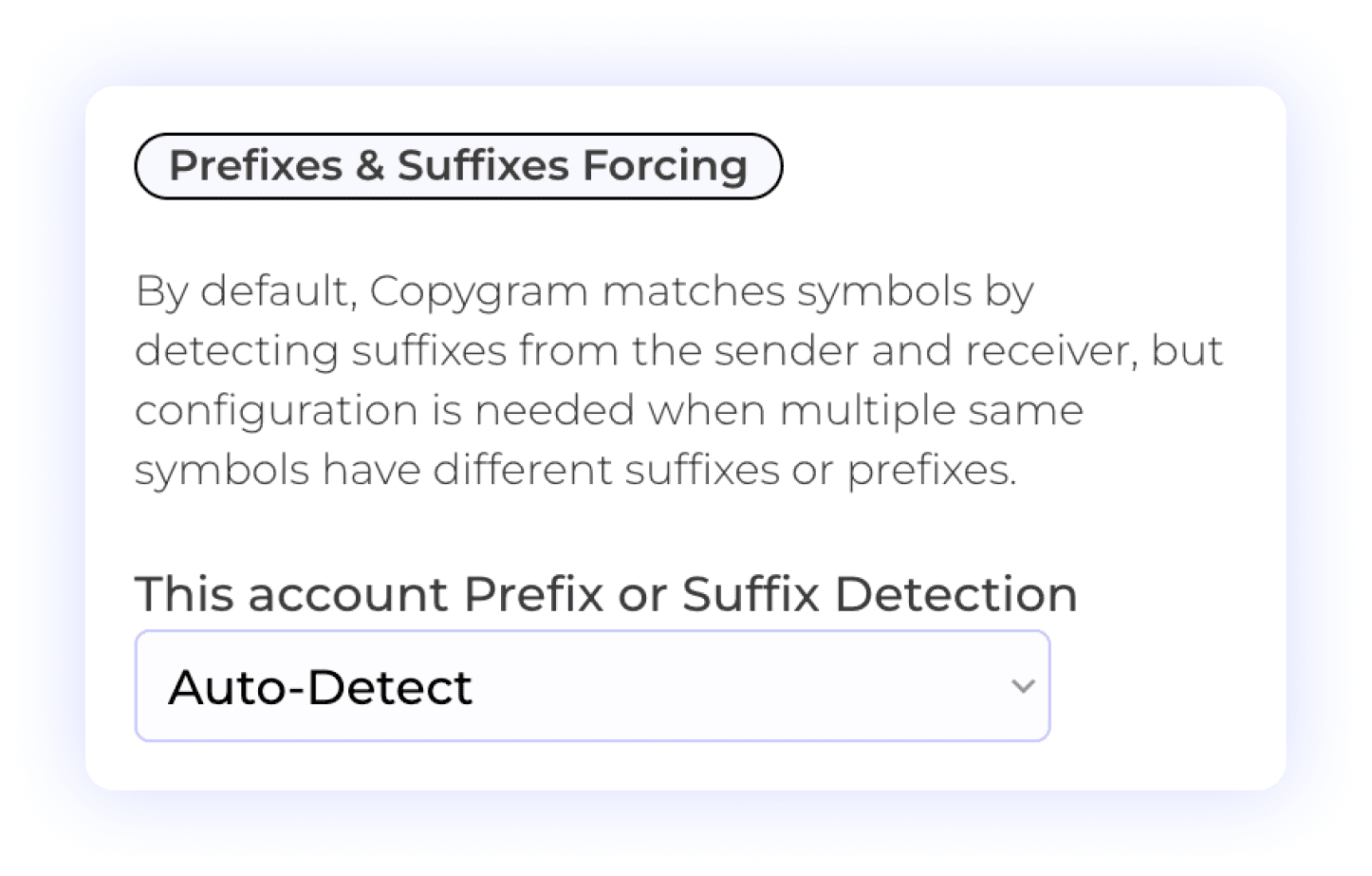
Broker symbols may include a prefix or suffix, such as EURUSD.pro. Use Auto-Detect or enter those additions manually in receiver settings. Check the exact name available on the receiving account when a signal cannot be matched.
Prefix Management
Suffix Management
Automated Detection
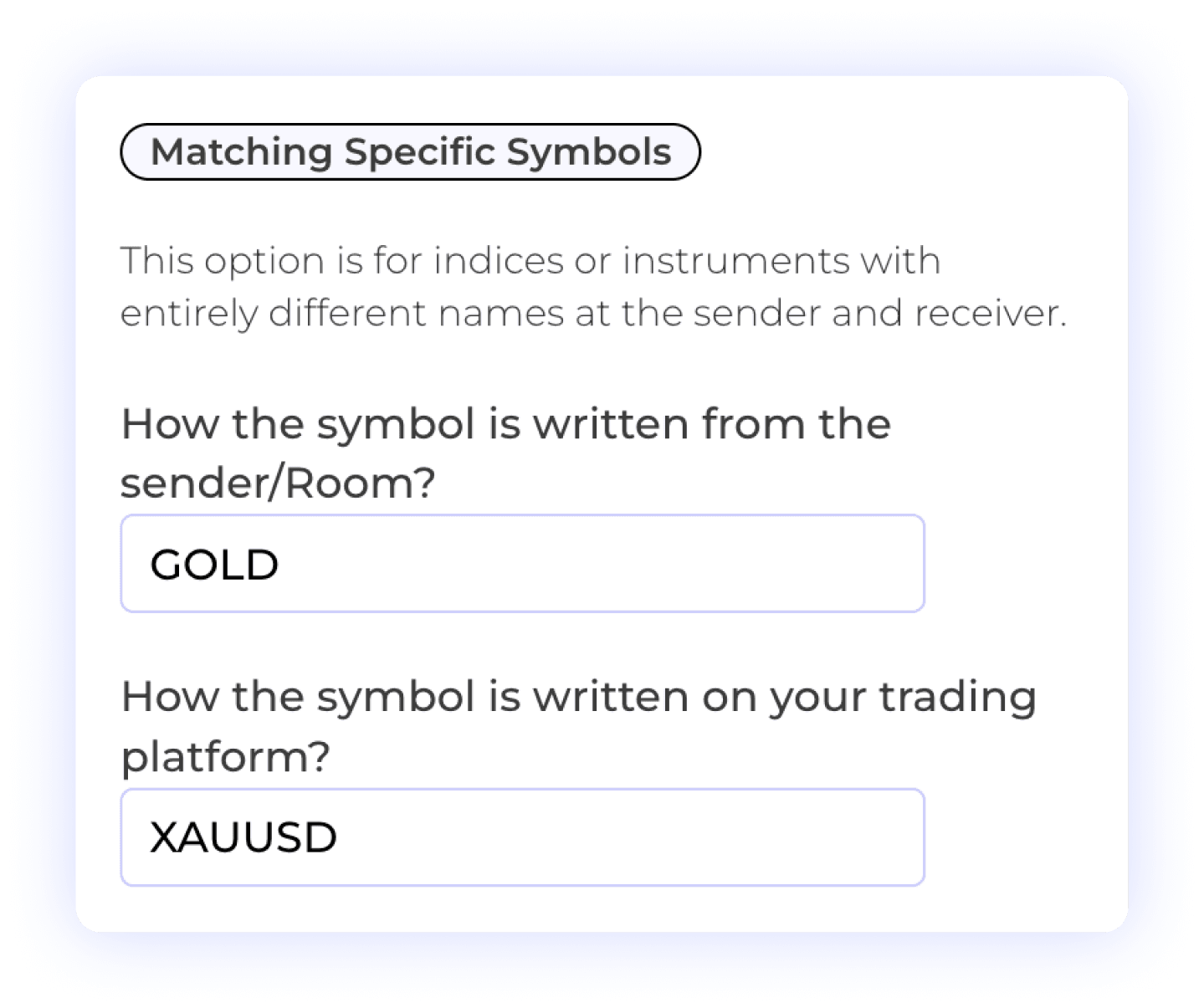
Map the symbol written in the message to the exact instrument on your receiver. For example, GOLD may need to map to XAUUSD or a broker-specific variant. Mapping a name does not make different instruments equivalent; also check contract details and order size.
Custom Symbol Matching
Different Symbol Formats
User Control
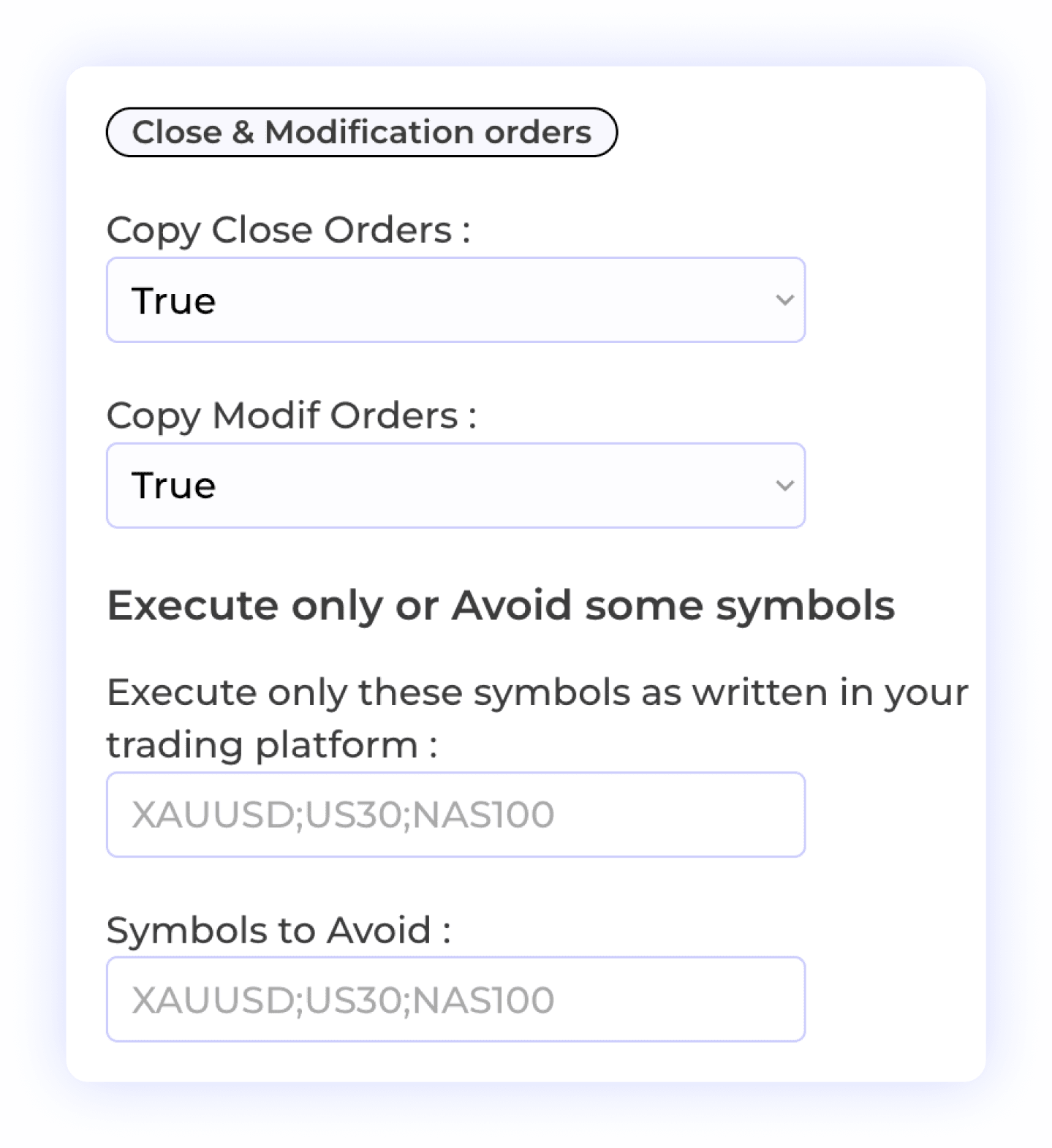
Choose whether to copy close and modification messages. To manage a specific trade, the provider must reply to its original Telegram signal. A standalone “Close EURUSD” closes all open trades for that symbol; a vague standalone “Close” cannot identify a trade.
Order Modification
Selective Symbol Copying
Order Closure
Trade Flexibility
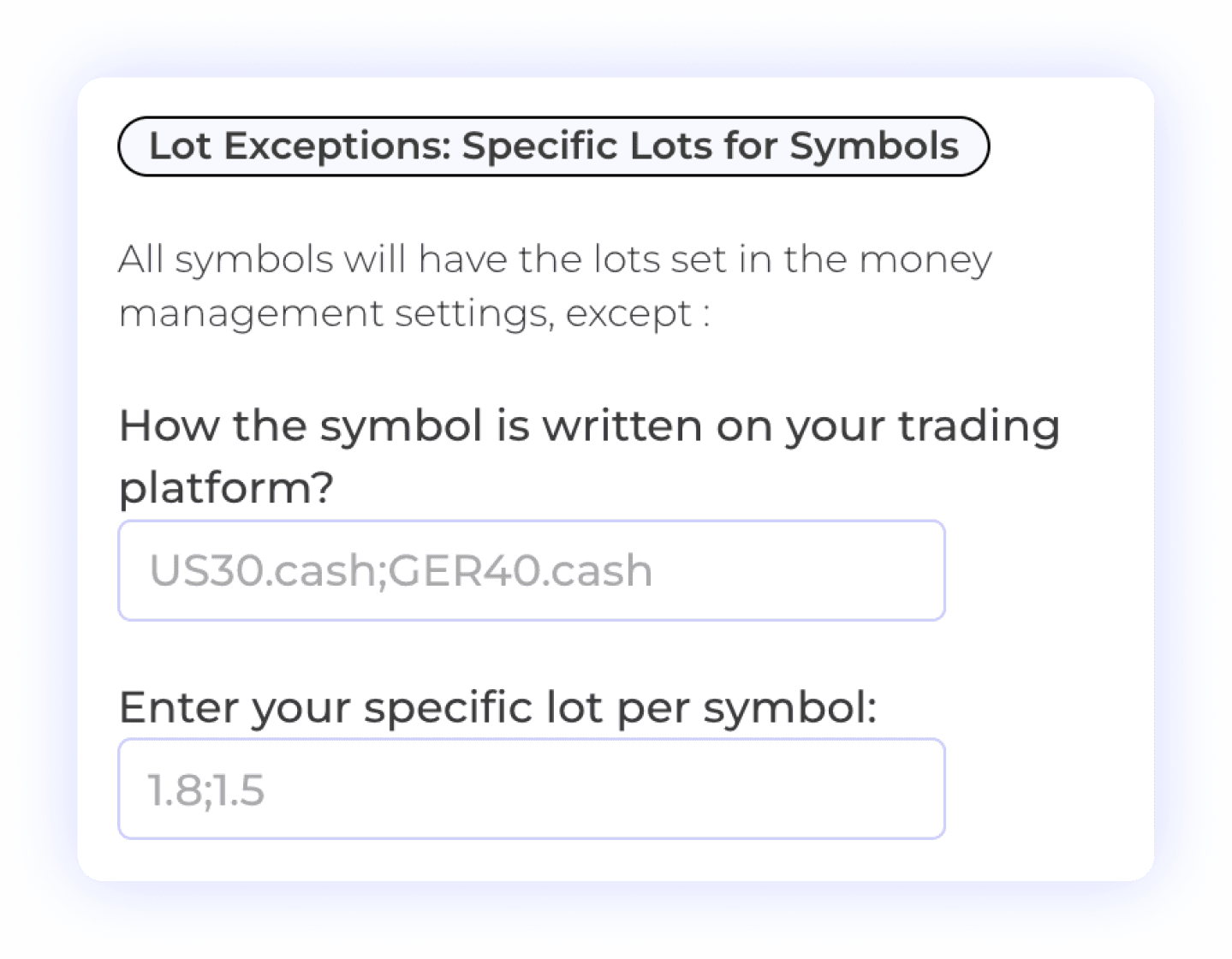
Use a specific lot size for an instrument that needs different treatment. Symbol Lot Exceptions override the receiver’s default money management setting. Review these values whenever you change your sizing rules or connect a different account.
Lot Size Management
Symbol-Specific Settings
Risk Management

For signals with several take-profit targets, set how much of the position to close at each target. Check the target levels and resulting order sizes on your receiver. The account’s minimum order size and size increments still apply.
Multiple Take Profits
Lot Size Management
Percent Allocation per TP
User-Controlled Trading
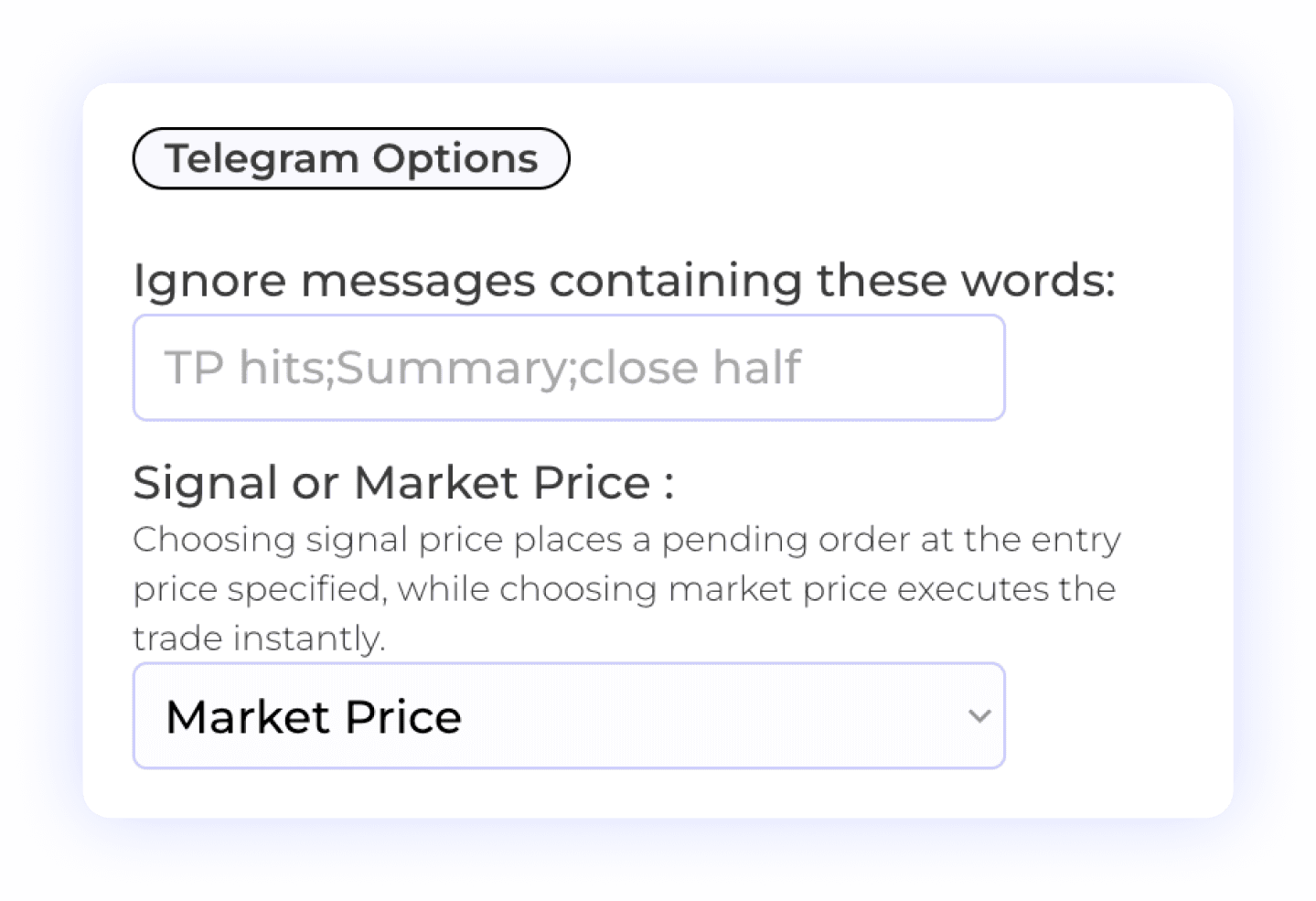
Ignore messages containing chosen words or phrases, such as channel commentary. Choose Market Price for an order at the current market price or Signal Price for a pending order using the signal’s entry. The eventual fill can differ from the price in the message.
Telegram Signal Filtering
Custom Keyword Settings
Signal Control

Choose whether a receiver processes signals all the time or during a custom schedule. If an expected trade is missing, check the Room status, account connection, trading hours, schedule and filters alongside the signal log.
Time Management
Trade Execution Timing
Automated Trading Control
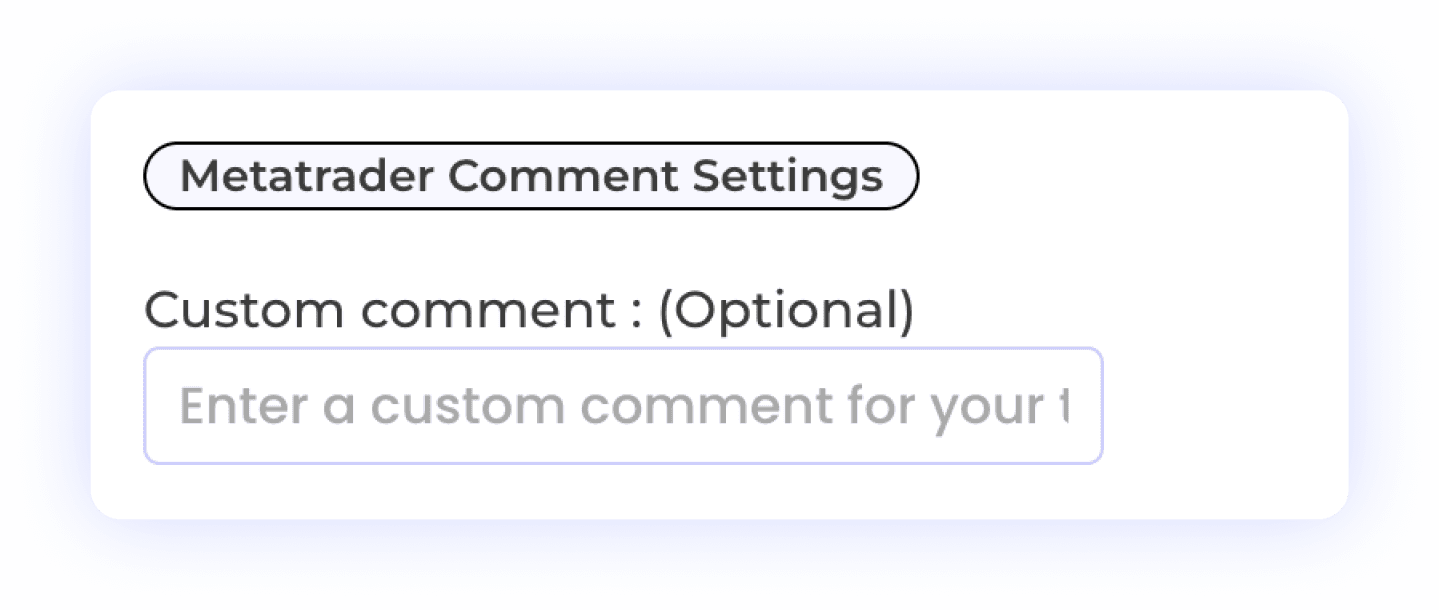
Add a comment to identify the strategy behind your MT4 or MT5 trades. Comments support record keeping and required disclosures. They do not hide automation or make a prohibited copying setup compliant. Check your broker’s or prop firm’s rules before connecting.
Custom Trade Comments
Trade Record Keeping
MetaTrader Integration
Use the documented settings and examples to review your setup. Read the setup documentation →
COMPARE THE TOOLS
Compare Telegram Signal Copiers
Copygram, TSCopier and TelegramFxCopier: compare trading platforms, cloud setup and AI connections before choosing your copier.
Compare your options
Copygram
TSCopier
TelegramFxCopier
Trading platforms
MT4/MT5, TradeLocker, Tradovate, NinjaTrader, Binance Futures, DXtrade, MatchTrader and OANDA. cTrader is not yet supported.
MT4, MT5, cTrader, DXTrade and TradeLocker. Check availability for your chosen edition.
MT4 and MT5, connected through MetaAPI.
Where it runs
Cloud dashboard. No local terminal or VPS to maintain.
Windows desktop software or the separate TSCopier Cloud edition.
Cloud service with web access and a Telegram Mini App.
AI signal reading
AI parsing with optional signal validation and configurable filters.
AI text parsing and image signal parsing.
AI text and image parsing, with Dynamic Order Flow for entries.
Connect your AI assistant
MCP connection for ChatGPT, Claude, Gemini CLI and Cursor. Included in every Copygram plan.
Pipster is its built-in assistant. External MCP connection not documented in the reviewed sources.
External MCP connection not documented in the reviewed sources.
Trade controls
Trade sizing, SL/TP and symbol mapping for each receiving account.
Position sizing, SL/TP and trailing stops; advanced controls vary by plan.
Fixed lots or risk percentage, per-channel settings and trailing stops.
Multiple signal channels
Unlimited Telegram channels on eligible plans. Organize each channel in a separate Copygram Room.
Unlimited signal channels advertised.
Unlimited signal channels advertised.
Subscription model
Monthly or annual plans. Choose the account allowance and Telegram features you need. No free trial.
Monthly or lifetime desktop licenses; monthly cloud plans. Account count and edition affect the plan.
Monthly, quarterly, six-month or annual subscription. MetaAPI subscription required separately.
Your AI assistant, connected to Copygram
Signal parsing reads a Telegram message. MCP lets you connect ChatGPT, Claude, Gemini CLI or Cursor to your Copygram account to review Rooms, configure receivers and manage your workflow. Included in every plan, with no additional Copygram fee.
Try asking: “Show my Rooms and the accounts connected to each one.”
Prepared by Copygram from published product information, checked 9 October 2026. Features vary by plan and edition. “Not documented” means we could not verify an external MCP connection in the reviewed product information; it does not mean the feature is unavailable. This is a feature comparison, not a speed or profitability test.
WHY SWITCH
Why Use Copygram for Telegram Signals?
Bring your channel routing, account settings and execution checks into one dashboard.