Cross-platform trade copying
Tradovate to Binance Futures Trade Copier
Copy Tradovate trades to Binance Futures with Copygram. Connect your accounts, map symbols and set independent receiver quantity and leverage. Manage your automation in the cloud.
Tradovate OAuth
No VPS to maintain
Binance Futures API
Trade logs
Connect your demo or live accounts and automate your copying workflow.
The workflow explained
What is a Tradovate to Binance Futures trade copier?
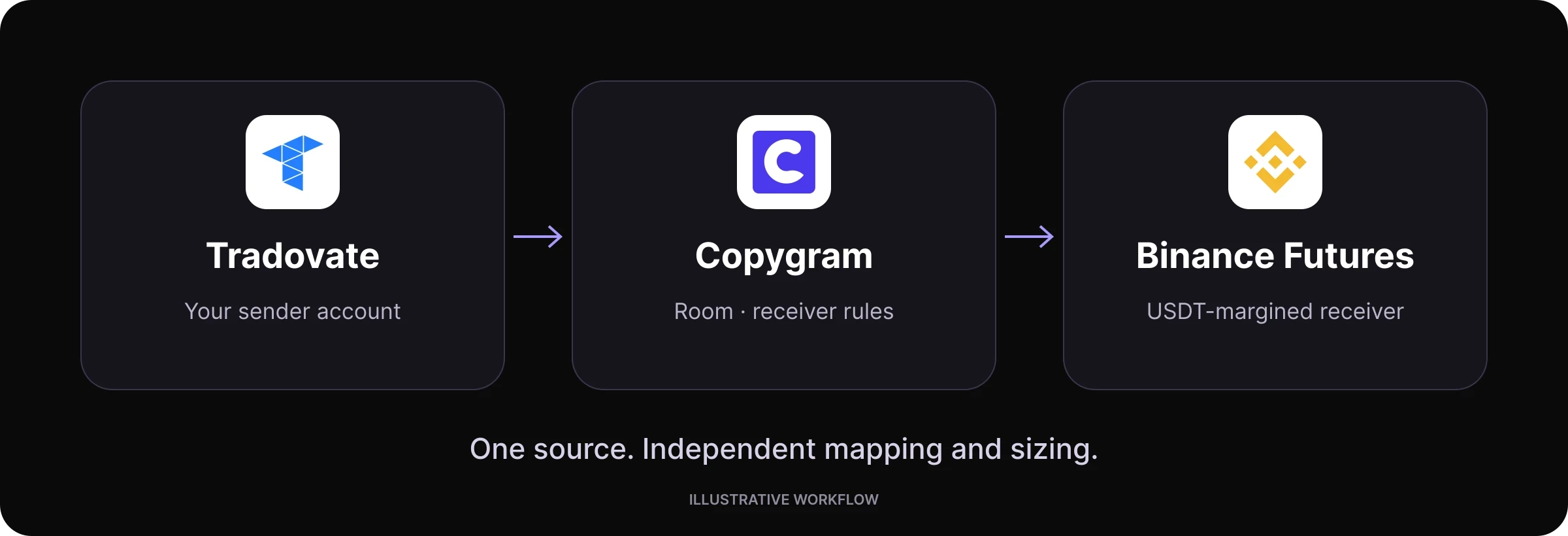
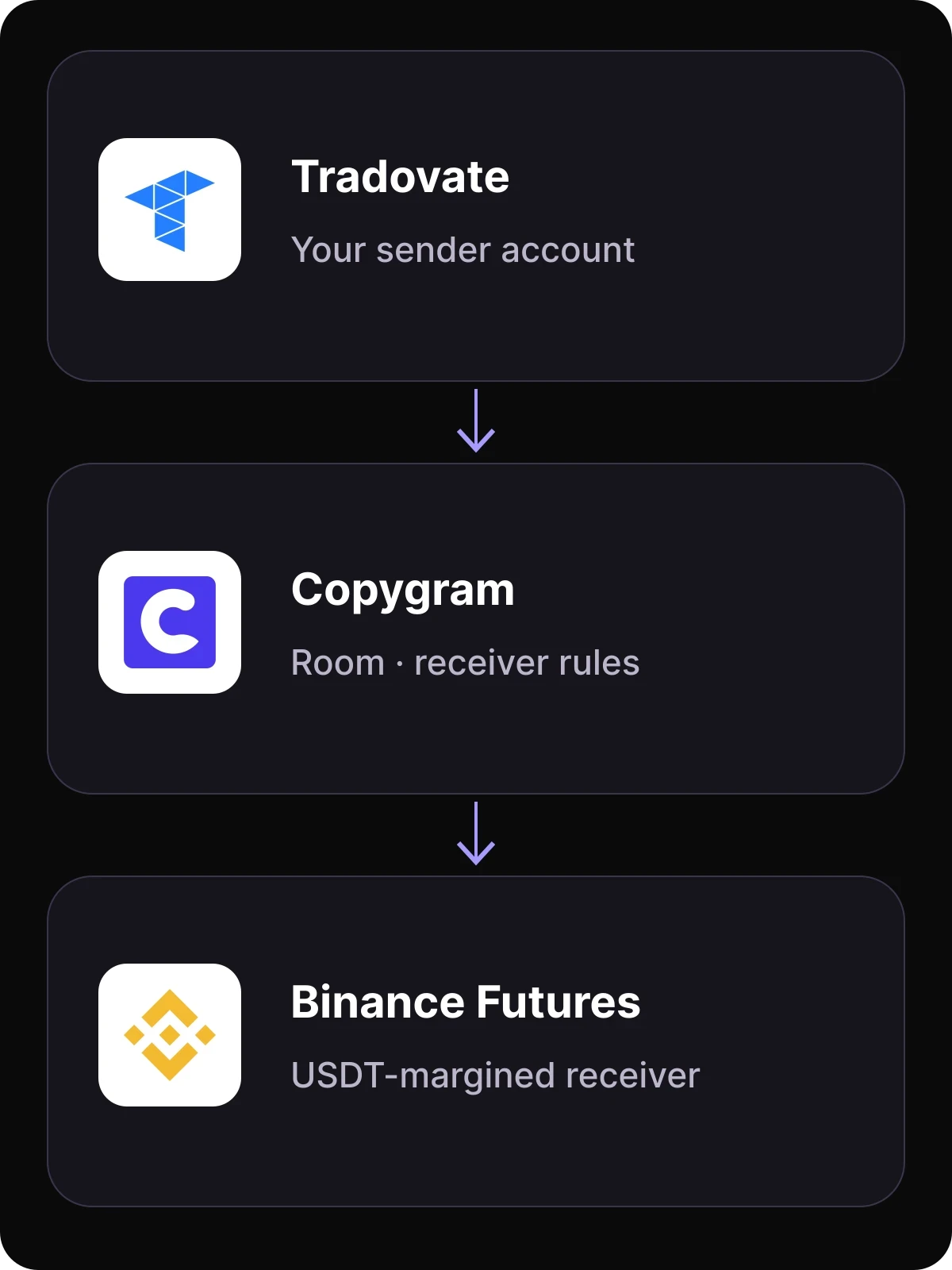
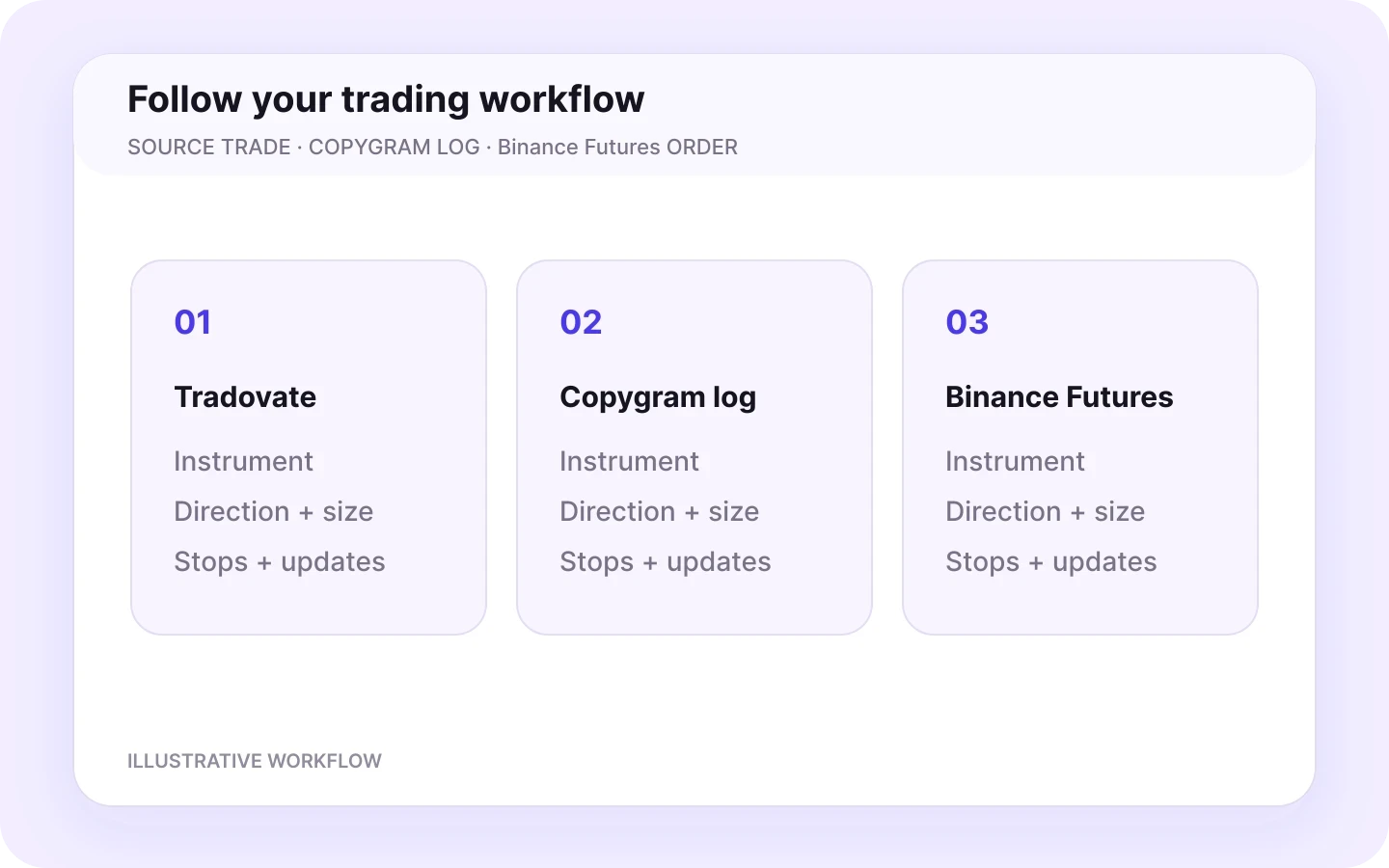
Tradovate supplies the account trade. Copygram applies your receiver rules. Binance Futures receives the order.
A Tradovate to Binance Futures trade copier uses trades opened on a Tradovate sender account as instructions for a connected Binance Futures receiver. Copygram links the accounts in a room and applies the receiver’s symbol mapping, sizing and order settings.
Tradovate is the sender and Binance Futures is the receiver. Both remain separate trading accounts. Copygram applies your symbol mapping and receiver settings to each Binance Futures order, while balances and positions stay in their respective accounts.
How it works · step by step
How to copy Tradovate trades to Binance Futures in 4 steps
Connect your accounts, create a room, configure your receiver and start copying. Use the same workflow with demo and live accounts.

01
Connect Tradovate and Binance Futures
Connect Tradovate through OAuth and select your sender account. Add Binance Futures using your API Key and API Secret. Enable Futures trading permissions and apply the IP allowlist shown in the Copygram connection guide. Keep withdrawal permissions disabled.
02
Create a room with Tradovate as the sender
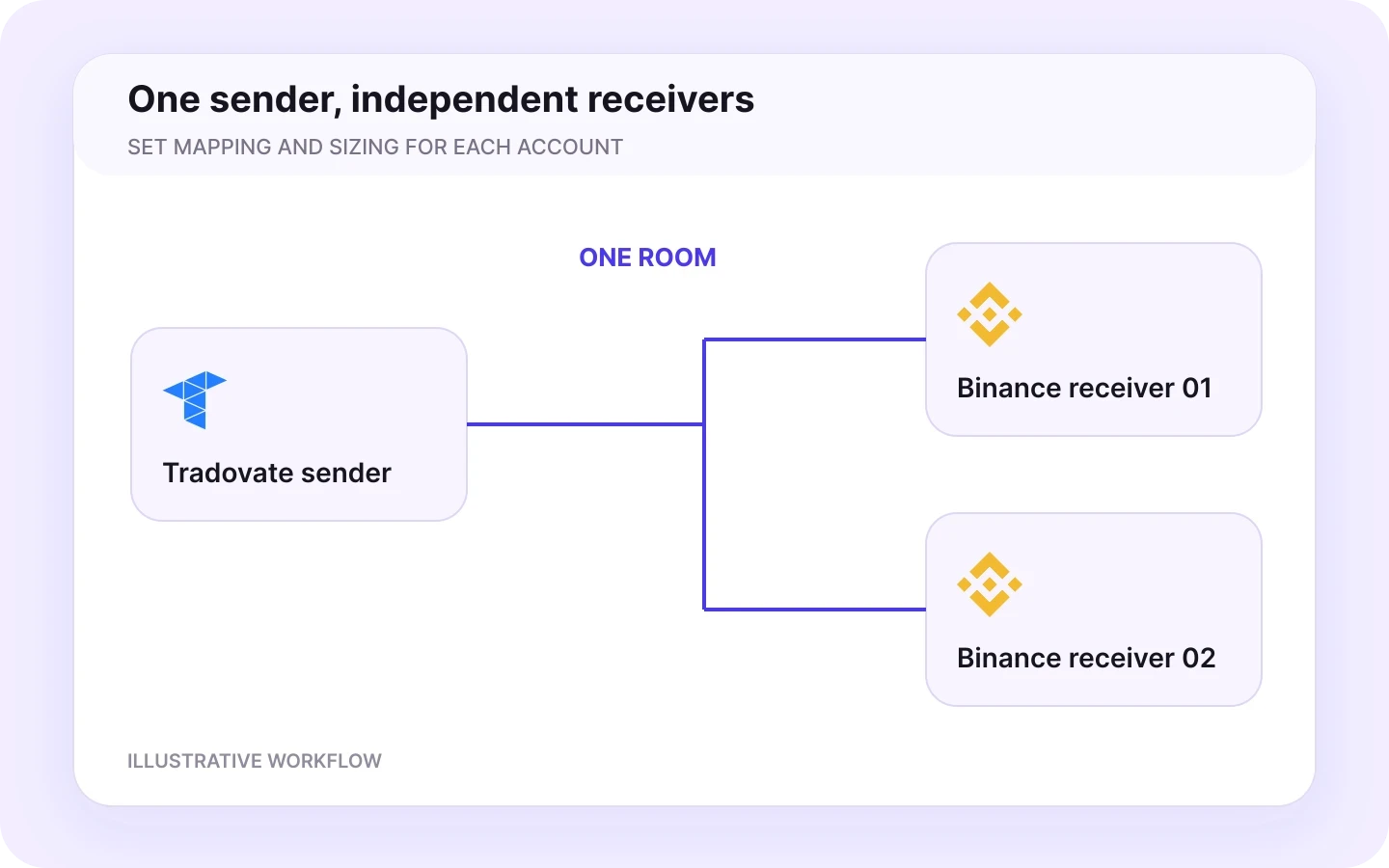
Choose your connected Tradovate account as the source and add the Binance Futures account as a receiver. A room connects one sender to one or more receivers, each with independent settings. Use separate rooms for different senders.
03
Map symbols and set receiver sizing
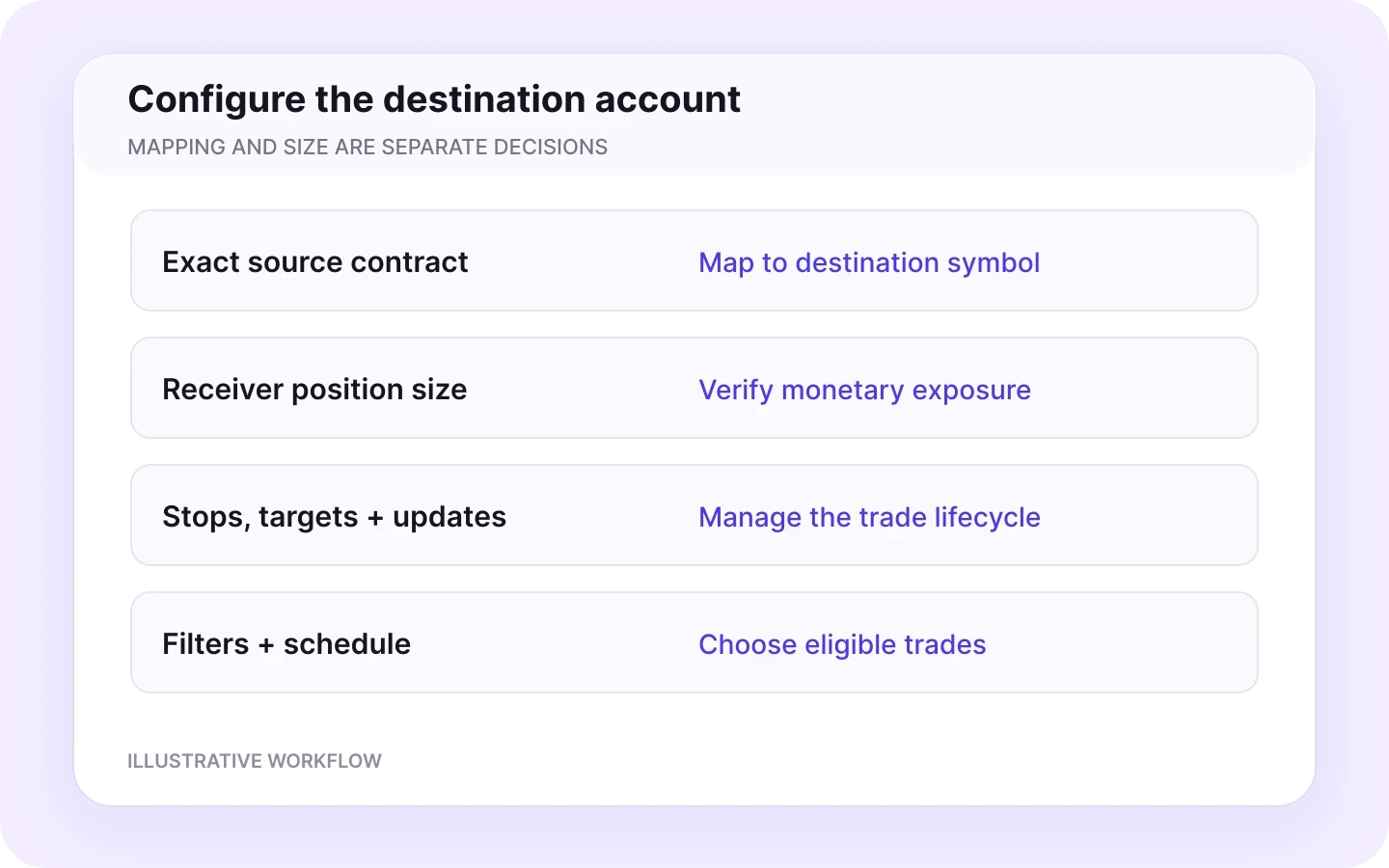
Map the exact Tradovate contract to your USDT-margined Binance Futures symbol. Set receiver quantity, symbol exceptions and leverage. Configure stops, targets, close and modification controls, then choose your trading schedule and timezone.
04
Activate your room and start copying
Start your room to copy Tradovate trades to Binance Futures automatically. Copygram applies your receiver settings to incoming trades. Follow entries, stops, targets and trade updates in your Copygram logs and Binance Futures account. Demo and live accounts are supported.
Symbol mapping
Map Tradovate contracts to Binance Futures symbols
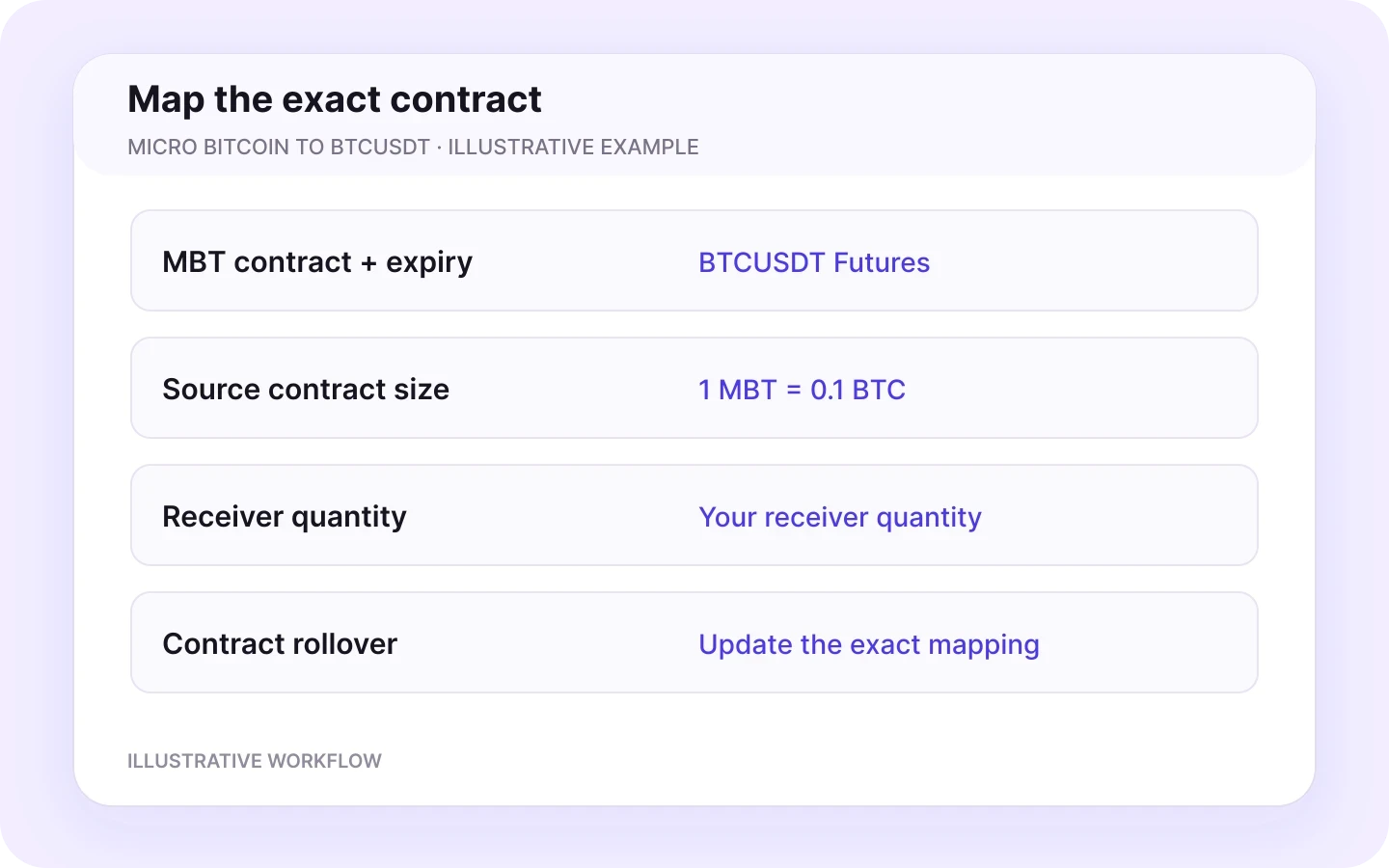
Connect the exact source contract to its destination market. Micro Bitcoin futures and BTCUSDT illustrate the relationship.
MBT → BTCUSDT Futures
Map the exact Micro Bitcoin futures contract and expiry from your Tradovate sender to BTCUSDT on the Binance Futures receiver.
Match the intended futures market
Select the USDT-margined Binance Futures destination. Keep the exchange market and instrument identifier explicit when setting your mapping.
Set receiver quantity independently
Choose the Binance Futures quantity through receiver sizing and symbol exceptions. Mapping chooses the instrument; your sizing settings determine the destination quantity.
Update the source at rollover
Update the exact source contract when you move to a new Tradovate expiry. Keep the intended Binance Futures symbol selected as the destination.
MBT → BTCUSDT is an illustrative mapping. Use the exact source contract and destination identifier shown by your connected accounts.
A worked example
Set quantity and leverage for your receiver
Source contract size, destination quantity, notional and margin describe different parts of the trade. Configure each with a clear purpose.
Micro Bitcoin to BTCUSDT Futures
Tradovate source: MBT contract
Binance Futures: BTCUSDT
Independent receiver quantity
Illustrative mapping example
Source contract and expiry
One CME Micro Bitcoin futures contract represents 0.1 bitcoin. Select the exact MBT contract month reported by your Tradovate connection.
Destination quantity
Set the BTCUSDT Futures order quantity independently. A source contract count is not a destination quantity preset.
Sizing method and exceptions
Choose your Copygram receiver sizing method and set a symbol-specific exception for the intended BTCUSDT position size.
Quantity and price increments
Apply Binance Futures quantity steps, minimum order requirements and price increments when configuring receiver orders.
Margin, leverage and notional
Quantity and price determine position notional. Leverage affects the margin required for that position; it does not replace the quantity setting.
Pricing and ongoing costs
The source is quoted in USD and the destination in USDT. Account for their respective prices, fees and any perpetual-futures funding.
Use the destination price for stops and targets
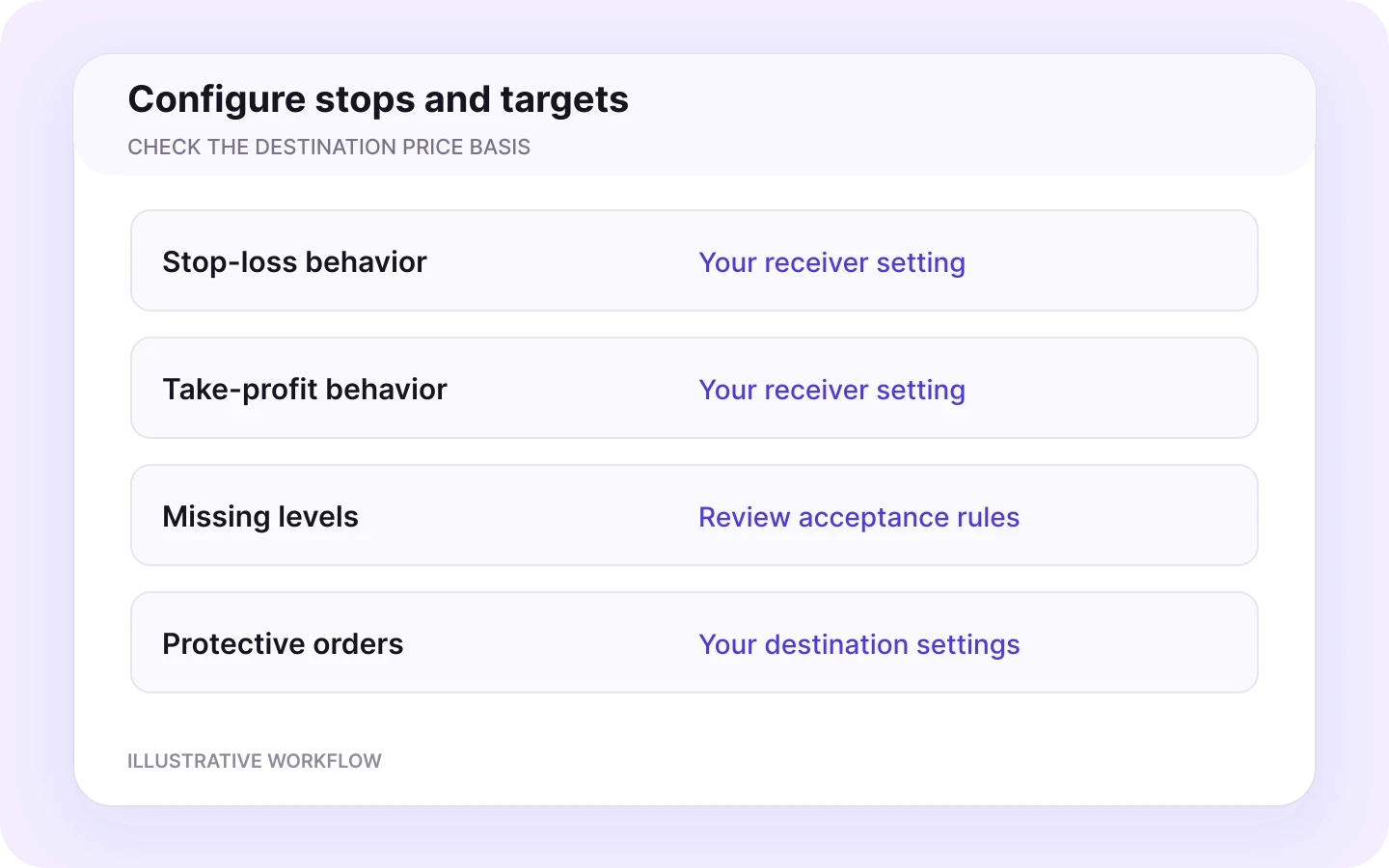
Tradovate futures and Binance Futures have separate quotes. Configure protective orders using the destination instrument’s price basis and receiver settings.
Keep mapping, quantity and leverage distinct
Mapping selects the destination market. Receiver sizing sets quantity. Leverage sets how margin supports the position. Configure each control explicitly.
Contract specifications explain the source unit. Your receiver settings define the Binance Futures order quantity.
Binance Futures receiver controls
Control how each Binance Futures receiver copies trades
Configure each receiver for its account and instrument. Use independent sizing, symbol rules and trade-management settings for accounts following the same Tradovate sender.
Money management and symbol exceptions
Choose your receiver sizing method and use symbol-specific exceptions to define destination quantities. Give each Binance Futures receiver its own position-size settings.
Receiver sizing
Symbol exceptions
Check exposure


Symbol filters and naming rules
Choose which symbols may be copied. Use explicit mapping and applicable prefix or suffix rules when names differ. Review the allowed list when your provider changes an instrument name or you change futures contracts.
Eligible symbols
Exact mapping
Contract expiry
Stops and targets for the destination
Configure stop-loss and take-profit behavior, including whether to accept an instruction without those levels. Set protective orders using the destination instrument’s price basis and your receiver settings.
Stop loss
Take profit
Destination prices
Close and modification controls
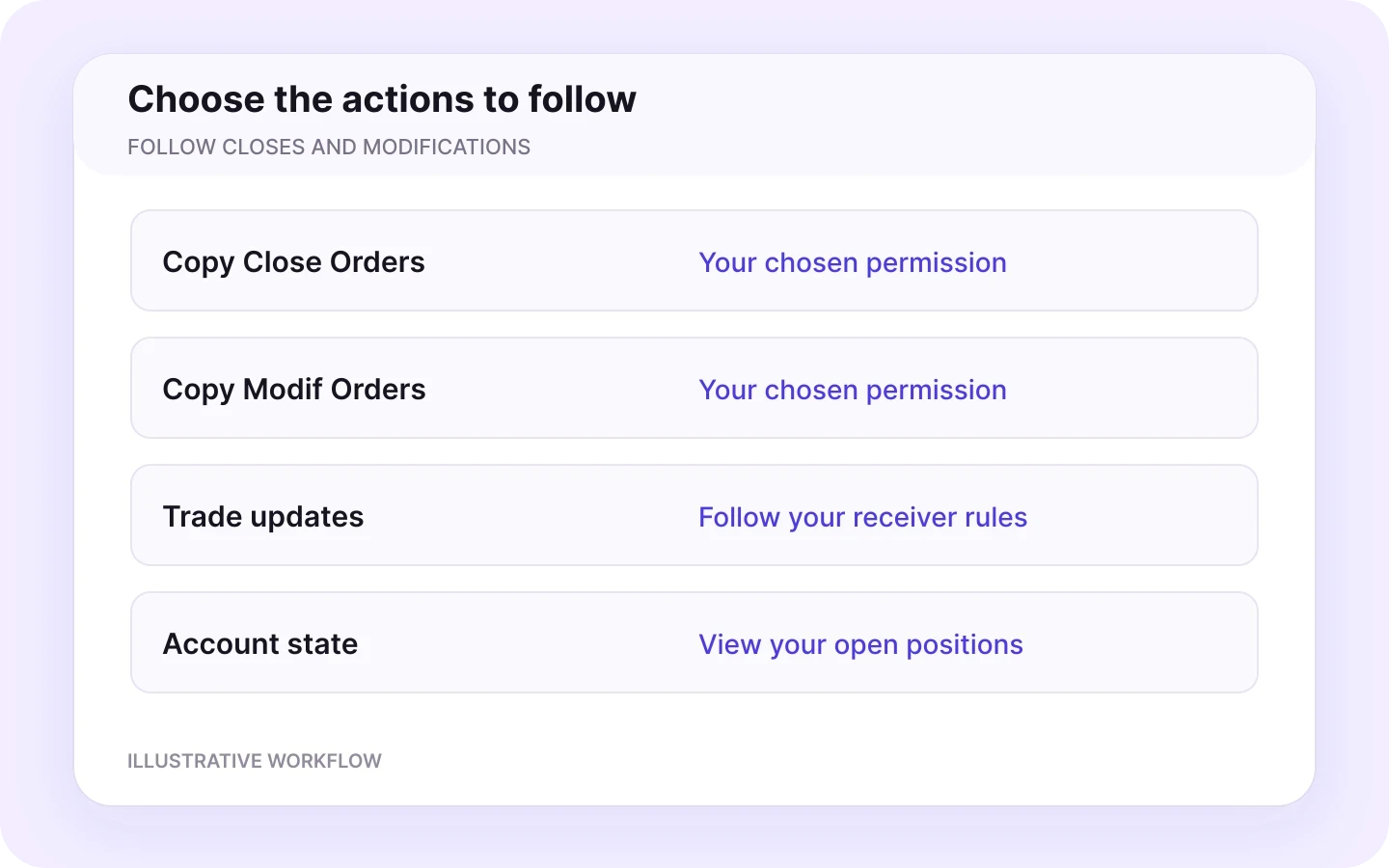
Enable Copy Close Orders and Copy Modif Orders to follow closes and trade updates from your Tradovate sender. Manage these settings independently for each Binance Futures receiver.
Close permissions
Trade modifications
Full lifecycle
Trading schedule and timezone
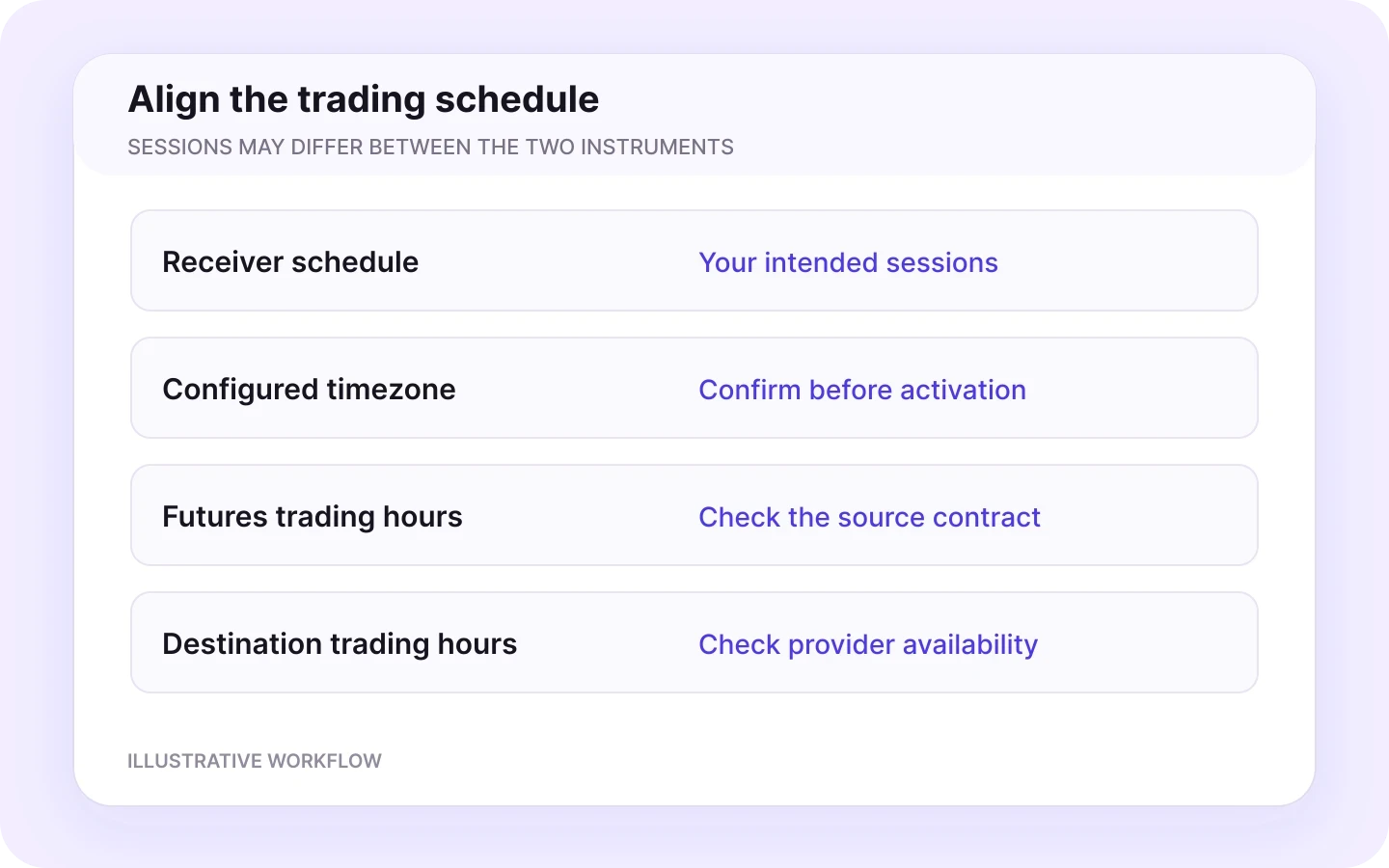
Define when the receiver accepts instructions and select your timezone. Align the schedule with your Tradovate source session and Binance Futures workflow.
Trading schedule
Timezone
Market hours
Leverage for your futures receiver
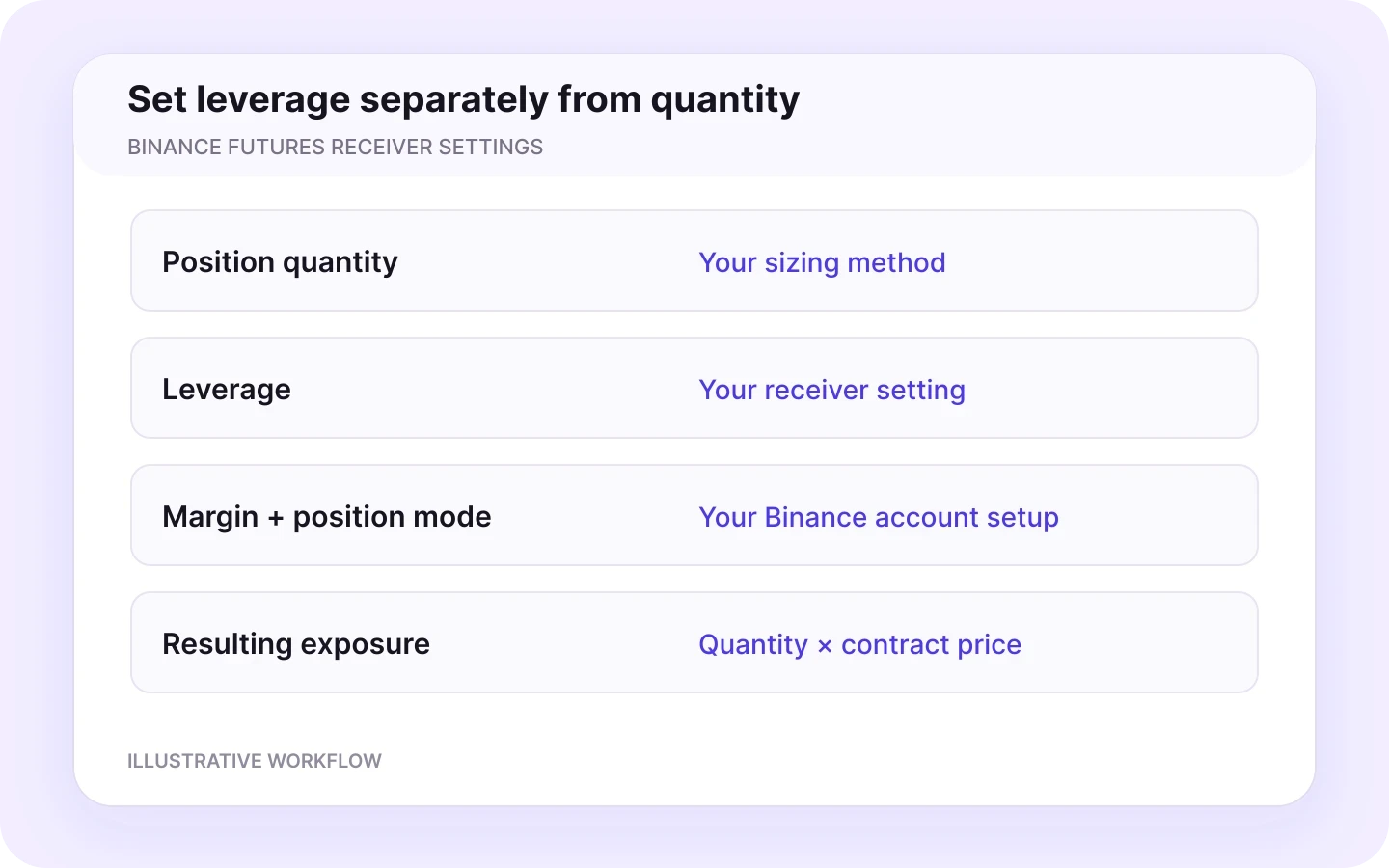
Set leverage for your Binance Futures receiver alongside quantity and margin settings. Keep these controls separate so the destination follows your intended position configuration.
Leverage control
Receiver leverage
Margin settings
Monitor your automation
Follow every trade from Tradovate to Binance Futures
View source trades, receiver settings and order activity in one workflow with Copygram’s trade logs.
Tradovate sender
View your connected Tradovate account and its OAuth authorization in Copygram.
Binance Futures receiver
Manage your API Key and API Secret connection, Futures permissions and Copygram IP allowlist.
Room activity
Follow trades from the selected Tradovate sender in your room’s activity log.
Schedule and receiver controls
Review your trading schedule, leverage, margin and position-mode settings alongside the receiver rules.
Symbol mapping and size
Review the exact source contract, destination symbol, quantity rules and symbol-specific sizing exceptions.
Entries, closes and updates
Track each trade’s entries, closes and modifications alongside the receiver settings applied by Copygram.
Keep your automation in view
Use the Copygram log alongside your Binance Futures account to follow your automation. Your room brings the source trade, receiver settings and order activity together. Copygram support is available for help with setup and settings.


More Tradovate integrations
Explore more Tradovate integrations
Connect your Tradovate sender to other platforms with dedicated guides for account connections, mapping and receiver settings.



Tradovate to MetaTrader
Review copying from Tradovate to MT4 and MT5, with destination mapping and sizing.
Tradovate to Tradovate
Explore copying between connected Tradovate accounts.

Tradovate to TradeLocker
Copy Tradovate trades to TradeLocker with independent symbol mapping, receiver sizing and cloud automation.

Tradovate to OANDA
Copy Tradovate trades to OANDA with independent symbol mapping, receiver sizing and cloud automation.

Tradovate to MatchTrader
Copy Tradovate trades to MatchTrader with independent symbol mapping, receiver sizing and cloud automation.
Tradovate to DXtrade
Copy Tradovate trades to DXtrade with independent symbol mapping, receiver sizing and cloud automation.
FAQ
Tradovate to Binance Futures — Frequently Asked Questions
Answers about account connections, futures mapping, destination sizing and receiver controls.
Can I copy trades from Tradovate to Binance Futures?
Yes. Copygram connects a Tradovate sender to a Binance Futures receiver through a room. Trades are copied using your symbol mapping, receiver quantity, leverage and trade-management settings. Copygram supports demo and live account workflows.
How do I connect Tradovate to Binance Futures with Copygram?
Connect Tradovate through OAuth and select your sender account. Add Binance Futures with your API Key and API Secret, configure Futures permissions and the Copygram IP allowlist, then create a room. Add the receiver, set mapping, quantity and leverage, and activate copying.
Do I need a Tradovate API key?
No separate Tradovate API key is needed for this Copygram connection. Connect through the Tradovate OAuth authorization flow and select the sender account in Copygram.
Which Binance Futures credentials and permissions do I need?
Use the API Key and API Secret from Binance API Management. Enable the Futures trading permission and apply the current IP allowlist provided in the Copygram connection guide. Keep withdrawal permissions disabled and store your secret securely.
Can I map Micro Bitcoin futures to BTCUSDT?
Yes. Map the exact Tradovate MBT contract, including its expiry, to the BTCUSDT instrument on your USDT-margined Binance Futures receiver. Configure receiver quantity separately and update the source mapping when you change contract months.
Does one MBT contract equal one Binance Futures order unit?
One CME Micro Bitcoin futures contract represents 0.1 bitcoin. The Binance Futures order quantity is configured separately through Copygram receiver sizing and symbol exceptions. Symbol mapping does not create a fixed one-to-one quantity conversion.
How does leverage work on the Binance Futures receiver?
Set leverage in the receiver configuration alongside quantity and margin settings. Quantity and price determine position notional, while leverage affects the margin required for that position. Leverage does not replace the receiver quantity setting.
How do I manage stops, targets, closes and modifications?
Configure stop-loss and take-profit behavior using the Binance Futures instrument’s price basis. Enable Copy Close Orders and Copy Modif Orders for the close and update actions you want the receiver to follow.
Can one Tradovate account send trades to multiple Binance Futures accounts?
Yes. A Copygram room connects one sender to one or more receivers. Add your Binance Futures accounts and set mapping, quantity, leverage and trade-management rules for each receiver. Choose a plan that covers the connected accounts you need.
Do I need a VPS, MetaTrader or an open browser?
No. Copygram runs this Tradovate to Binance Futures workflow in the cloud. You do not need an intermediate MetaTrader account, an EA, a VPS or an open browser window. Keep your account connections and room active to run the automation.