Telegram to Binance Futures
Copy Telegram Signals to Binance Futures
Connect your Telegram signal channel to a USDT-margined Binance Futures account. Copygram reads trade instructions and applies your receiver settings in the cloud. No VPS required.
USDT-Margined Futures
Your Signal Channels
Receiver Risk Controls
Cloud Hosted
WHAT IS IT
What is a Telegram to Binance Futures Copier?
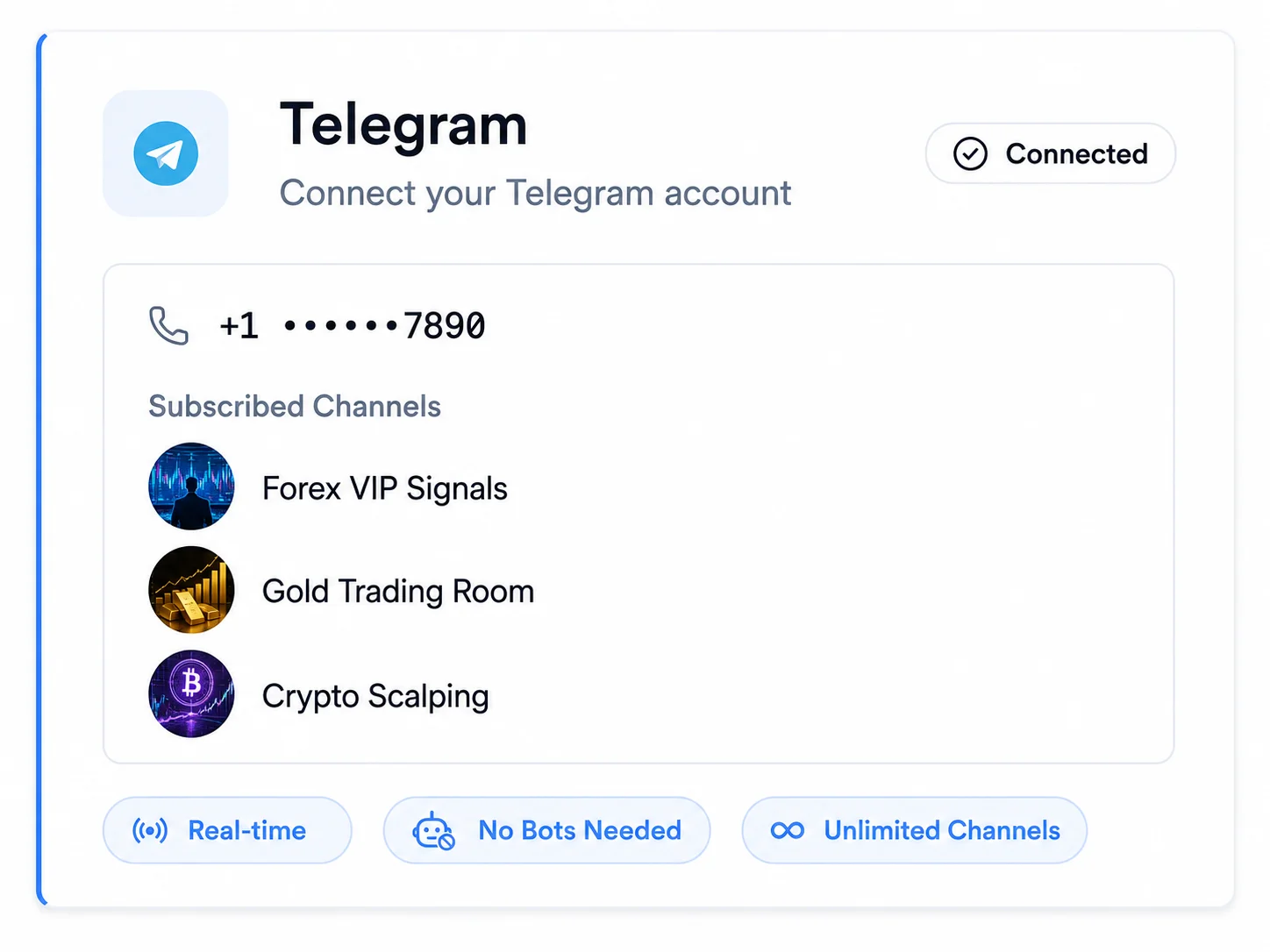
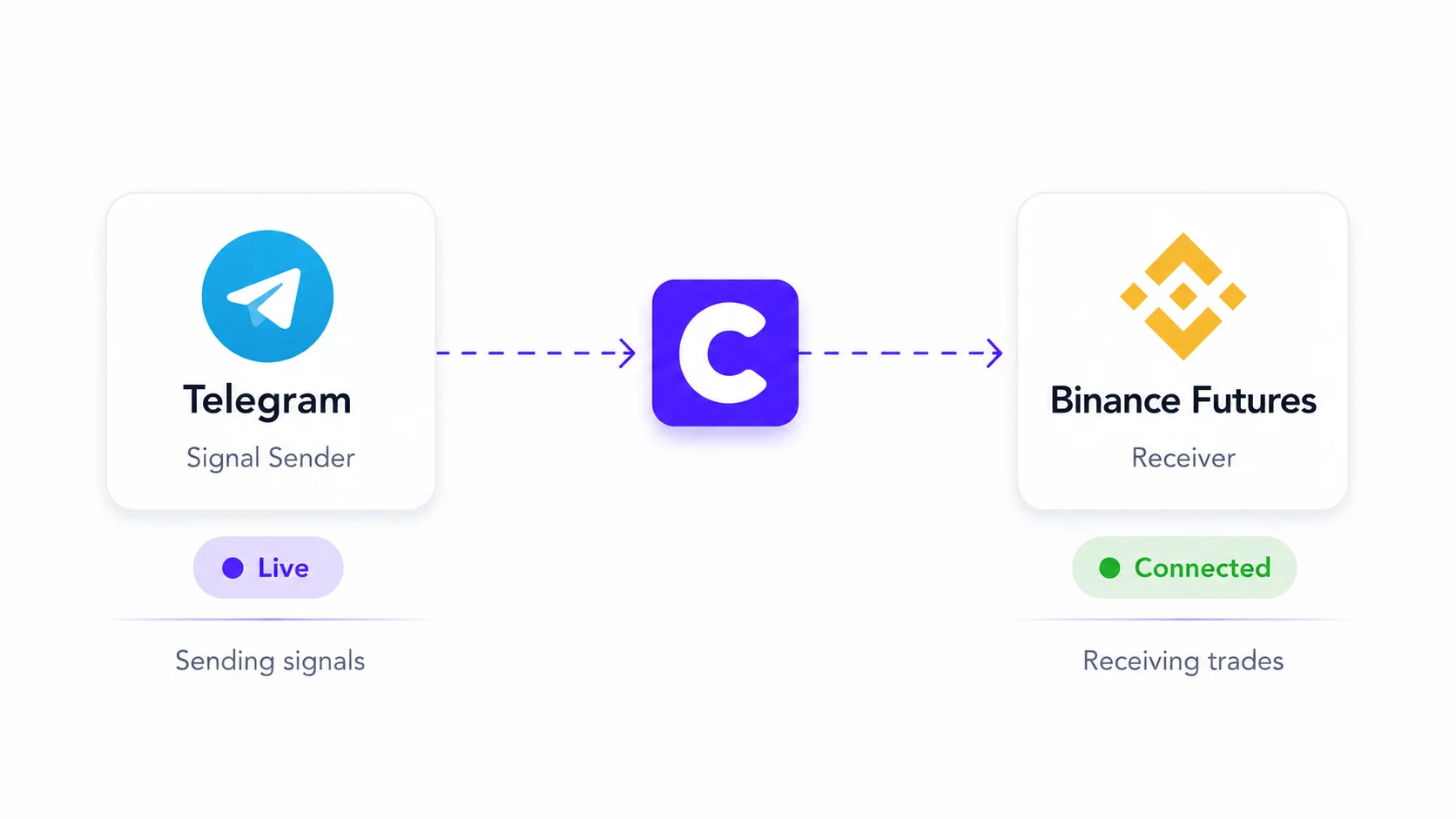
A Telegram to Binance Futures copier turns trade instructions from a Telegram channel into orders on your connected futures account. Copygram links one channel to a Room, reads the signal with AI and applies your sizing, symbol and exit settings. You choose the signal provider; Copygram supplies the automation.

BUYER CHECKLIST
Before You Automate Binance Futures Signals
Check the source, connection and costs before choosing your setup.
Features
Controls for Your Binance Futures Workflow
Configure each receiver to match your signal source and account. The examples below explain the settings; they are not trading recommendations.
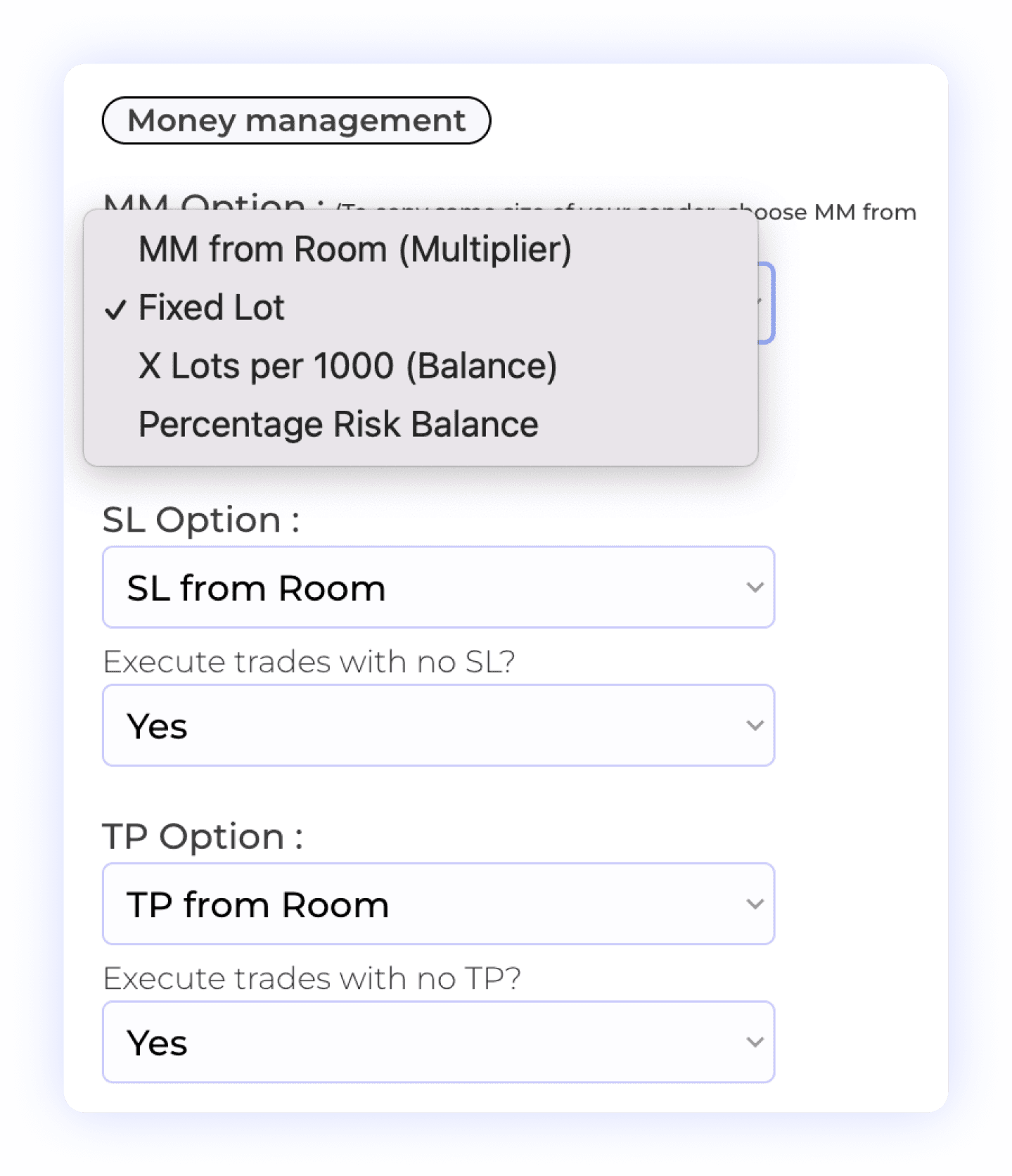
Position Sizing and Exit Rules
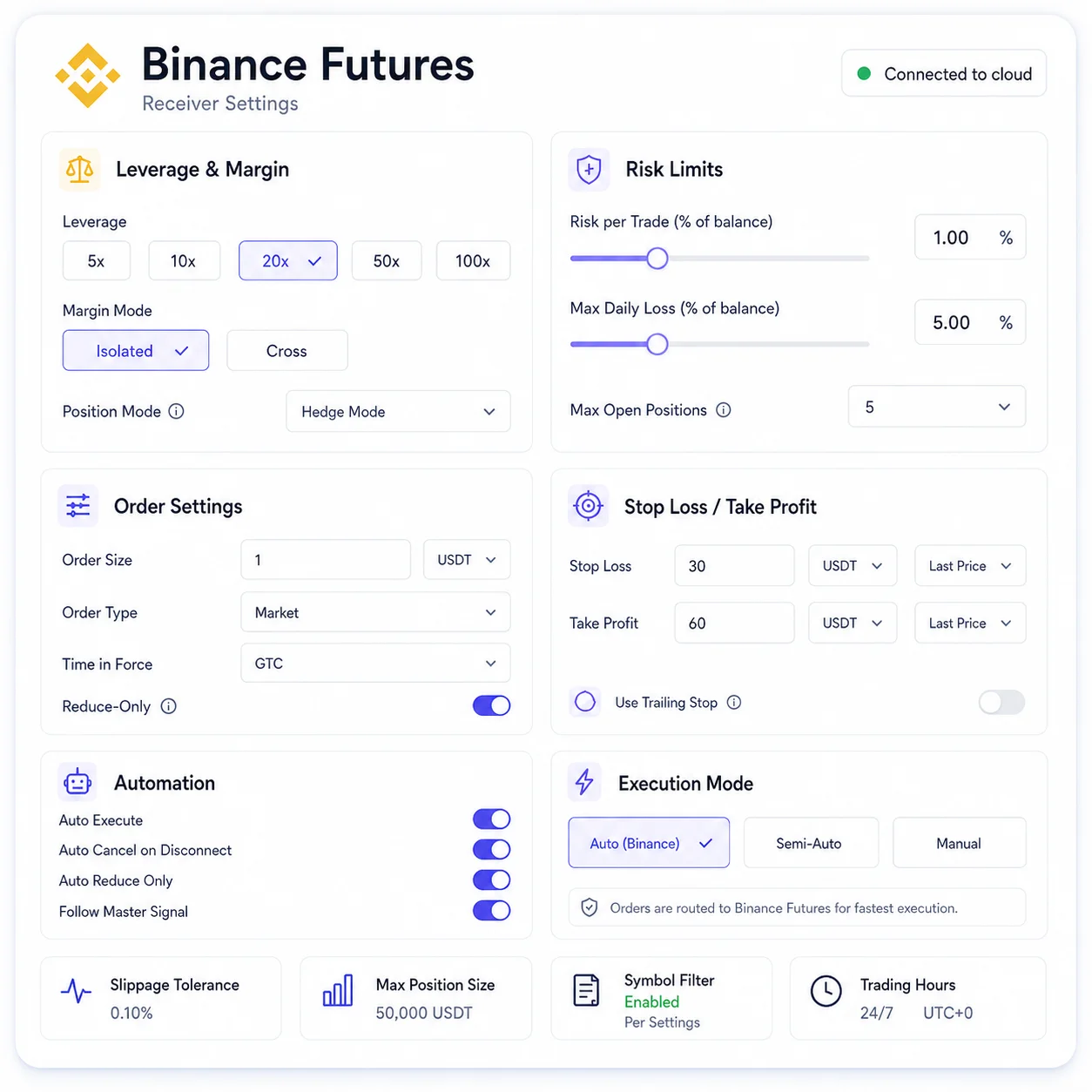
Set the receiver’s money management mode and check how the resulting size is expressed on Binance Futures. Configure SL/TP behavior and whether signals missing a stop loss or take profit can execute. Review the resulting order quantity and exposure; the same numeric size can mean different things across platforms.
Position Sizing
Take Profit Rules
Receiver Settings
Exposure Checks
Stop Loss Rules
BINANCE RECEIVER · SETTING GUIDE
Leverage multiplier
Set a multiplier in the receiver, or leave it blank to use the account default for each symbol.
Check leverage and position size together. Neither setting predicts a trade’s outcome.
Binance Futures Leverage Control
Set a leverage multiplier in the Binance receiver’s Leverage settings, or leave it blank to use the account default for the symbol. Leverage and position size are separate controls. Check both before activating a Room; higher leverage increases liquidation risk and does not improve a signal’s quality.
Leverage Multiplier
Account Defaults
Exposure Review
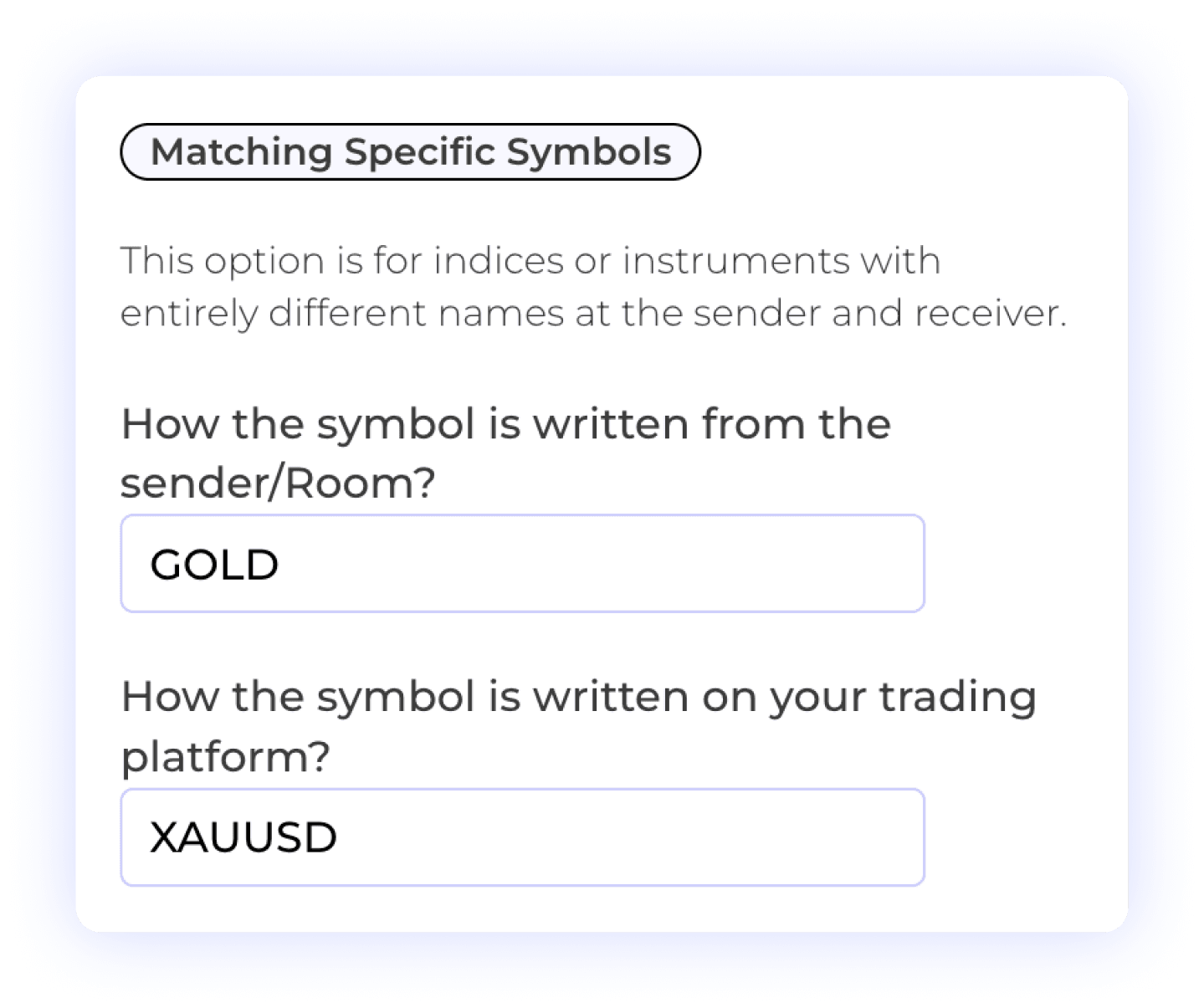
Match Signals to Futures Symbols
Map the symbol used in a Telegram message to the exact instrument on your receiver. For example, the documentation shows BTCUSD mapped to BTCUSDT. Confirm that the destination is the intended supported futures contract: similar names do not make spot, CFD and futures instruments interchangeable.
Custom Symbol Matching
Different Symbol Formats
User Control
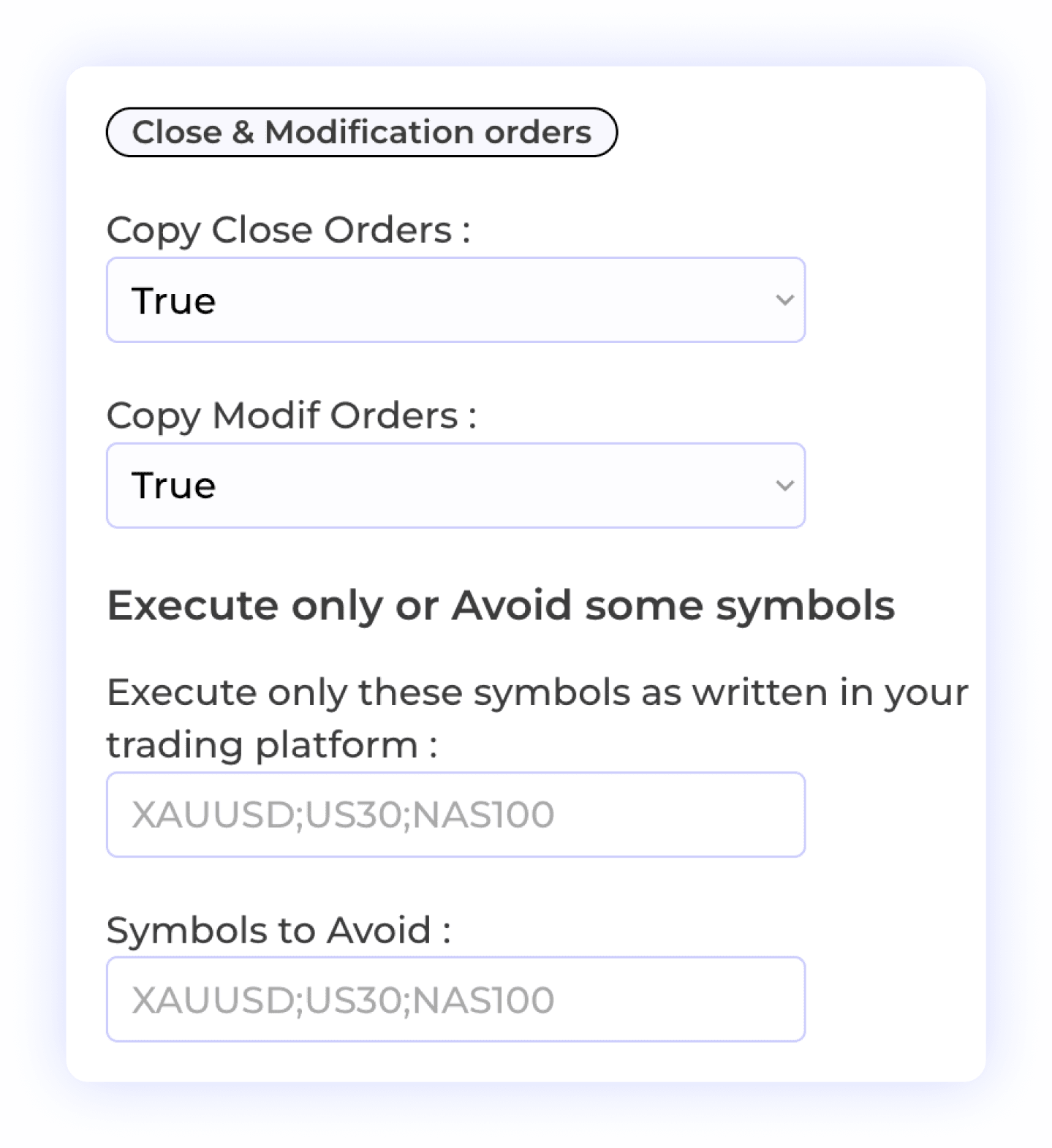
Control Close and Modify Messages
Choose whether to copy close orders and changes to SL/TP. To identify a specific trade, a Telegram update must reply to the original signal. A standalone Close [SYMBOL] instruction can close all open trades for that symbol. Review your provider’s update format before enabling automated exits.
Reply-Based Updates
Selective Symbol Copying
Order Closure
Trade Flexibility
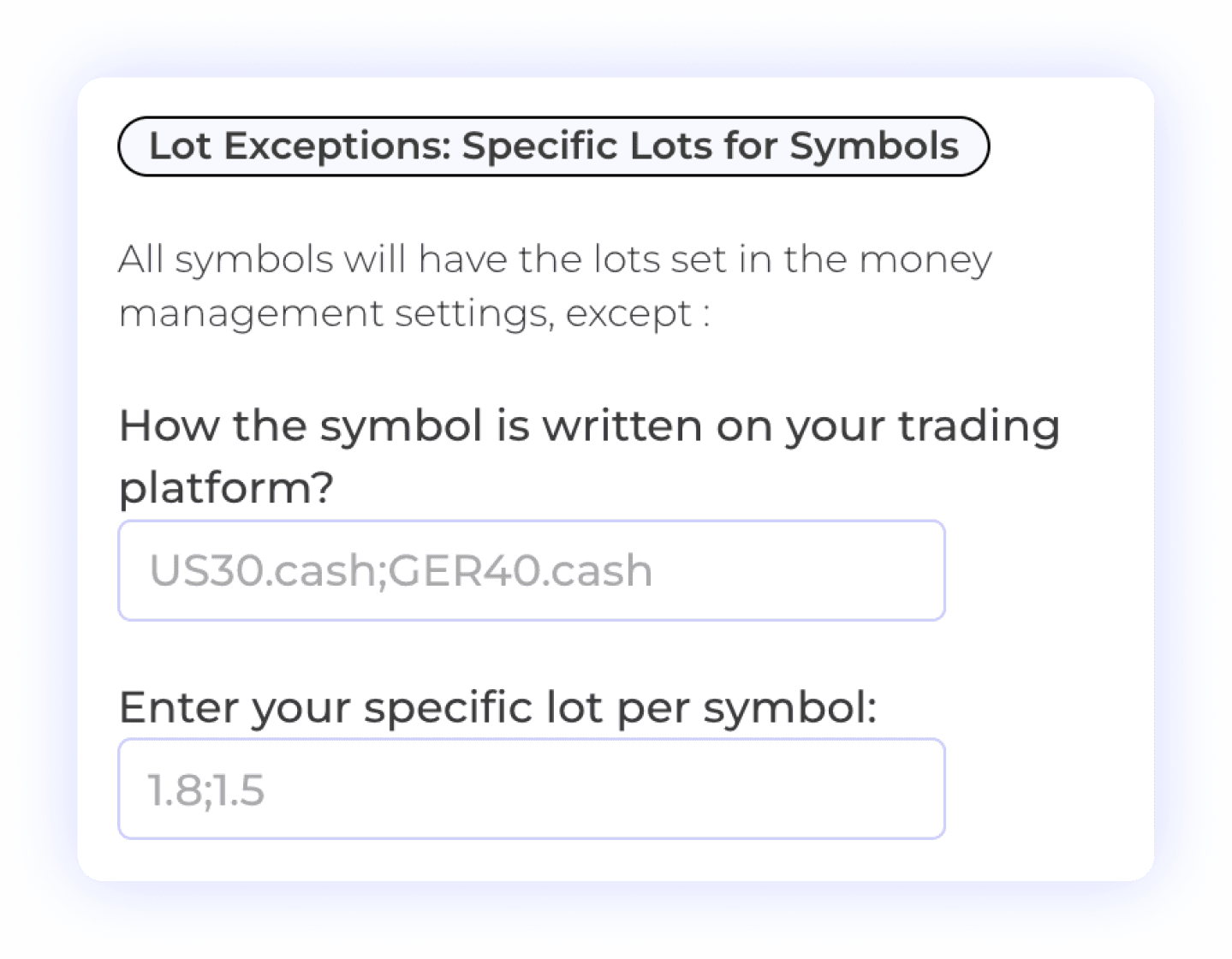
Set Symbol-Specific Size Overrides
Use Symbol Lot Exceptions when a particular instrument needs a different size from the receiver’s default. These exceptions override the main money management setting. Check each symbol’s resulting Binance order quantity instead of copying a forex lot-size example unchanged.
Size Overrides
Symbol-Specific Settings
Risk Management

Manage Multiple Take-Profit Levels
For Telegram signals with multiple take-profit levels, configure the percentage of the position to close at each target. Review those percentages together with position size and exchange order limits. A move-to-breakeven instruction for a specific trade must reply to its original Telegram signal.
Multiple TP Levels
Partial Exits
Percent Allocation per TP
User-Controlled Trading
Filter Messages and Choose Entry Price
Set words or phrases to ignore so commentary does not become a trade instruction. Choose market price for execution at the current price, or signal price to use the entry level from the message. Filters apply to matching messages, so avoid blocking words your provider also uses in genuine trade updates.
Telegram Signal Filtering
Custom Keyword Settings
Signal Control
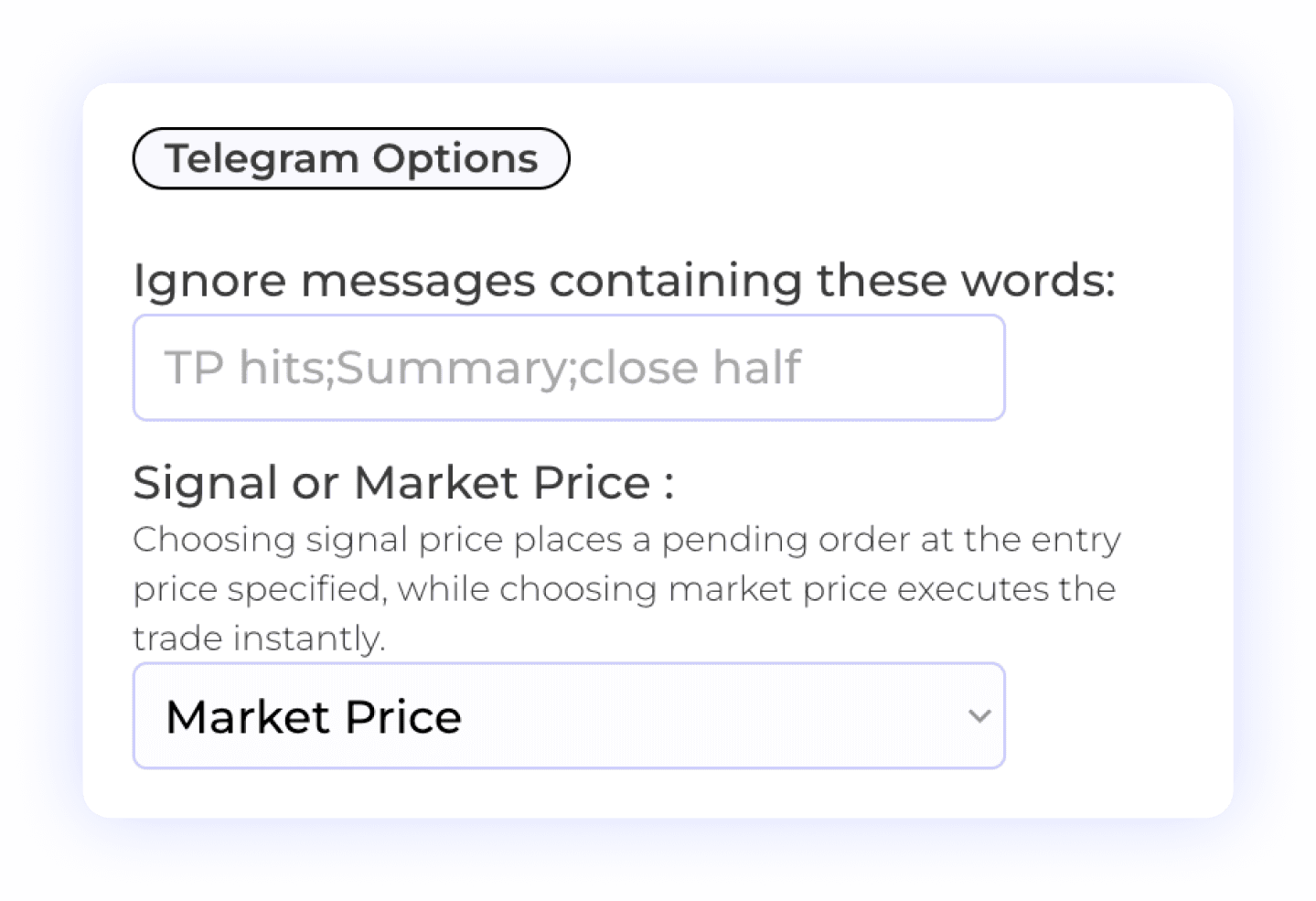

Choose When Signals Can Execute
Use All the time for an always-on schedule or configure the days and hours when the receiver can accept signals. Check the timezone shown in the settings. A connected Room can still skip a signal because of its schedule, filters or account requirements.
Trading Schedule
Trade Execution Timing
Automated Trading Control
Review the full receiver settings and Binance connection requirements. See all features →
Endless Possibilities
Copy Telegram Signals to Other Platforms
Each receiver has its own account, instrument and connection requirements.
Connect a Telegram signal channel to a supported DXtrade account and configure the receiver’s symbols, size and exit settings.
Telegram to DxTrade


Copy Telegram trade instructions to MT4 or MT5. Check broker symbols, account permissions and risk settings before activation.
Telegram to Metatrader

Send Telegram signals to a supported TradeLocker account with receiver controls for symbols, sizing and order updates.
Telegram to TradeLocker

Connect Telegram signals to a supported OANDA account. Review available instruments and the account’s connection requirements.
Telegram to Oanda

Connect a Telegram channel to a supported Match-Trader account and configure the receiver to match your workflow.
Telegram to MatchTrader

Explore the separate setup for exchange-traded futures on Tradovate, including contract symbols and account requirements.
Telegram to Tradovate

More Automation
Pricing Plans
Choose the Perfect Plan for You
Find the right option and start making the most of our all-in-one trade copier platform today!


FAQ
Telegram to Binance Futures FAQs
Account support, API setup, signal handling and subscription questions.
Do I need to keep a computer or VPS running?
No. Copygram hosts the connection and Room in the cloud. Once your Telegram source, Binance receiver and settings are configured and the Room is active, your computer does not need to stay on. The connection still depends on valid credentials, service availability and Binance accepting orders.
Which Binance Futures products does Copygram support?
The documented connection supports USDT-margined Binance Futures. Do not assume it also covers Binance Spot, COIN-margined futures, Binance.US or Portfolio Margin. Check that Futures is available for your account and region, and ask support about any account type not covered in the setup guide.
Do Telegram signals need a fixed message format?
Copygram uses AI to interpret structured and free-form trade instructions. Clear direction, symbol, entry and SL/TP details make the intended trade easier to identify. Check parsed messages and execution logs for your provider’s format; a readable message is not a guarantee that every field will be interpreted correctly.
Can I copy multiple take-profit levels and breakeven updates?
Yes. Multiple TPs Percentages lets you configure partial closes at the signal’s targets. A move-SL-to-breakeven update must reply to the original Telegram signal so Copygram can identify the trade. Check your close and modification settings and verify the resulting orders.
Which Binance API permissions and IP settings are needed?
Create the API key after enabling your Futures account. Copygram’s guide requires an API key and secret, Futures trading permission and the connection IP listed in the documentation. Whitelist that IP and keep withdrawal permission disabled. Trade permission can still place loss-making orders; it does not make trading risk-free.
How quickly will a Telegram signal execute?
Execution time varies with Telegram delivery, parsing, account connectivity, the order type and Binance processing. Copygram runs in the cloud, but there is no fixed end-to-end execution time promised here. Use signal logs and Binance order records to review actual results.
Can I copy several Telegram channels to Binance Futures?
Yes. Use a separate Room for each Telegram channel and configure its Binance receiver settings independently, within your plan’s allowances. If multiple Rooms use the same account, review overlapping symbols and close instructions so one source does not unintentionally affect another source’s positions.
Why might a Binance Futures signal be skipped or rejected?
Check whether the Room is active, the message was parsed as intended, and the symbol and schedule pass your filters. Then review API permissions, the IP whitelist, available margin and Binance quantity or order limits. Use the reported log or exchange error to identify the cause before changing settings.
Does Copygram provide free Binance signal groups?
Copygram provides the software that copies instructions from a Telegram channel you choose and can access. A Copygram plan does not include a third-party signal subscription or certify a provider’s performance. Evaluate the source separately from the automation tool.
Is there a free trial, and what does the subscription include?
Copygram does not offer a free trial. Use the current monthly and discounted yearly pricing tables on this page to compare plans and included features. Signal-provider subscriptions, exchange fees and trading losses are separate from your Copygram subscription.