MT4 & MT5 Trade Copier
The Ultimate Cloud Trade Copier for MT4 and MT5
Copy MT4 to MT4, MT5 to MT5, MT4 to MT5 or MT5 to MT4. Connect your source and receiving accounts, configure their sizing and manage copying in the cloud. No copier EA or VPS required.
30,000+ Active Traders
Per-account Settings
Detailed Trade Logs
No VPS Required
WHAT IS IT
What is an MT4 to MT5 Trade Copier?
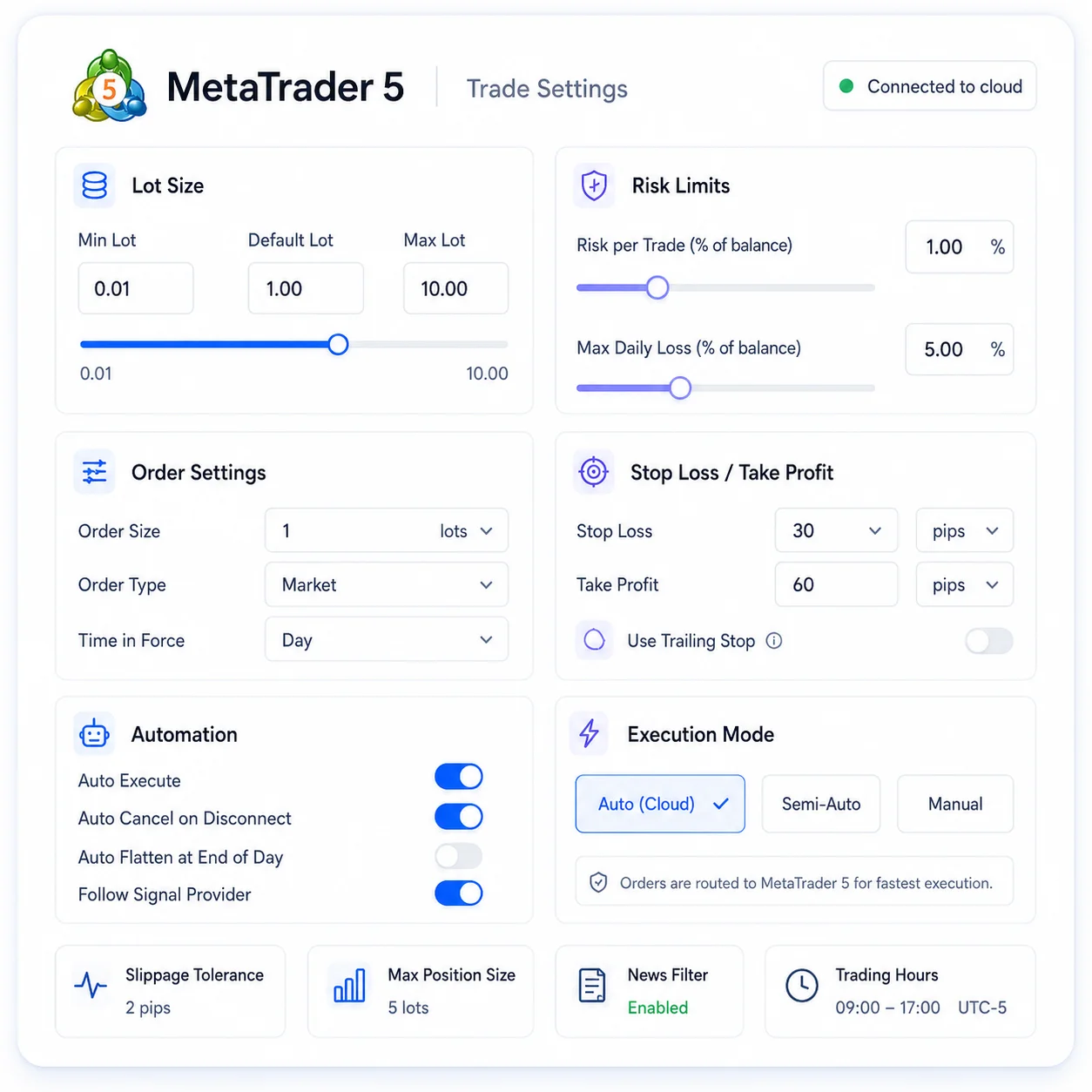
A MetaTrader trade copier routes orders from a source MT4 or MT5 account to receiving accounts. Copygram supports all four MT4 and MT5 directions in the cloud, with independent receiver settings for sizing and symbol mapping. Review account permissions and your plan’s allowance before connecting your setup.



Features
Key Features of Our MT4 & MT5 Trade Copier
Discover how our Metatrader to MetaTrader integration enhances your trading experience.
Comprehensive Money and Risk Management Control
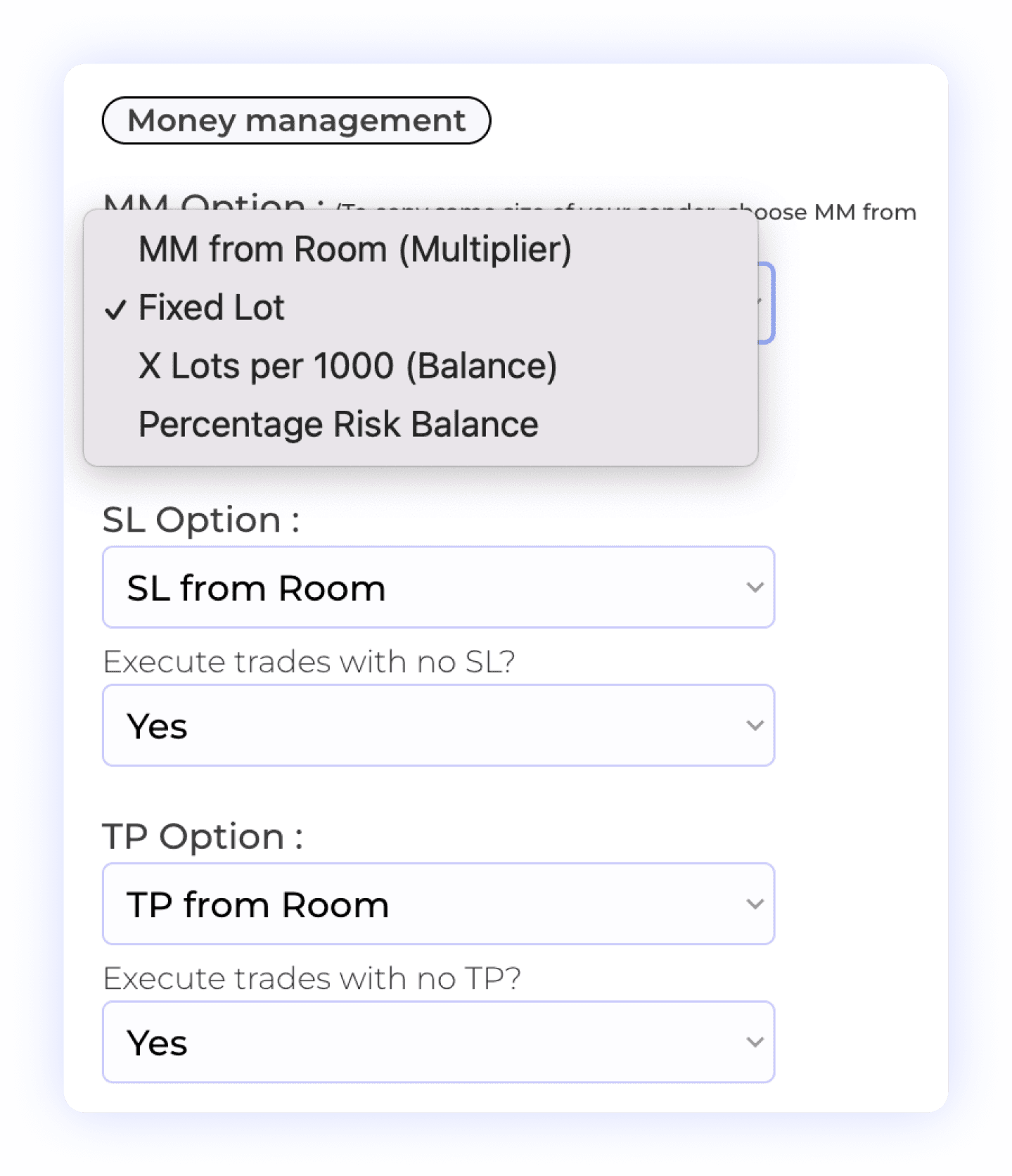
With our integration, users have complete control over their money and risk management settings. You can choose from various options, including fixed lot size, multiplier, X lot per 1,000 units, or percentage risk balance to tailor your approach. Additionally, you have the ability to decide whether to copy Stop Loss (SL) settings and take profits, allowing for flexible trade management. This level of customization ensures that your trading strategy aligns perfectly with your risk tolerance and objectives.
Account Balance Risk
Take Profit Settings
Lot Multiplier
Percentage Risk
Stop Loss Management
Smart Prefixes & Suffixes Management
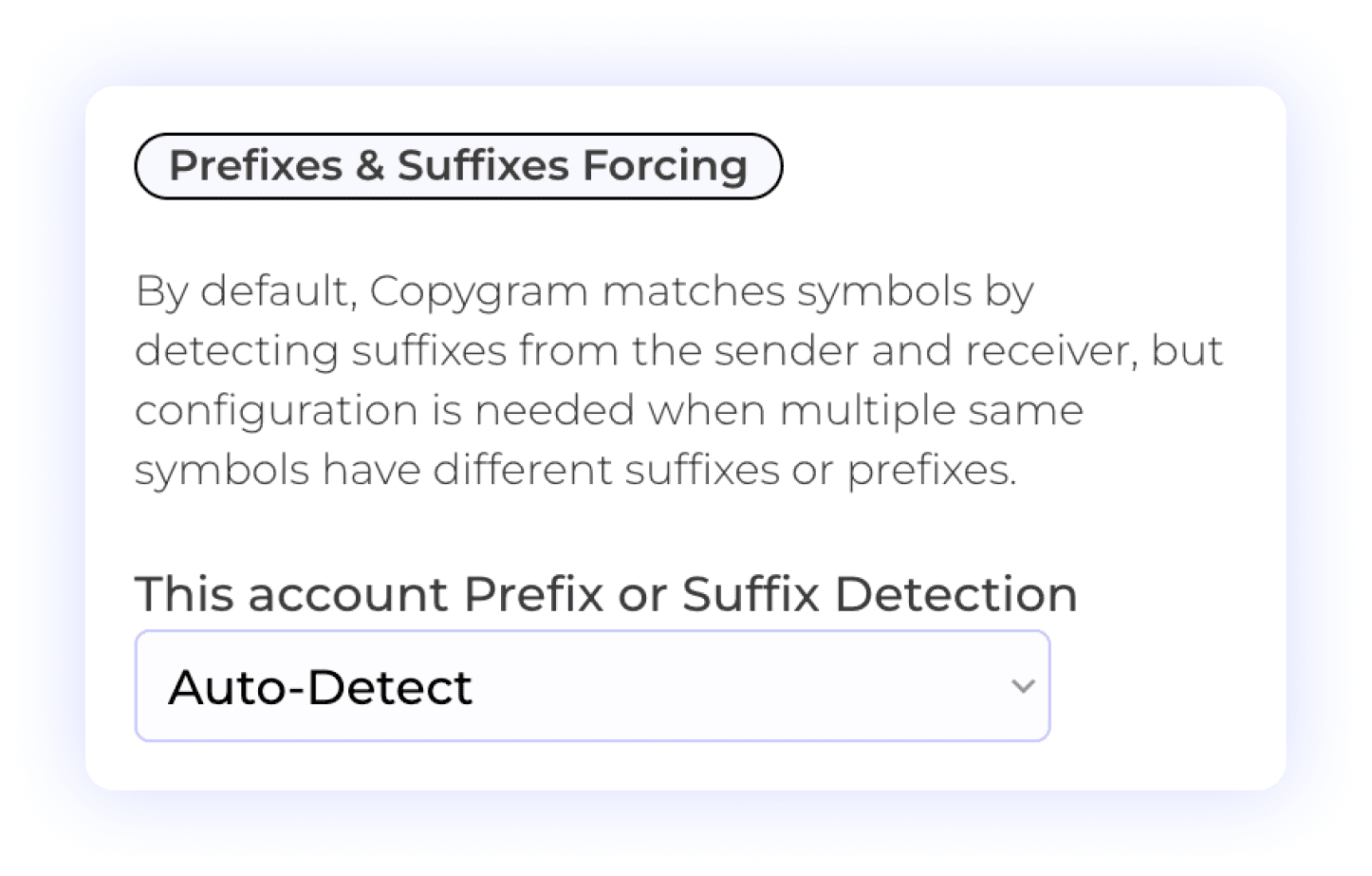
Copygram simplifies trading by automatically detecting prefixes and suffixes on receiver accounts. This feature ensures that trades are accurately matched, reducing the risk of errors. Additionally, users can manually input prefixes or suffixes when needed, which is particularly useful in cases where a broker lists the same symbol multiple times with different suffixes or prefixes. This flexibility guarantees seamless trade execution and enhances your overall trading experience.
Prefix Management
Suffix Management
Automated Detection
Precision Symbol Matching
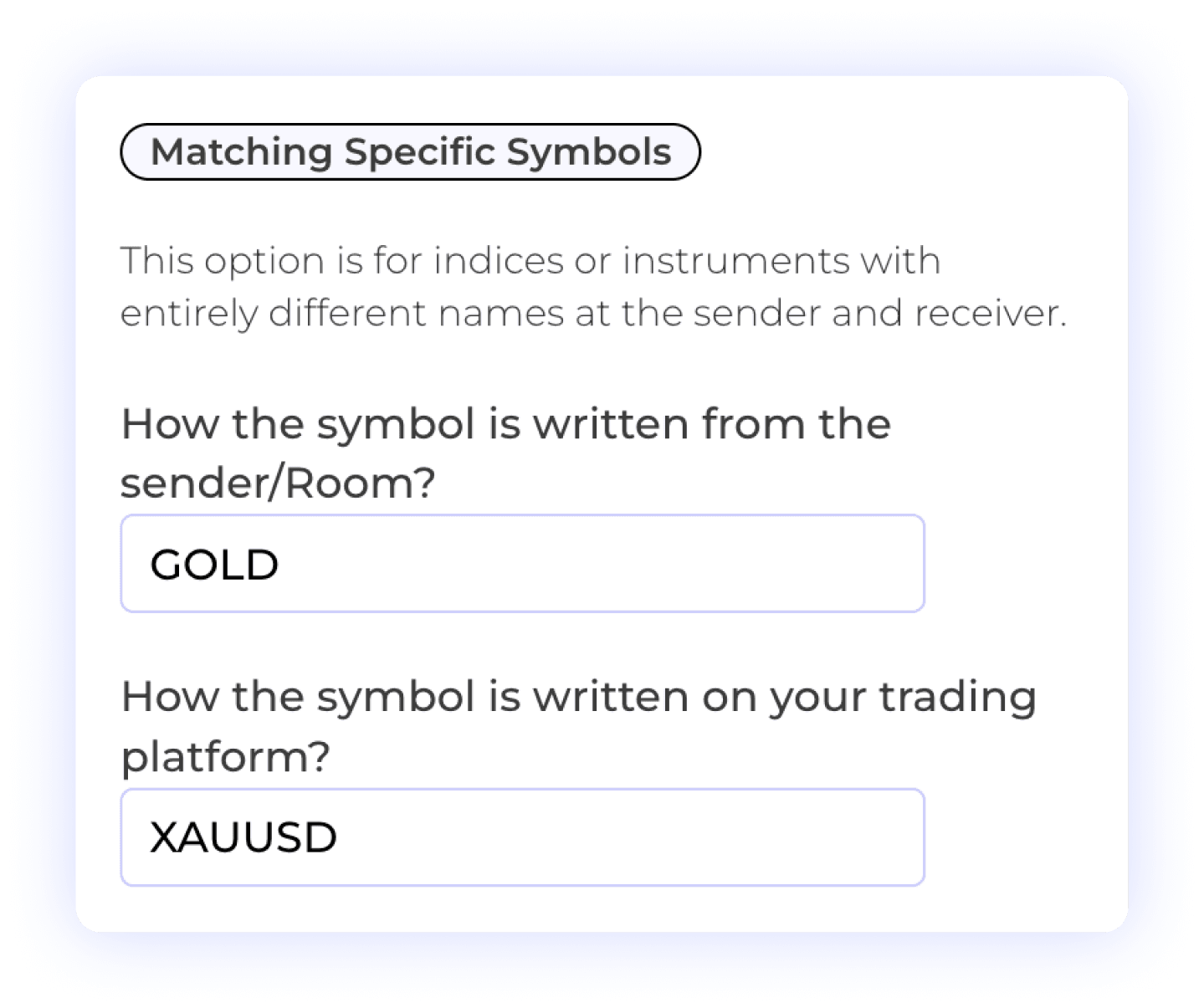
The Specific Symbols Matching feature allows users to customize the mapping of symbols between the sender and receiver accounts. This is particularly useful for scenarios where symbols may differ significantly in naming conventions or formats. With this feature, you can ensure that trades are accurately executed according to your specific requirements, enhancing your trading precision and effectiveness.
Custom Symbol Matching
Different Symbol Formats
User Control
Customizable Order Management
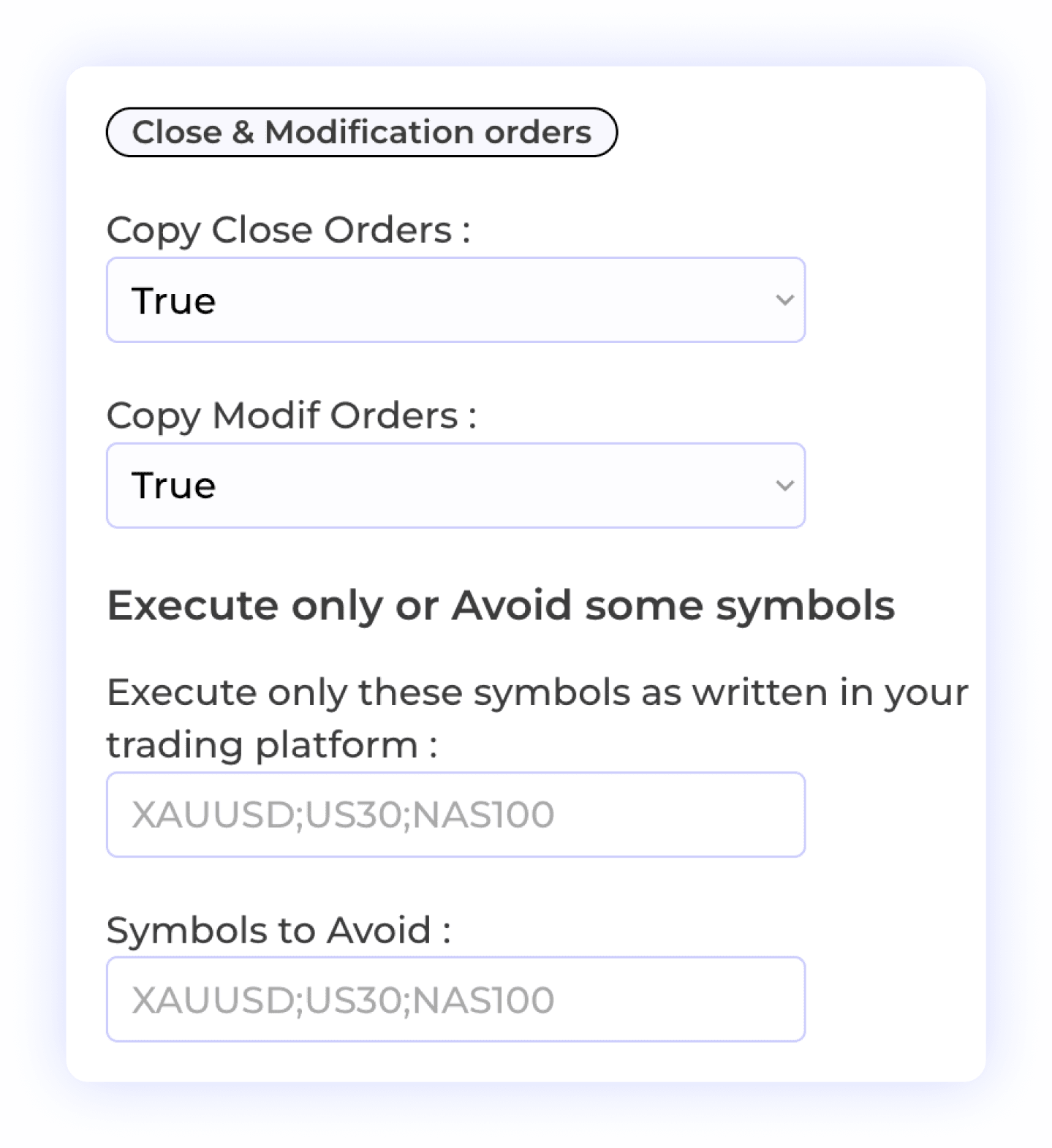
This feature empowers users to control how orders are handled on the receiver account. You can allow modifications or closures of orders to be copied, ensuring flexibility in your trading strategy. Additionally, you have the option to selectively copy specific symbols or exclude certain symbols from being copied. This level of customization enhances your trading experience, allowing you to manage your positions with precision and confidence.
Order Modification
Selective Symbol Copying
Order Closure
Trade Flexibility
Symbol-Specific Lot Exceptions
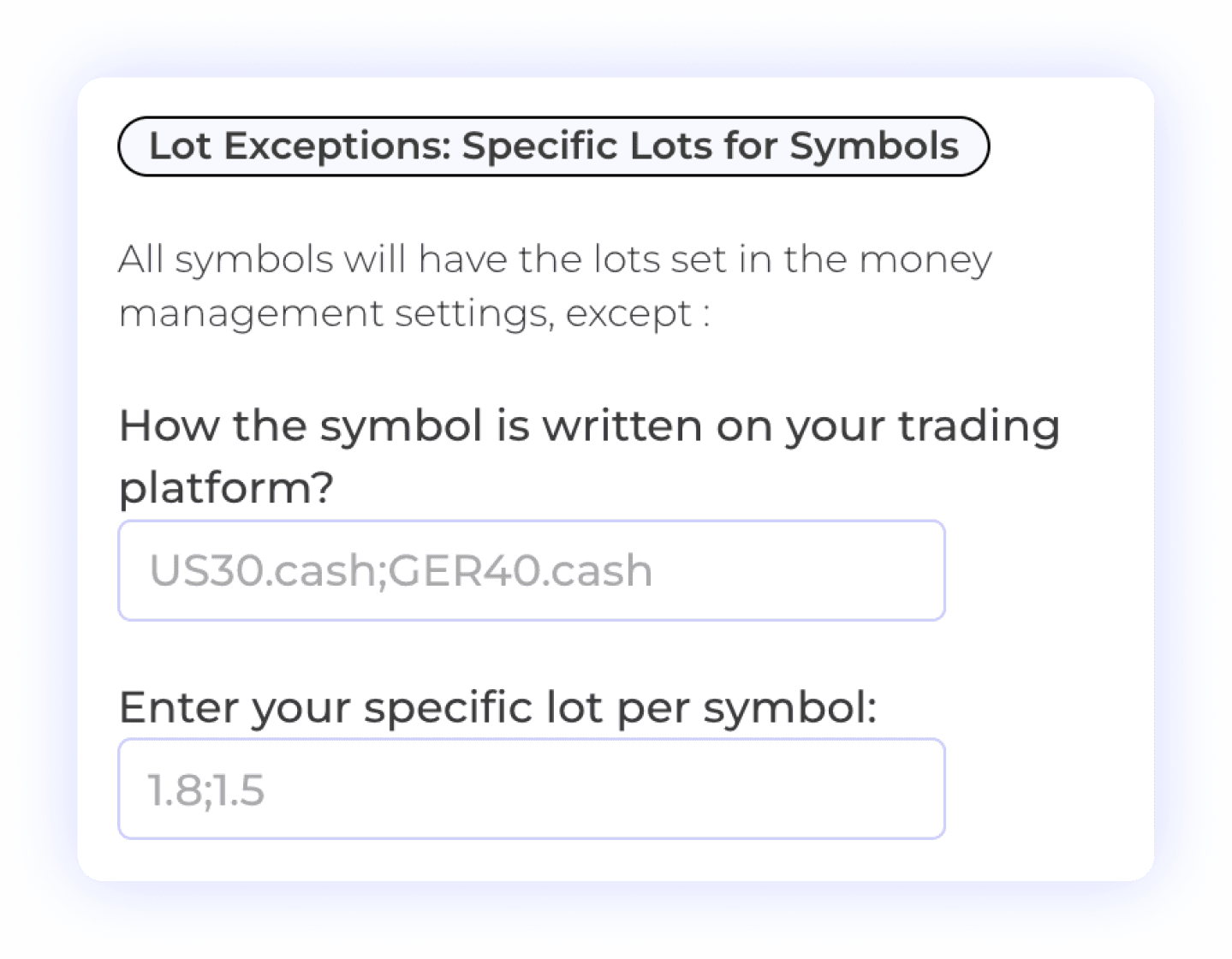
The Lot Exception feature allows users to set specific lot sizes for individual symbols, providing greater control over their trading strategy. This flexibility enables you to define exceptions based on the characteristics of each symbol, ensuring that your position sizing aligns with your risk management preferences. Customize your trading approach with tailored lot sizes for enhanced precision and effectiveness.
Lot Size Management
Symbol-Specific Settings
Risk Management

Flexible Time Settings
The Time Settings feature allows users to customize when orders or signals from the sender are executed on the receiver account. You can choose to have trades executed at all times or specify particular time windows for execution. This flexibility helps you align your trading activities with your strategy, ensuring that trades are executed only when it fits your schedule or market conditions.
Time Management
Trade Execution Timing
Automated Trading Control
Customizable Trade Comment Settings
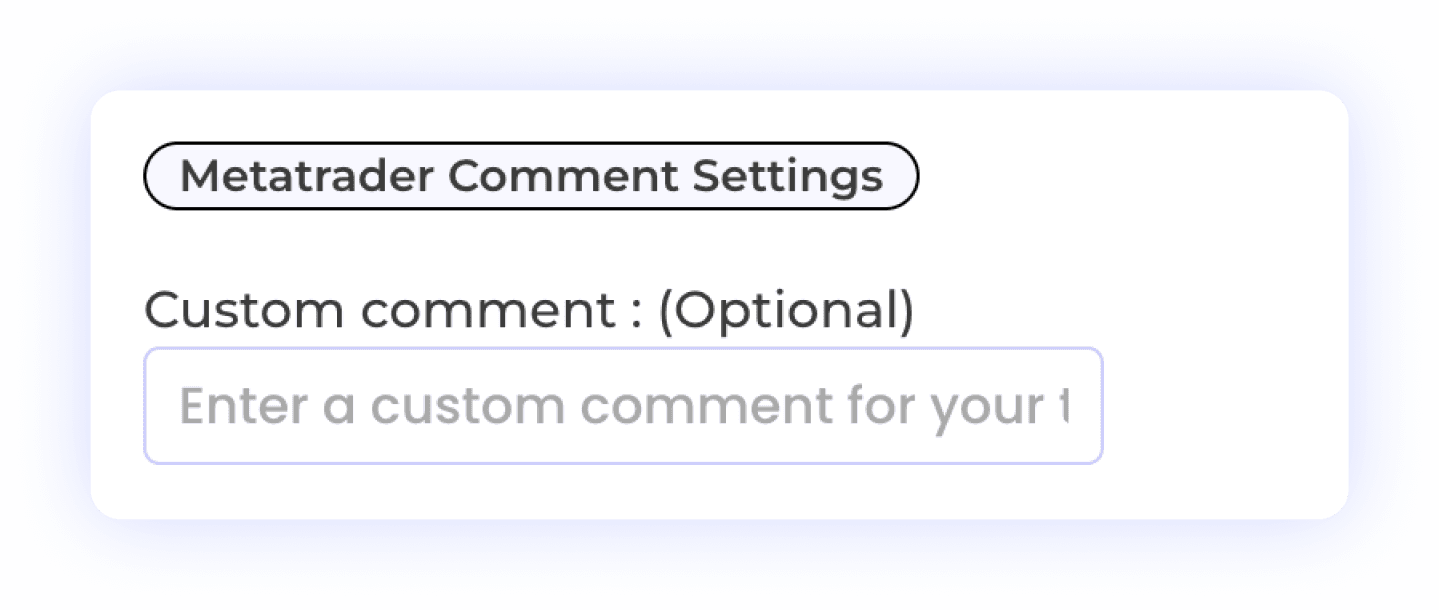
Identify copied orders with trade comments and configure each receiver separately. Confirm your prop firm’s policy before using funded or evaluation accounts.
Custom Trade Comments
Prop Firm Compliance
MetaTrader Integration
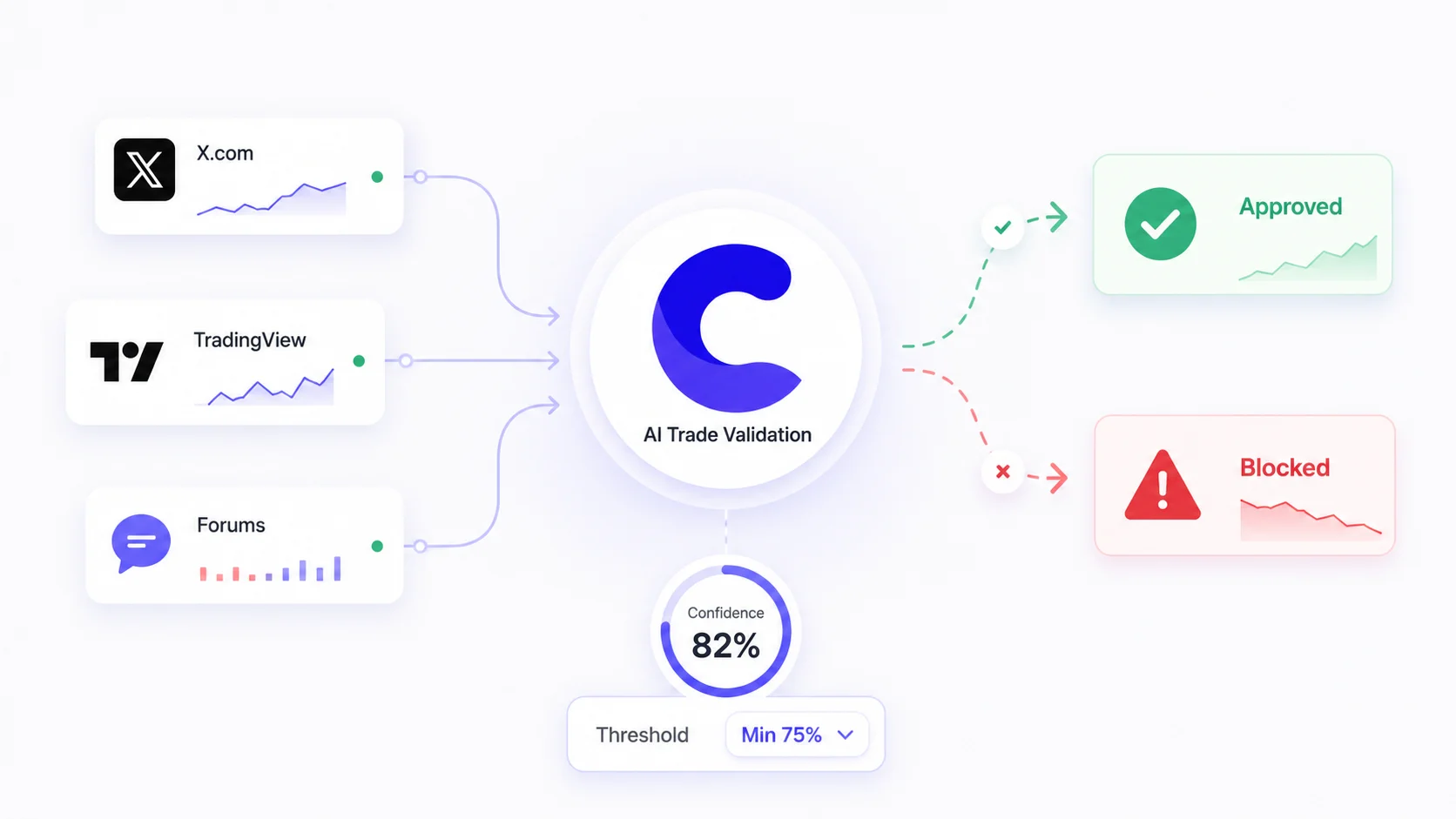
Plus 10+ additional settings including AI trade validation, keyword filters, trading schedules, signal vs market price execution, and more. See all features →
WHY COPYGRAM
Why Traders Choose Copygram Over Social Trader Tools & Local Trade Copier

Endless Possibilities
Connect MetaTrader to Every Major Platform
Say goodbye to multiple tools and hello to efficiency, personalization, and smarter trade copier with our innovative platform.
Seamlessly copy trades from MT4 or MT5 to your Dxtrade account. This automation ensures quick execution of your trades, allowing you to act instantly on your strategies!
Metatrader to DxTrade

Effortlessly copy trades from MT4 or MT5 to your Binance Futures account. This automation ensures instant execution of your orders.
Metatrader to Binance Futures

Automate trades from MT4 or MT5 to TradeLocker. This integration ensures quick execution of your trading strategies, allowing you to manage your trades effortlessly!
Metatrader to TradeLocker

Seamlessly transfer trades from MT4 or MT5 to your Oanda account. This automation allows you to receive and execute trades instantly, ensuring you never miss an opportunity.
Metatrader to Oanda

Automate trades from your MT4 or MT5 to MatchTrader. This integration enables swift execution of your strategies, ensuring seamless trade management across platforms!
Metatrader to MatchTrader

Effortlessly copy trades from MT4 or MT5 to your Tradovate account. This automation ensures instant execution of your orders.
Metatrader to Tradovate

More Automation


FAQ
MT4 & MT5 Trade Copier — Frequently Asked Questions
We’ve gathered all the important info right here. Explore our FAQs and find the answers you need.
Can I copy trades from MT4 to MT5?
Yes. Copygram seamlessly bridges MT4 and MT5. You can copy MT4 to MT4, MT5 to MT5, MT4 to MT5, or MT5 to MT4. The cloud infrastructure handles the platform translation automatically.
Do I need to rent a VPS?
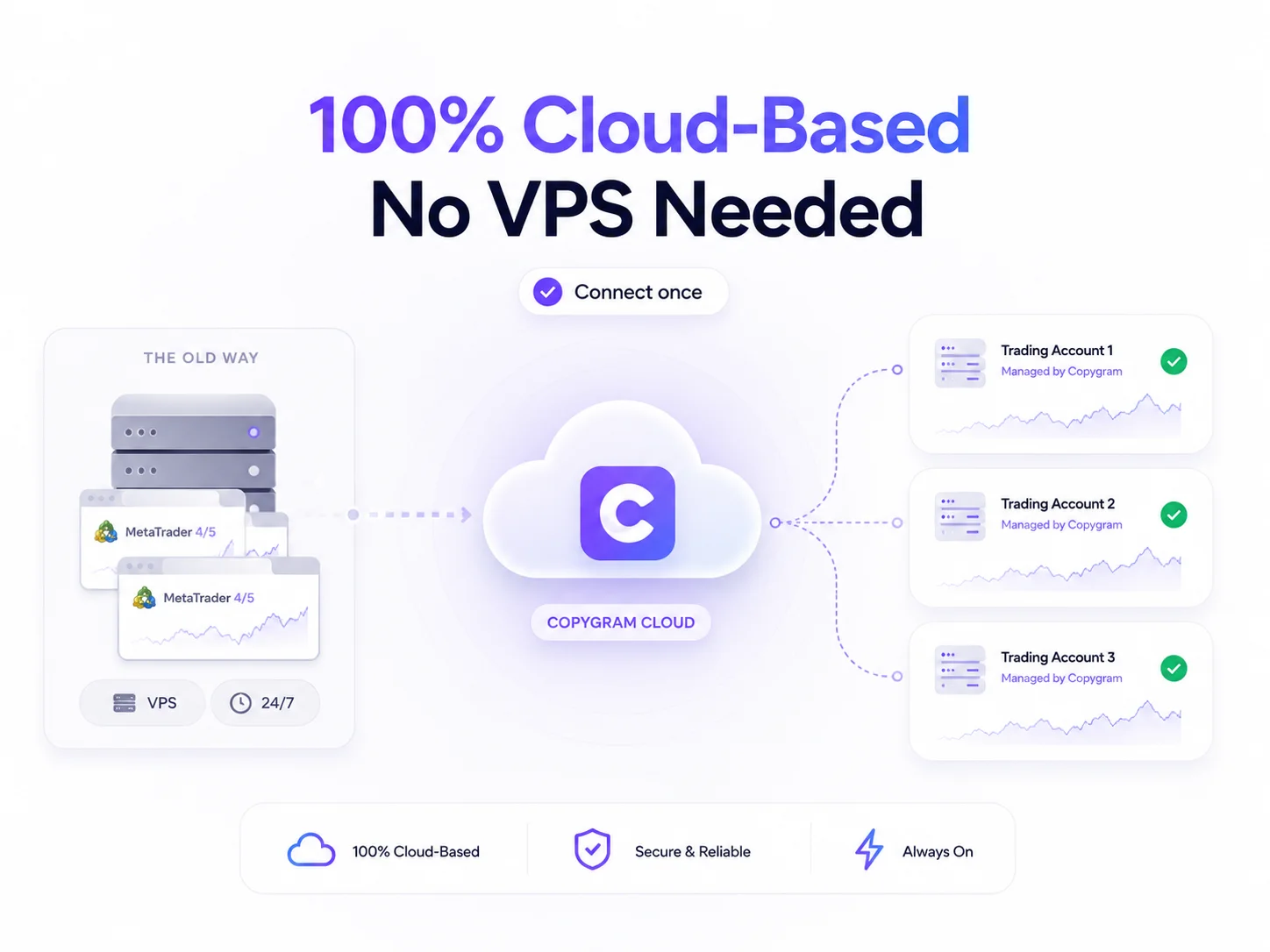
No. Copygram is a 100% cloud-based trade copier. You do not need to keep your computer running, install local EAs on multiple terminals, or pay for an expensive VPS subscription.
Is Copygram safe for prop firm trading?
Copygram can route trades to connected MT4 and MT5 accounts. Whether copying is permitted depends on your firm, account type and source of trades. Confirm those rules before connecting a funded or evaluation account; copying settings do not override them.
Can I copy one master account to multiple followers?
Yes. A Room uses one sender and can route trades to multiple receivers within your plan’s account allowance. Each receiver has its own settings. Confirm that your copying arrangement is permitted for every account.
How fast is the execution speed?
Copygram processes trades automatically after they reach your Room. End-to-end timing depends on the source, connection, broker and market conditions. Check the signal logs for receipt and execution status; matching entry prices are not guaranteed.
Can I use my own Expert Advisor (EA)?
Copygram can copy trades placed by an EA on your connected sender account, subject to receiver settings and account rules. Your EA still needs its own running environment. An indicator alone does not place orders, and broker or firm restrictions may apply to automated strategies.