Can Copy Trading Work With Your PC Off? Cloud Setup Explained
See when Copygram can copy trades with your PC off, which sources still depend on a local device, and how to check the complete cloud workflow.

By Tom Lin, Head of IT Updated · 3 min read
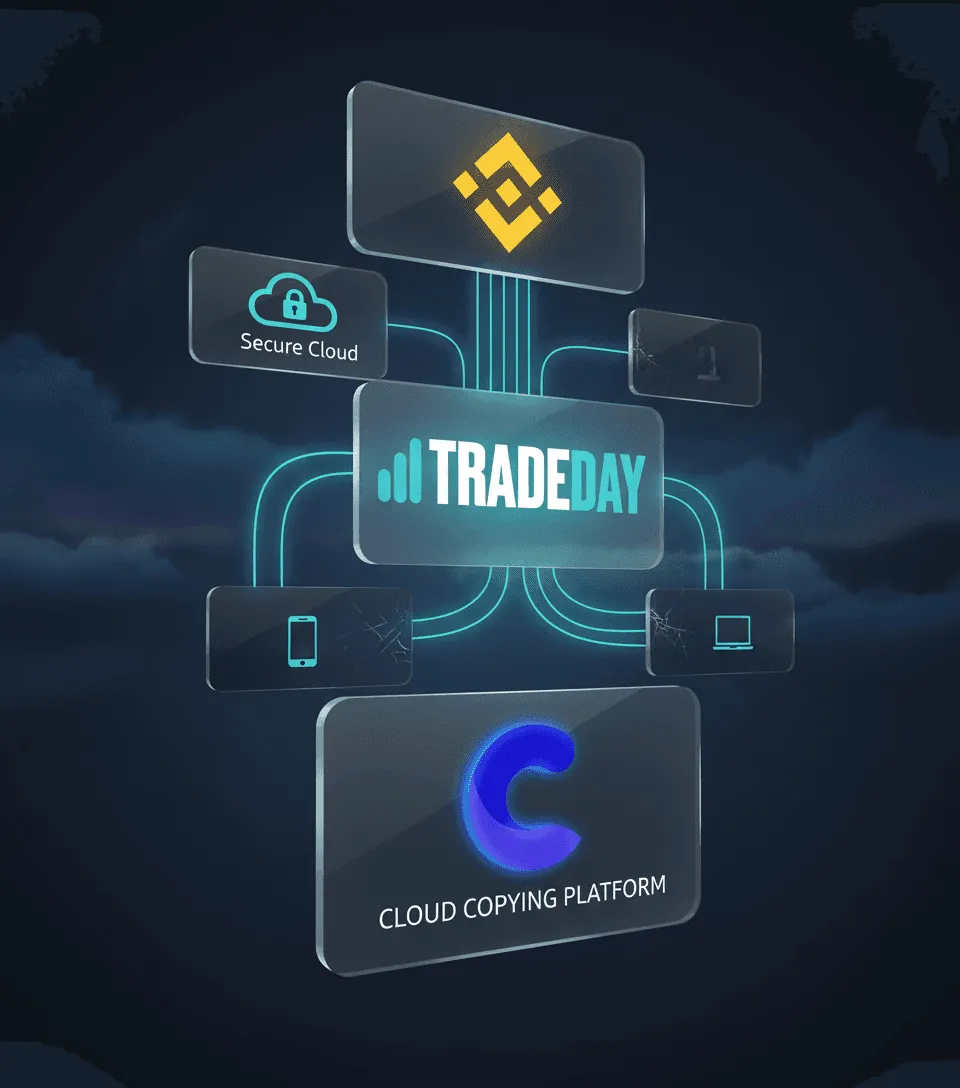
A cloud trade copier can keep a supported connection running while your computer is off. That does not mean every part of every trading strategy moves into the cloud. The answer depends on where the source instruction is generated, how it reaches Copygram and whether the receiver remains available.
Copygram’s configured cloud connections do not require you to operate a local VPS for the copying connection itself. A locally running strategy or browser extension can still need its host device. Check the whole workflow before shutting down a machine.
Follow the source dependency
TradingView webhook alerts are generated by TradingView’s alert service after you configure an eligible alert. The alert must remain active and send a supported message to the correct Copygram webhook. Closing your browser is different from disabling or expiring the alert.
Telegram copying depends on the connected source channel or group and the availability of the signal. It does not create a signal when the provider sends none. Changes to access or message structure can affect what reaches the receiver.
For a connected MT4 or MT5 account, distinguish the cloud account connection from the system placing trades in the source account. If an Expert Advisor runs on your desktop terminal, switching that machine off can stop the EA from generating new trades even though Copygram’s connection remains available. A separate source that uses a browser extension also retains that extension’s device requirements.

Cloud connection does not mean guaranteed delivery
There are several independent stages: the signal must be generated, delivered, processed and accepted by the receiver. Services can be interrupted; credentials can expire; an exchange can reject a quantity; a broker’s market can be closed. A Room schedule or filter may intentionally prevent an instruction from executing.
The useful question is therefore whether every dependency needed for your particular route remains active. A universal “never miss a trade” or zero-downtime promise would hide those dependencies.
A device-off readiness checklist
- Write down where the source signal is generated: hosted alert, connected account, local EA or browser extension.
- Confirm the Room is active and the intended receiver, symbol mapping, trade size and schedule are configured.
- Check source access, credentials, account permissions and receiver market hours.
- If your route supports a demo account, compare a controlled instruction with the source log, Copygram signal log and receiver order history.
- Identify which records and alerts you will use to notice a failed instruction; do not infer success from the connection status alone.
How to investigate a missing trade
Start at the source. Did the alert or trade exist at the expected time? For TradingView, inspect the alert and webhook delivery status. Then check whether Copygram received and interpreted the instruction and whether the Room allowed it through.
Finally, inspect the receiver’s order or rejection. Symbol mapping, quantity limits, permissions, available margin and closed sessions are different failure causes. Repeating an instruction before checking for an existing order can create an unintended duplicate. The failed-order troubleshooting guide walks through that sequence.
Choose the connection that matches your source
Use TradingView Trade Copier for webhook workflows, Telegram Trade Copier for supported channel or group signals, or MetaTrader Trade Copier for connected trading accounts. Review the current documentation for the precise sender and receiver requirements.
The practical advantage is reducing the local infrastructure needed for the copying connection. It does not eliminate the need to maintain your signal source or review receiver outcomes. When the route fits, compare Copygram plans and open the platform. Copygram has paid subscriptions and does not offer a free trial.