What Is Copy Trading? Sources, Receivers and Setup Checks
Learn how copy trading works, how it differs from a signal provider, and what to check before connecting source and receiver accounts in Copygram.

By Tom Lin, Head of IT Updated · 3 min read

Copy trading uses instructions from a source to place or manage trades in another account. The source might be a trading account, a Telegram signal or a TradingView alert. The receiving account has its own balance, instruments, permissions and execution conditions, so its results can differ from the source.
Copygram provides the connection and routing tools. It does not supply trading signals, recommend a trader to follow or guarantee a strategy’s results. You choose the source and configure the receiver. Understanding that distinction is the first step in deciding whether the software fits your workflow.
How a copied trade reaches your account
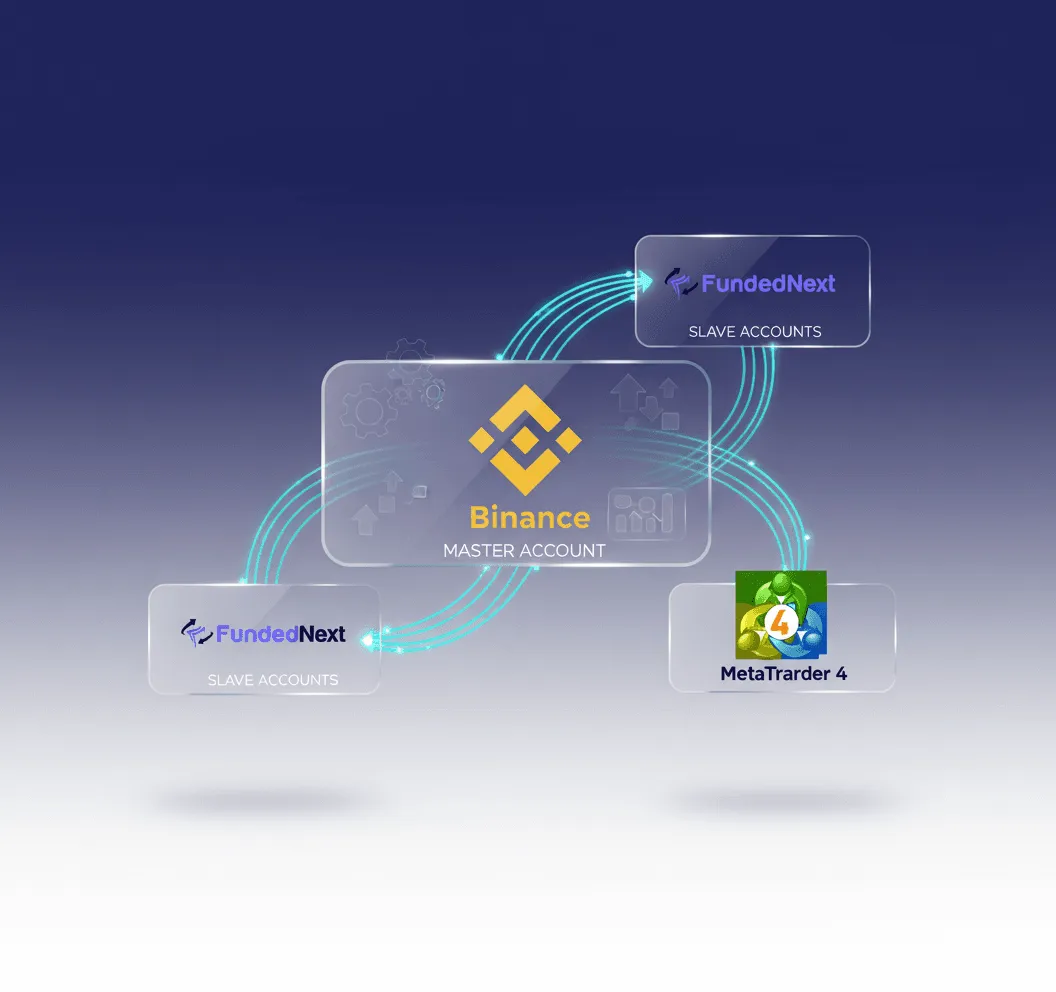
A useful way to follow the process is source → Copygram Room → receiver. A Room uses one source and can send instructions to one or more receivers within the allowances of your plan. Each receiver needs its own configuration.
For example, a TradingView alert can reach a Copygram webhook used as a Room source. Copygram processes the instruction and routes it to a connected receiver. The alert log confirms that an alert fired; the Copygram signal log helps explain processing; the receiver’s order history shows whether an order was accepted and filled. These are different stages, not interchangeable proof of a completed trade.
Signal provider, trade copier and social trading marketplace
A signal provider produces trade instructions. A trade copier connects those instructions or source-account activity to another account. A social trading marketplace may help people discover traders, display performance or allocate funds. A copier does not necessarily provide those marketplace services.
If you buy access to a Telegram channel separately, that provider is responsible for its signals. Copygram’s role is to route supported messages using your settings. A paid signal subscription and a software subscription are separate purchases; neither establishes the quality of a strategy.
Choose the route before choosing the plan
Start with the actual source and destination, then verify the supported connection. See Telegram Trade Copier, TradingView Trade Copier or MetaTrader Trade Copier for the relevant workflow. A platform’s availability as a receiver does not automatically mean it can also be a sender.
Account compatibility includes the broker or exchange connection, instrument and supported order behavior. An instrument with a similar name can have a different contract size or quantity increment. Use the symbol mapping guide to check the destination instead of copying a symbol or lot size without review.
Check these settings before activation
- Confirm the source, Room and intended receiver account, including whether the account is demo or live.
- Match each source symbol to the correct receiver instrument and review quantity, contract size and available margin.
- Configure how entries, close instructions and stop-loss or take-profit changes should be handled for that route.
- Check schedules, filters, account permissions and any broker or prop-firm restrictions that apply to your setup.
- Reconcile a supported demo workflow where available, then inspect the source, signal and receiver records before relying on automation.
Why receiver results can differ
Different quotes, spreads, fees, account sizes, minimum quantities, market hours and processing times can change the outcome. An accepted source trade may be rejected by a receiver with insufficient margin or a mismatched symbol. A stop level is also not a promise of an exact exit price in every market condition.
Evaluate both the strategy and the connection. For the connection, inspect missed instructions, rejected orders and size differences. For strategy results, use the actual account records, including costs and losses. A good historical result does not establish what will happen next.
Is Copygram suitable for your workflow?
It is worth evaluating when you already have a supported source and want to manage routing to your own connected accounts. Read the current setup documentation and compare plans for source features, webhook allowances and account limits. Copygram does not offer a free trial.
Once the route and subscription fit your needs, open Copygram to configure the connection. If an instruction does not produce the expected order, use the failed-order troubleshooting guide before repeating it.