Trade Copier Discipline: Rules, Limits and What Automation Can Do
Education
Build a repeatable copying workflow with receiver settings, a pre-session checklist and log reviews. Understand the limits of automation on prop accounts.
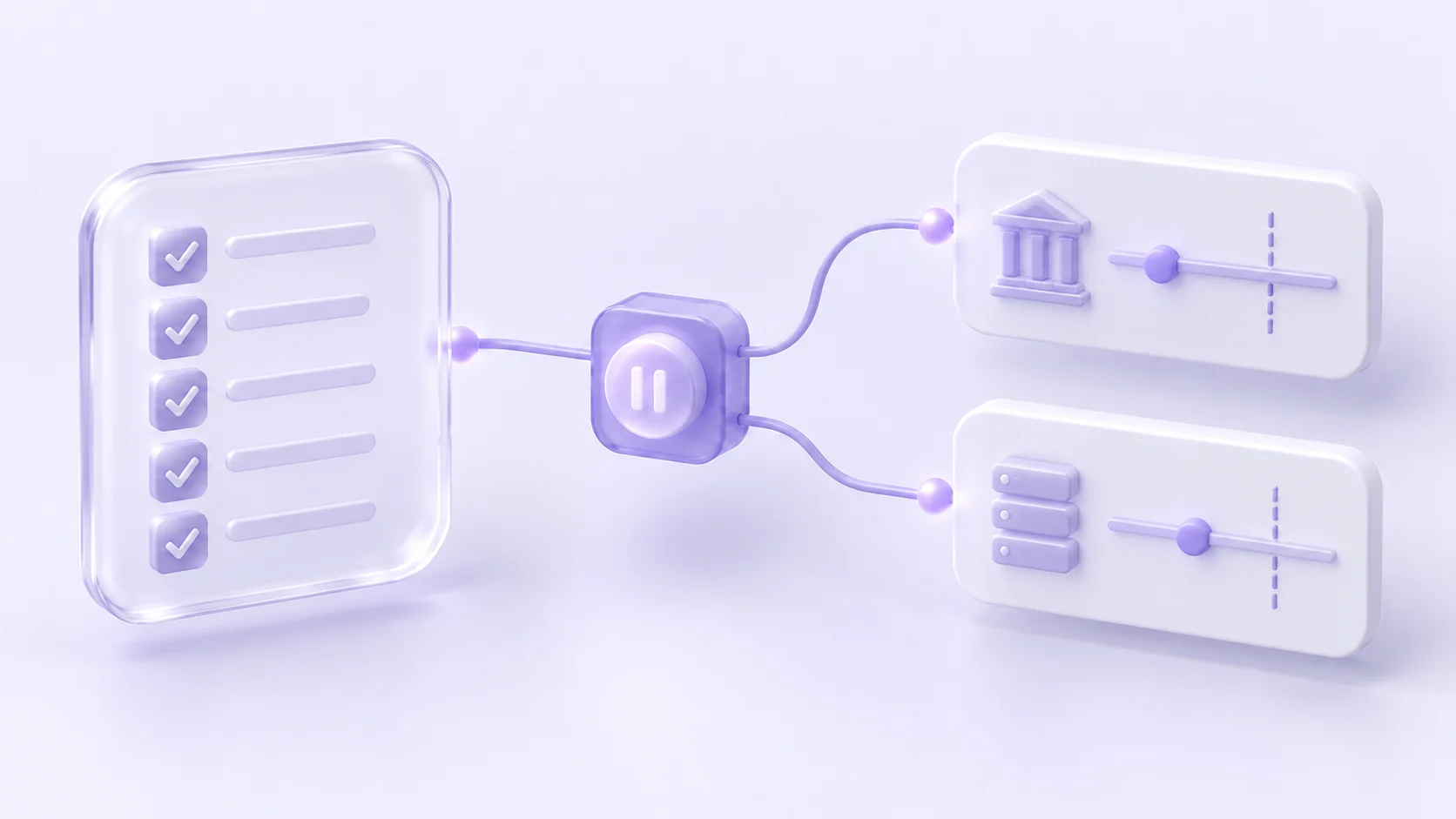
A trade copier can reduce repeated manual order entry and apply the receiver settings you configure. It also repeats mistakes: an unsuitable source instruction can reach several accounts. Discipline comes from a defined workflow, verified account permissions and consistent review of the resulting orders—not from assuming automation improves the strategy.
Decide what should be copied before connecting accounts
Document the source, receiving accounts, permitted instruments and applicable account-provider rules. If you follow several sources, make it clear which Room serves which strategy and receiver. Copygram Rooms use one source with one or more receivers; overlapping Rooms require deliberate review.
For prop accounts, confirm ownership and automation permissions for each program. Copying a manual order from your own account can be treated differently from using third-party signals. Read the current official rules instead of treating a copier as a way to pass a challenge.
Turn the workflow into receiver settings
Decision | Setting or check |
|---|---|
What quantity should a receiver request? | Its own money-management configuration |
Which instruments should be handled? | Symbol mapping and symbol filters |
What if an instruction lacks a stop? | SL/TP and missing-stop behavior |
Should source exits be followed? | Copy Close Orders and Copy Modif Orders |
When should signals be accepted? | The receiver’s Trading Schedule |
Use the current settings documentation to review the actual controls. The size of a trade is not the same as a cap on the account’s total loss. A filter also does not establish that an allowed trade is a good trade.
A pre-session checklist you can repeat
Confirm that the source and intended receivers are connected.
Check the account provider’s restrictions and the relevant market schedule.
Review open positions and remaining account-specific limits in the receiving platform.
Check each receiver’s sizing, symbol handling, SL/TP behavior and close settings.
Identify any overlapping source or Room that could add exposure to the same account.
Activate only the workflow you intend to operate and know how to pause it.
For example, a trader might configure one receiver to handle only a chosen instrument and another to handle a different one. This separates routing preferences; it does not prove the exposures are uncorrelated or that either strategy is profitable. Verify the settings and the actual orders before assuming the separation works as intended.
Review exceptions instead of repeatedly overriding settings
If a signal is skipped, inspect the reason before weakening a filter. A schedule restriction, missing stop, symbol mismatch or rejection calls for a different response. The order troubleshooting guide gives a starting point.
Keep a simple review record: what the source requested, what the receiver was configured to do, what happened and what was changed. This helps distinguish a deliberate setting from an execution problem. Record your changes before the next signal, so later results can be interpreted in context.
Plan for interruptions
Know which positions are already open and where to manage them. Pausing a Room should not be treated as confirmation that every position is closed. After a connection problem, compare the source, Copygram logs and each receiving platform before resuming.
A cloud service reduces dependence on your personal workstation for supported routes, but account connections and execution venues remain dependencies. No workflow should rely on an assumption of uninterrupted copying or identical fills.
Can Copygram prevent every prop-firm breach?
No. Firm rules, strategy decisions, existing exposure and execution outcomes remain relevant. Configure the documented controls and verify the account-specific requirements.
Should every receiver use the same settings?
Not automatically. Instrument specifications, permitted quantities, account conditions and your intended workflow can differ. Copygram documents independent settings for each receiver.
Does Copygram offer a free trial?
No. Copygram uses paid subscriptions. Review the supported workflow and current pricing before subscribing.
Build a workflow you can explain
Choose your supported integration, review the current plans and follow the Room setup guide. When the route fits, open Copygram to configure it. A clear plan and a reviewed order trail are more useful than a promise that a copier will enforce discipline for you.

Julian Vance
Julian Vance is an independent writer and quantitative strategist. He writes about trading automation and account-management workflows for Copygram.
Join our newsletter list
Sign up to get the most recent blog articles in your email every week.
Keep learning
More setup guides



Your next step
Find your Copygram workflow
Choose a source, review its supported destinations and follow the connection steps.