Cross-Broker Copying: What to Look for When Accounts Have Different Spreads
Education
Discover expert strategies for copying trades between MT4/MT5 brokers with different spreads. Learn about copy trades between different brokers, spread effects on TP/SL, and practical Copygram settings to keep your trades accurate and profitable.

Understanding Broker Spread: The Unseen Force Behind Copy Trading Outcomes
When copying trades between brokers, the difference in spread—the gap between the bid and ask price—becomes an invisible but critical factor. A Master account on a low-spread broker (like IC Markets) may have trade performance that cannot simply be mirrored on a Slave account using a high-spread broker. Even tiny differences can mean the timing of Take Profit (TP) or Stop Loss (SL) triggers will be off, resulting in missed profits or unnecessary losses ⚠️.
Low Spread Broker (e.g. IC Markets): More trades hit their TP and SL accurately, often with less slippage.
High Spread Broker: The same trades may remain open longer or stop out early due to wider spread distance, even if the market price is identical!
Understanding this fundamental issue is the foundation of reliable cross-broker copying. Let’s visualize how these spread differences create ripple effects in your trading…

The same trade can close at vastly different moments, simply due to spread differences. Balancing your execution means understanding this hidden force.
Why TP and SL Don’t Hit the Same: Spread Impact in Real Market Action
Here’s what actually happens on your MT4 or MT5 accounts when copying trades between brokers with different spreads:
Master hits TP/SL: On the low-spread broker, price touches TP/SL and trade closes as planned.
Slave misses TP/SL: On the high-spread broker, the same market price has not yet reached the desired TP/SL due to extra spread distance… or may have already breached SL/TP!
Result: Profits are missed or losses occur—even though both charts look identical.
Broker | Spread (EURUSD) | TP Set (Pips) | Actual Profit After Spread |
|---|---|---|---|
IC Markets (Low Spread) | 0.2 | 30 | 29.8 |
Average Retail Broker | 1.4 | 30 | 28.6 |
Even with perfect trade copying, the actual realized result is different. This issue becomes much more severe with scalping strategies or tight SL/TP settings.

TP and SL offsets shift the outcome. A few pips of difference can cost—or save—real money.
💡 Key Takeaway
Without addressing spread mismatches, your copied trades might be out-of-sync: closing earlier or later, risking unexpected losses or missed gains. Smart adjustment is not optional—it’s mission-critical for profitability!
Practical Solutions: Adjusting TP and SL Offsets in Copygram
Copygram provides robust tools to compensate for broker spread differences by allowing you to set custom TP (Take Profit) and SL (Stop Loss) offsets for each Slave account.
Offset your TP and SL levels by the exact spread difference between Master and Slave to maintain trade intent.
You can adjust on the fly, per Slave, enabling fine-tuned control for complex setups (e.g. multiple Slave brokers).
How to Set Offsets in Copygram:
In your Copygram dashboard, select the relevant Slave connection.
Find the “TP/SL Offset” setting, usually in the advanced trade copying options.
Enter the spread difference (in pips) between your Master and Slave brokers. For instance, if Master has 0.1 pip spread and Slave has 1.3 pips, set the offset as 1.2 pips.
Test with a micro lot to see the effect before scaling to larger trades.
For more details, read our guide: Education Best Way Copy Trades Mt4 Mt5 Instantly
Adjusting offsets also helps prevent premature stop-outs—especially in volatile market conditions 🚦.
Offsets should be reviewed regularly as broker spreads change based on market volatility.
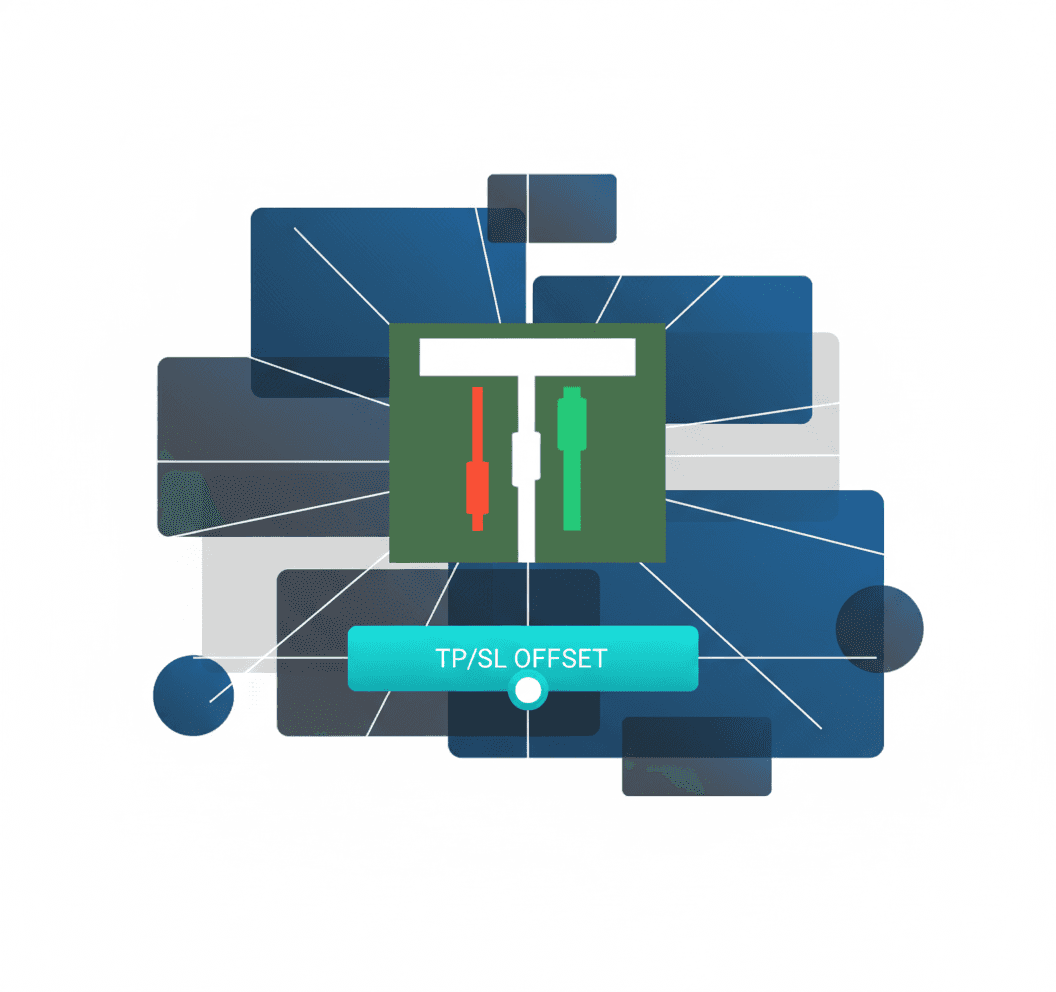
Use TP/SL offset sliders in Copygram to precisely match execution levels between brokers.
Advanced Tactics: MT4 Symbol Mapping and Cross-Broker Compatibility
Spread differences are not the only wrinkles in cross-broker copying. Sometimes, symbols themselves are named differently (e.g., EURUSD vs. EURUSD.std or EURUSD.r), causing trades to fail or misroute if not mapped correctly in your copier settings.
Copygram supports custom symbol mapping per Slave, bridging platform differences and ensuring true 1:1 trade matching.
Check symbol suffixes and prefixes with your broker and map accordingly.
Always perform a manual test before scaling up to full copy trading.
Careful mapping, offset tuning, and latency management create truly cross-broker-compatible setups—even if your brokers are worlds apart!
🚀 Pro Tip
For copy trading across prop firms and retail brokers, use Copygram’s adaptable controls to maximize compatibility—even for multi-symbol, multi-broker power users!
Q&A: Your Cross-Broker Copying Challenges—Solved
Q: My Slave never hits the same TP/SL as the Master. What should I check first?
Start by comparing the current spreads for both brokers and, if necessary, apply the proper TP/SL offset in Copygram settings. Also verify that symbols are mapped correctly and that Slippage settings are appropriate for your trade size.
Q: Can Copygram auto-adjust for changing spreads?
While Copygram does not dynamically auto-adjust for spread fluctuations, you can manually update TP/SL offsets any time. Monitoring broker conditions and adjusting regularly is best practice for advanced users.
Q: What about scalping or ultra-fast strategies?
Tight spreads are crucial for scalping. Offsets less than total spread difference can be risky for fast-moving pairs; always test your strategy in demo mode first!
Q: How do I calculate the right offset?
Find the average spread on both Master and Slave for your most-traded symbols.
Subtract: Slave Spread – Master Spread = The offset to apply in pips.
Round up slightly to account for temporary volatility during major sessions.
Summary Checklist: Optimizing Copygram for Different Broker Spreads
Measure and compare spreads on both accounts regularly 📈
Set and update TP/SL offsets per Slave to align with current spreads
Use Copygram’s symbol mapping to resolve naming conflicts
Test everything in micro lots before scaling up!
Review slippage and latency to smooth out execution differences
Stay proactive—broker conditions change!
Conclusion: Copygram Makes Cross-Broker Mastery Possible
Copy trading across different brokers IS possible—with the right adjustments. By compensating for spread differences, mapping symbols, and using precise Copygram settings, you’ll keep your trading strategy razor-sharp and avoid the pitfalls that trap less savvy traders.
Ready to refine your copy trading setup? Get started with Copygram now and give your trades the best shot at consistent success!

Julian Vance
Julian Vance is an independent writer and quantitative strategist. He writes about trading automation and account-management workflows for Copygram.
Join our newsletter list
Sign up to get the most recent blog articles in your email every week.
Keep learning
More setup guides



Your next step
Find your Copygram workflow
Choose a source, review its supported destinations and follow the connection steps.