Market Gaps and Rollover: Checks for Overnight Trade Copying
Review receiver market hours, financing costs, futures expiry, schedules and open positions before running a trade-copying workflow overnight.

By Tom Lin, Head of IT Updated · 3 min read
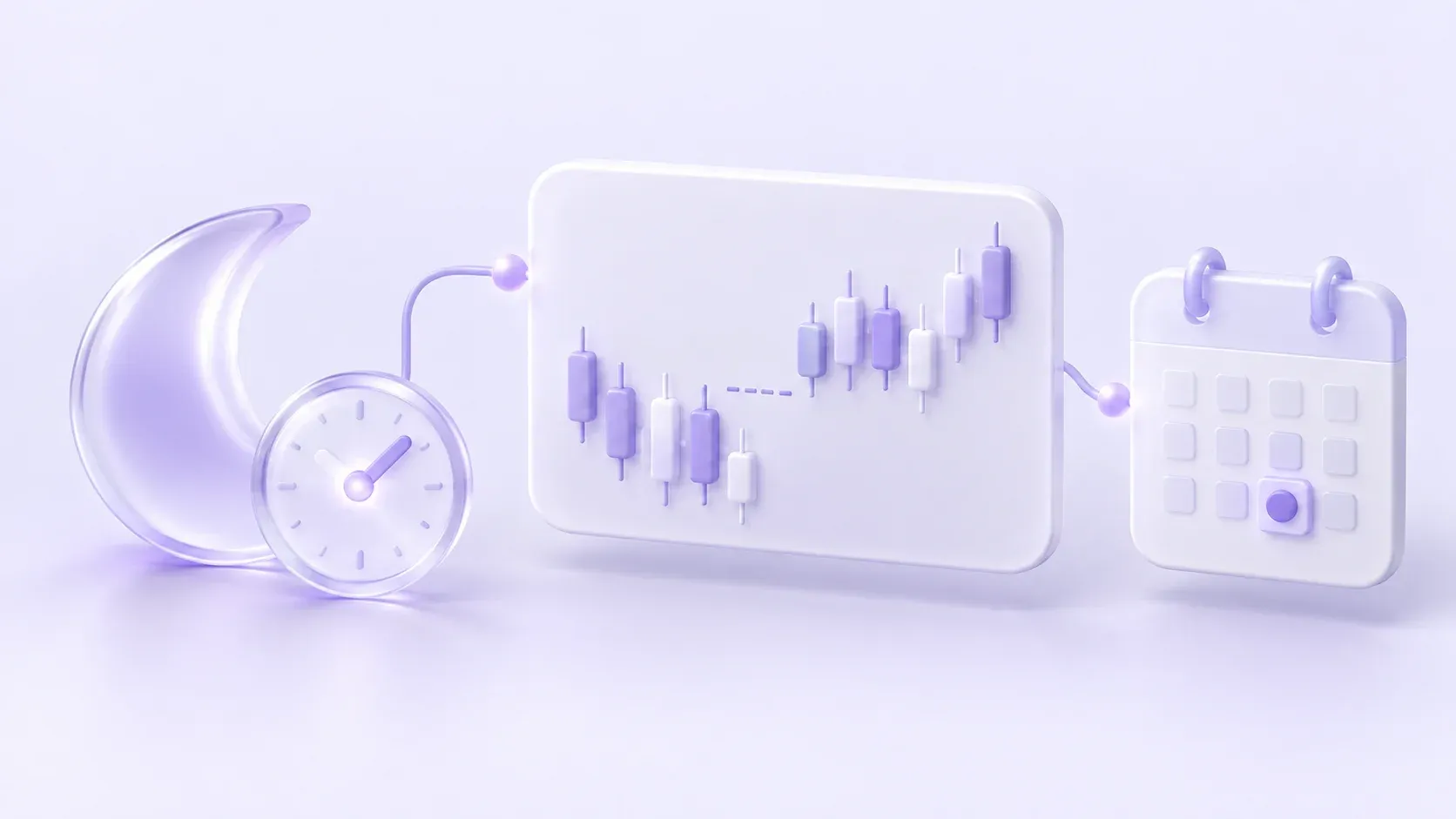
A cloud connection can remain active while the receiver’s market is closed or its trading conditions change. Overnight copying therefore needs checks at the source, the Room and the receiving account. Continuous connectivity does not guarantee continuous execution or the same price on both accounts.
This guide covers operational checks for gaps, financing and session changes. The exact hours, charges and order rules come from your broker or exchange and the instrument specification; there is no single rollover time or cost that applies to every receiver.
A market gap is a price discontinuity
A receiver can reopen at a different price from its previous quote. An instruction that reaches the account near a closure can be rejected, queued or handled according to the destination’s order rules. Review the actual receiver record instead of assuming that the source’s execution was reproduced.
Stop orders and stop-loss instructions are also subject to the destination’s execution conditions. A specified stop level does not establish the final fill in every market. MetaTrader’s official trading concepts explain the distinctions between pending orders, activation and execution modes.

Forex financing and futures rollover are different checks
For a forex or CFD receiver, inspect the broker’s financing or swap schedule for that instrument and account type. Applicable charges can depend on direction, holding time, holidays and the broker’s terms. Use the account’s actual statement for the amount charged.
For a dated futures contract, also check expiry and the contract month. Moving a strategy to a later contract is different from an overnight financing charge. A continuous chart symbol does not by itself identify the exact tradable receiver contract. Crypto perpetual contracts can have funding schedules of their own; do not apply a forex swap assumption to them.
Review symbols and quantities on each receiver
A copied instruction can cross brokers or platforms with different sessions and contract specifications. Confirm the receiver’s exact symbol, quantity increment and size setting. If the source changes to a new contract month, verify any mapping before new instructions are sent.
Use the symbol mapping guide as the routing checklist, then consult the broker or exchange specification for the contract’s current details. Mapping a name alone does not establish equivalent exposure.
Understand what a schedule controls
Copygram receiver schedules let you define when signals may execute. Check the timezone displayed in your settings and confirm the behavior of the relevant entry, exit and modification instructions. Do not assume a schedule closes existing positions, cancels pending orders or automatically follows an economic calendar.
A fixed schedule also needs review when daylight-saving changes, holidays or a provider’s trading hours alter the relationship between the source and receiver. AI Trade Validation should not be treated as a guarantee of compliance with broker or prop-firm rules.
Before leaving an overnight workflow active
- Verify receiver market hours, holidays and current account permissions.
- Inspect open positions and pending orders already present on every receiver.
- Confirm financing, funding or expiry conditions using the destination’s current instrument information.
- Review Room schedules, symbol mappings and receiver quantities, including contract-month changes.
- Decide how you will review missing instructions or rejected orders when trading resumes.
Reconcile the next session
Compare source activity, Copygram signal logs and receiver order history across the session boundary. Note skipped instructions, rejections, fills and charges separately. A missing order and an unfavorable fill are different issues; repeating a signal without checking existing exposure can add a new position.
Follow the failed-order troubleshooting guide when the records disagree. For configuration, consult the Copygram documentation. If your source and receiver are supported, compare plans and open Copygram to build the route with explicit session and account settings.