Pending Orders vs Market Execution: What to Check When Copying
Understand market, limit and stop orders, then check how your copying route handles pending orders on each account: placement, fills, changes and cancellations.

By Tom Lin, Head of IT Updated · 3 min read

A market order requests execution at the available market conditions. A pending order waits for a specified condition before it can execute. When copying trades, there is another important distinction: copying a pending instruction when it is created is different from sending a new instruction after the source order fills.
Do not assume every source-to-receiver route reproduces the entire lifecycle of every order type. Verify the exact platform combination, message format and account mode in the current Copygram documentation, or ask support to confirm a behavior the guide does not specify.
Market, limit and stop orders
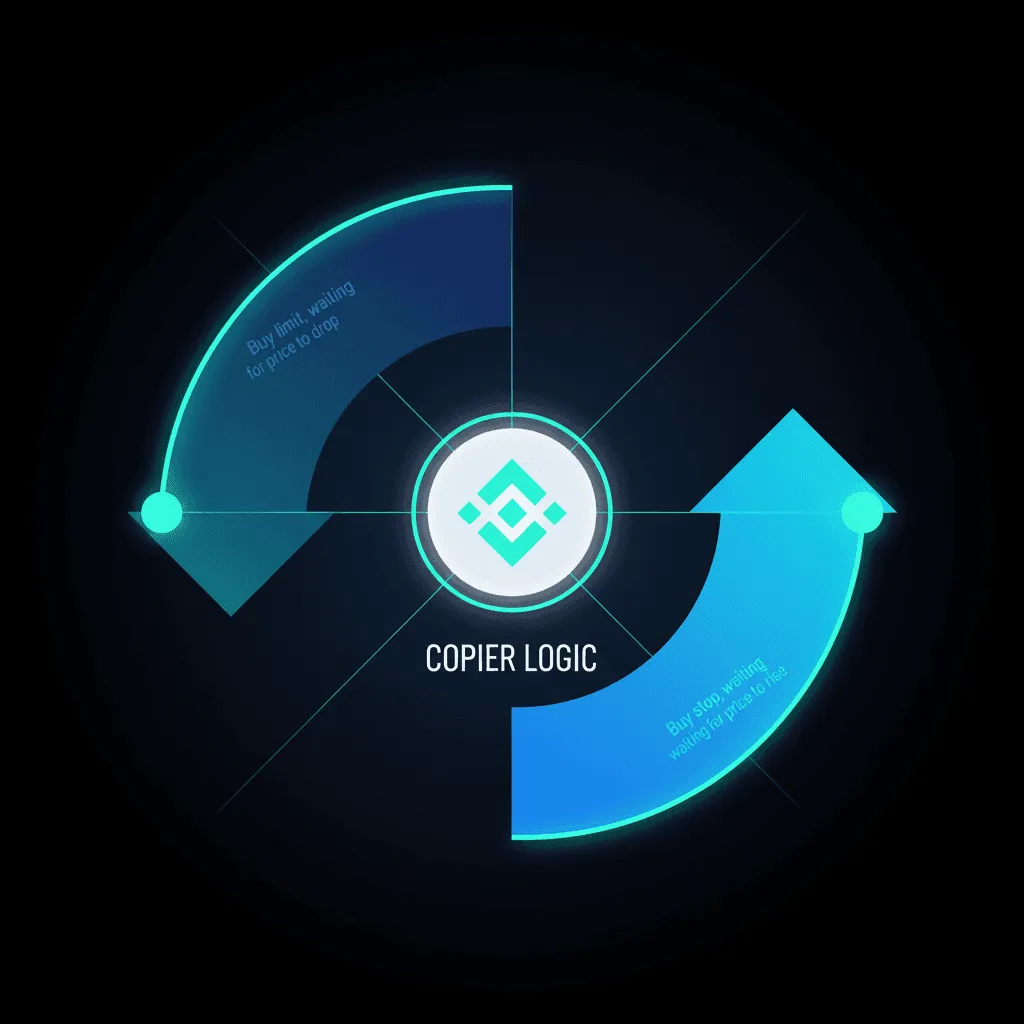
A buy limit generally seeks a purchase at its specified price or lower; a sell limit seeks a sale at its price or higher. A limit order may remain unfilled. A stop order activates when its trigger condition is reached, with the subsequent execution depending on the order type and the destination’s rules.
MetaTrader distinguishes orders, deals and positions. An instruction is not a fill, and a position can result from one or more deals. See the official MetaTrader 5 trading concepts for the platform’s definitions and execution modes.
Decide which event you want copied
Consider a hypothetical source buy limit that has not filled. One workflow might place a corresponding pending order on the receiver. Another might wait for a source fill and then submit a market instruction. Those workflows can produce different prices and exposure even if they start from the same trading idea.
A TradingView alert is a message generated by an alert condition. A strategy order-fill alert is not automatically an exchange-native pending-order synchronization service. Confirm what the alert means and what the receiver does with that supported instruction.
Verify the complete lifecycle

- Placement: does this route support the intended order type, and when is the receiver instruction created?
- Price: is the receiver using the supplied entry level or current market execution for this workflow?
- Modification: are price, quantity, stop-loss and take-profit changes supported, and how are they associated with the original order?
- Cancellation: does removing the pending source order cancel its receiver counterpart for this route?
- Fill and partial fill: what happens when the source or receiver fills only part of the quantity?
- Close or reversal: does an opposite instruction close a position, reduce it or open a separate one under the receiver’s account mode?
Treat this as a confirmation checklist, not a list of features guaranteed for every Copygram integration. Where demo testing is supported, inspect both accounts’ histories and the signal log for each relevant event before enabling the same workflow on a live account.
Why a receiver can reject a valid source instruction
The destination may have a different symbol name, minimum quantity, price increment, required distance from market or trading session. A price level valid for a forex CFD is not necessarily valid for a futures contract with a similar name. Review the symbol mapping guide and the receiver’s contract specifications.

Check permissions and available margin as well. A connected account can still reject an individual instruction. Keep the actual error message and use the failed-order troubleshooting guide before resubmitting; the receiver may already have a pending order or an open position.
No single order type solves execution differences
A market instruction prioritizes requesting execution but does not guarantee the source price. A limit instruction constrains price under the destination’s rules but may not fill. Speed does not remove these differences, and a copier cannot create liquidity at an unavailable price.
Choose the workflow from the behavior your strategy requires and the behavior documented for the route. Explore supported automation routes, review the setup guide and compare Copygram plans before connecting accounts. If your workflow depends on cancellation or partial-fill synchronization, confirm that requirement explicitly with support.